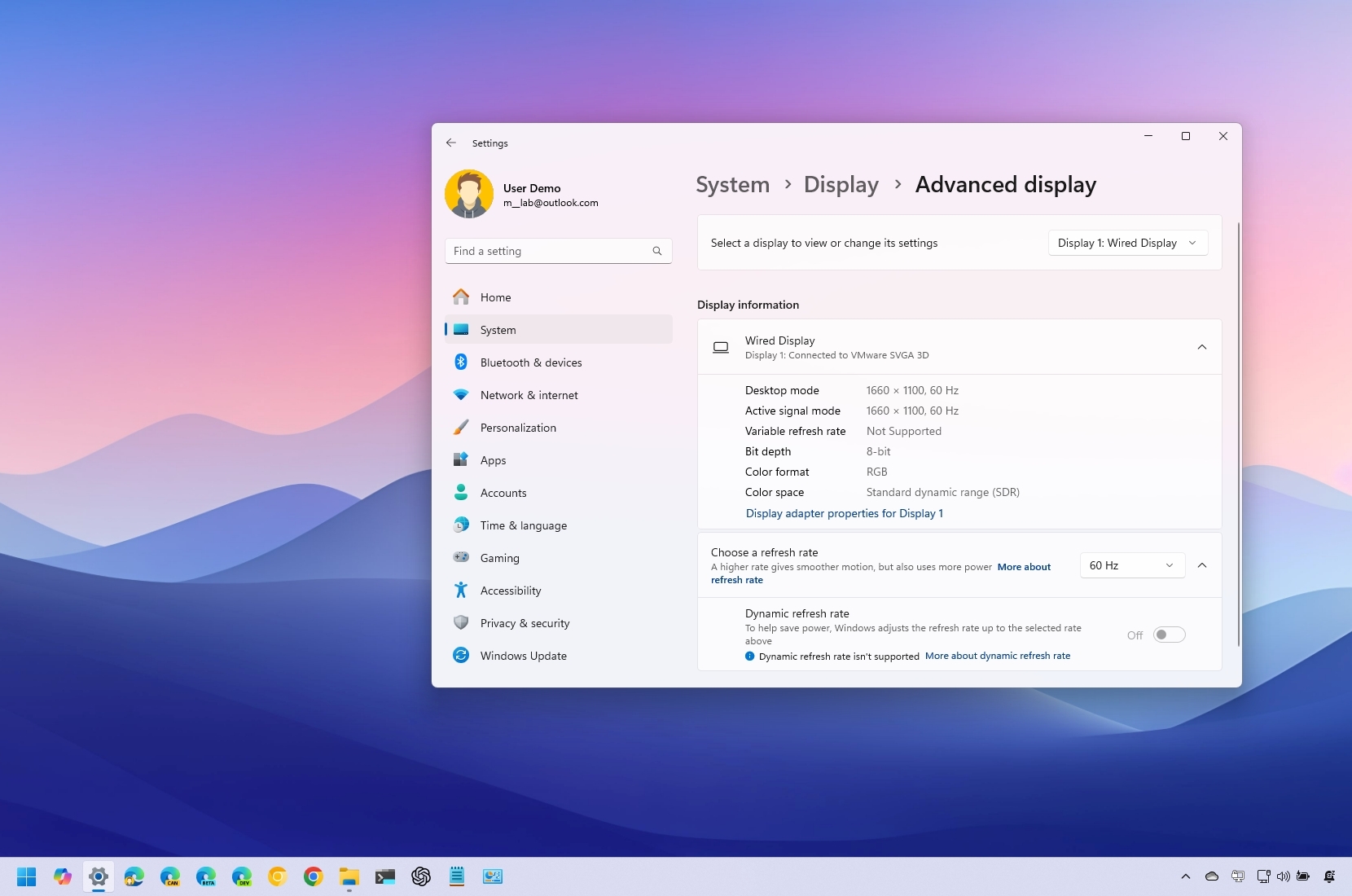
On Windows 11, finding display information can be useful in various situations. For example, you can identify the brand and model to purchase a replacement or add a second monitor for a multi-monitor setup. You can also quickly check if the device supports advanced features like High Dynamic Range (HDR) or Dynamic Refresh Rate (DRR). Additionally, you can review the specifications—such as refresh rate, bit depth, color format, and resolution—to ensure your device meets the requirements for tasks like gaming or video editing.
Whatever your need, Windows 11 offers a dedicated page in the Settings app that simplifies viewing display specifications and capabilities.