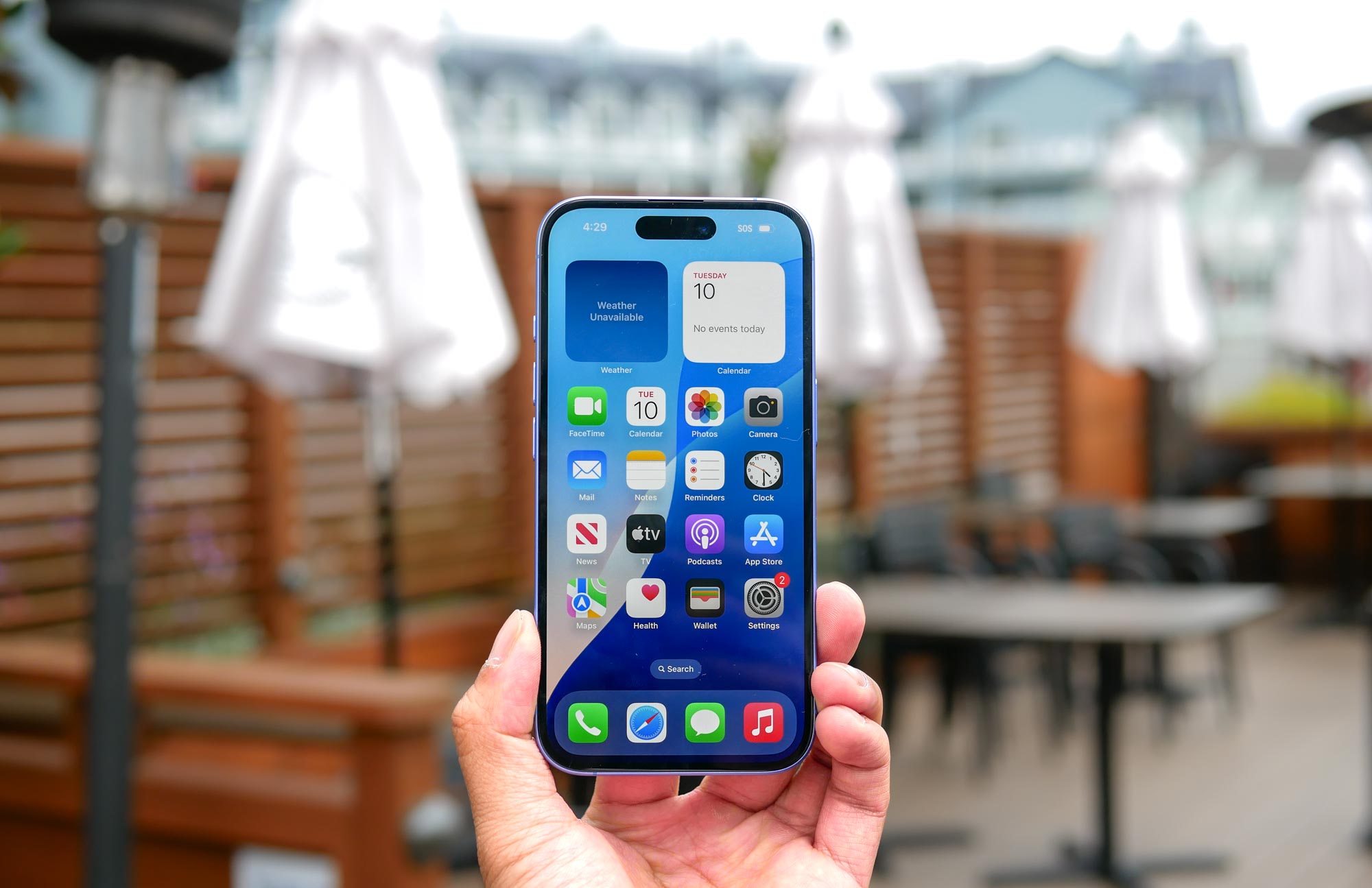
When iPhone issues persist despite trying simpler fixes, a factory reset might be your best solution. You might have already tried basic troubleshooting like learning to clear your iPhone's cache, dealt with unwanted contacts by knowing how to block a number on your iPhone, or even used how to record your iPhone screen to document the problem.
But when these solutions aren't enough, a complete reset could be necessary. Knowing how to factory reset your iPhone is also important if you're going to trade it in or donate it. Whether you're selling your device or solving persistent issues, it's important to understand that this process will erase everything from your iPhone — from photos and messages to passwords and Face ID data.