Get all your news in one place.
100's of premium titles.
One app.
Start reading
Tom’s Guide
Tom’s Guide
Technology
Peter Wolinski

How to enter the BIOS menu on a Windows PC

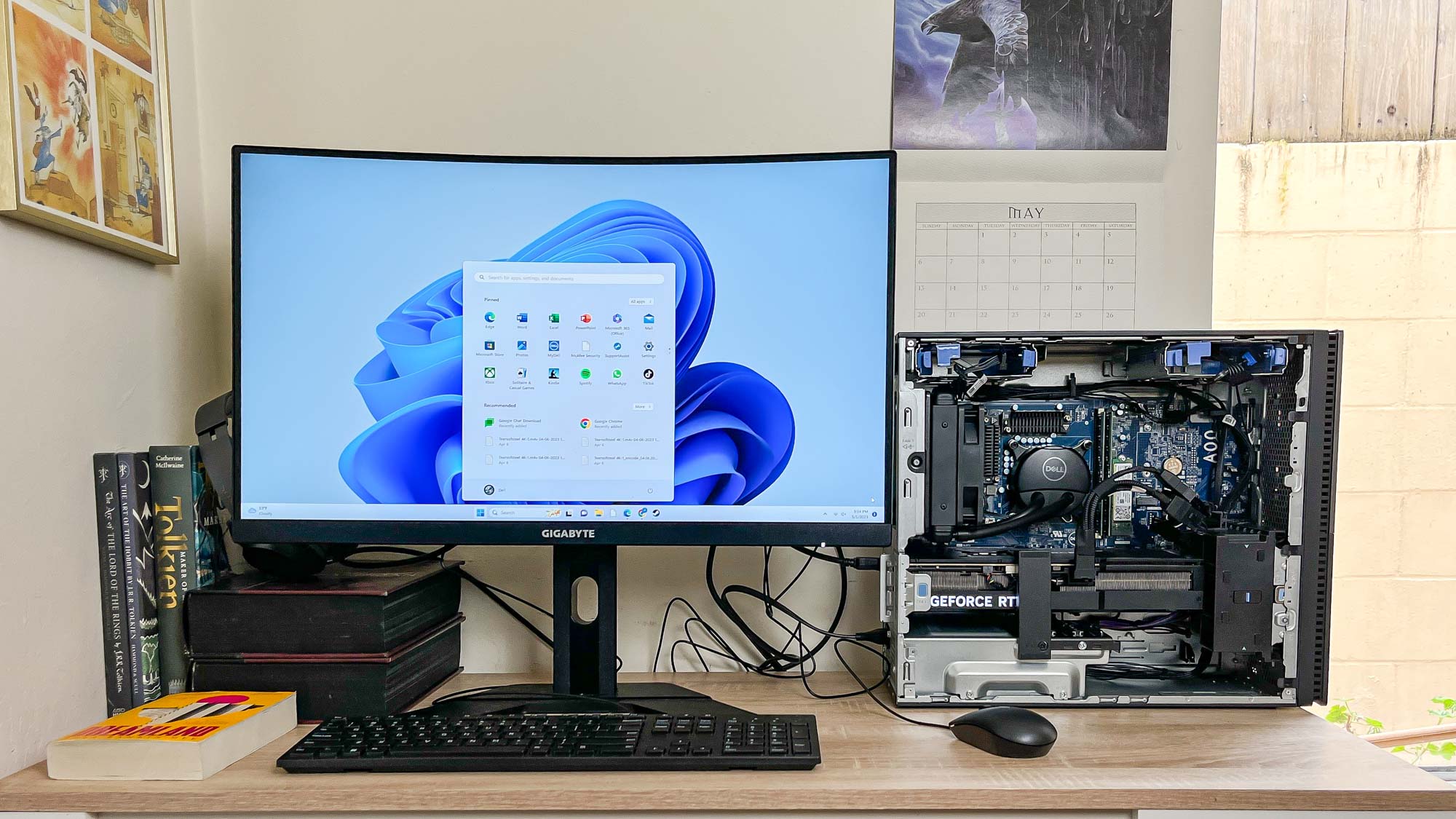
Dell XPS 8960 review unit on desk.

You’ll definitely want to know how to enter the BIOS menu on your Windows PC if you’d like to learn more about how your hardware is performing, or if you need to troubleshoot issues.

So what is the BIOS menu? BIOS stands for Basic Input/Output System and is the firmware your computer uses when you first power it on. BIOS allows your computer's motherboard to detect the various bits of hardware that make up your computer, and to select a boot drive (ideally with your OS installed on it) to boot to.

Sign up to read this article
Read news from 100's of titles, curated specifically for you.
Already a member? Sign in here
Related Stories
Top stories on inkl right now
One subscription that gives you access to news from hundreds of sites
Already a member? Sign in here
Our Picks
Fourteen days free
Download the app
One app. One membership.
100+ trusted global sources.