Get all your news in one place.
100's of premium titles.
One app.
Start reading
Windows Central
Windows Central
Technology
Rebecca Spear

How to enter BIOS on Xbox Ally and Xbox Ally X handhelds — Turn off startup noise and animation, adjust fans, customize performance, and more

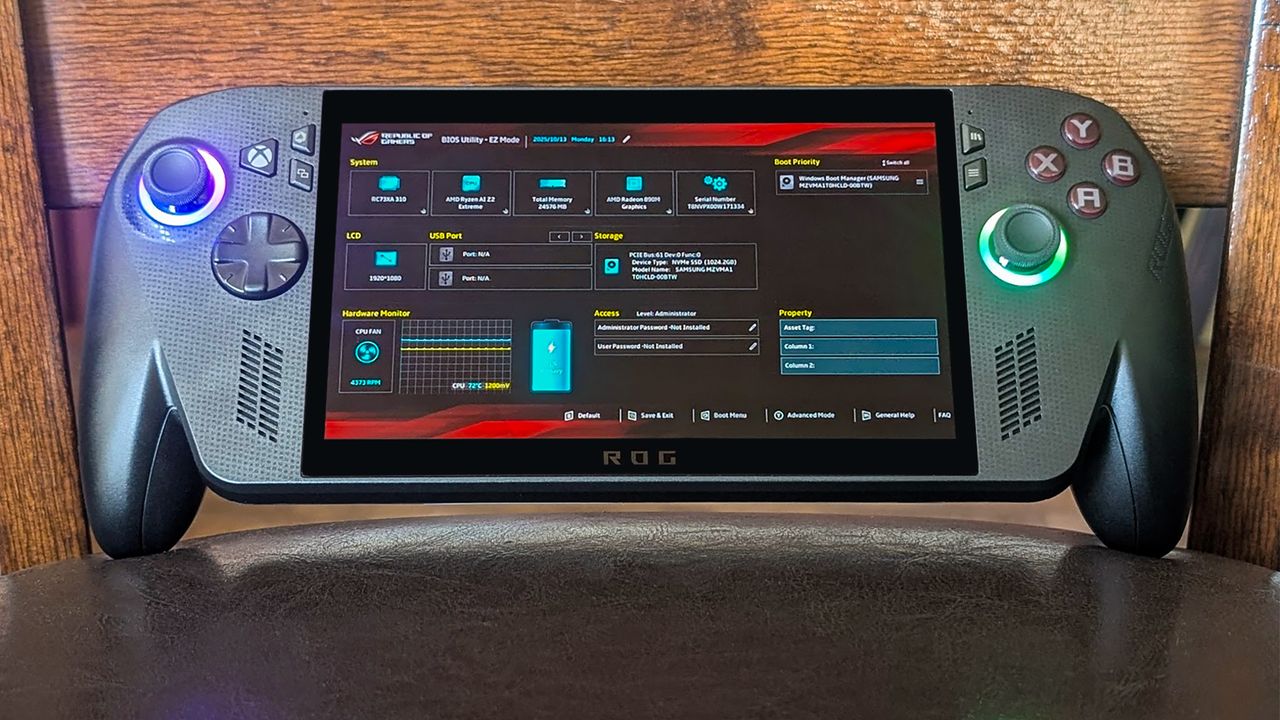
Xbox Ally X propped up against a chair and displaying the BIOS on the screen. .

Accessing the BIOS on ASUS ROG Xbox Ally and Xbox Ally X is a two-part process that is very easy to do if you know what steps to take.

One of the first things I did after getting my handheld was go into the BIOS and turn off the starting noise, so I've included instructions on how to do that.

Sign up to read this article
Read news from 100's of titles, curated specifically for you.
Already a member? Sign in here
Related Stories
Top stories on inkl right now
One subscription that gives you access to news from hundreds of sites
Already a member? Sign in here
Our Picks
Fourteen days free
Download the app
One app. One membership.
100+ trusted global sources.