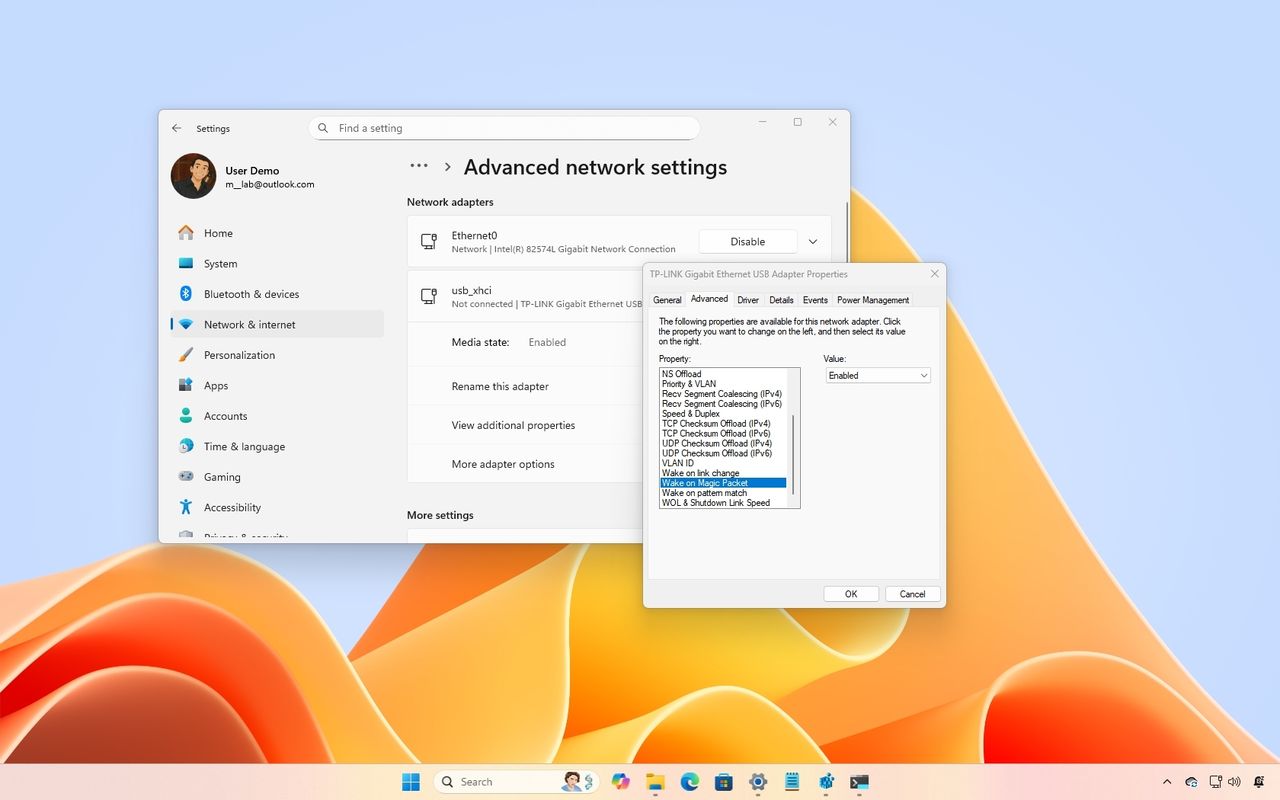
Wake on LAN (WoL) on Windows 11 enables you to remotely turn on your computer over a network. This feature works by sending a "magic packet" to the device’s network adapter, allowing it to wake from a low-power state, such as Sleep or Hibernate, as long as the hardware supports it.
While not a feature everyone uses, Wake on LAN can be particularly useful in many scenarios. For example, you can power on a PC to access files, run automated backups, or perform system maintenance, without leaving the device running all the time and wasting energy.