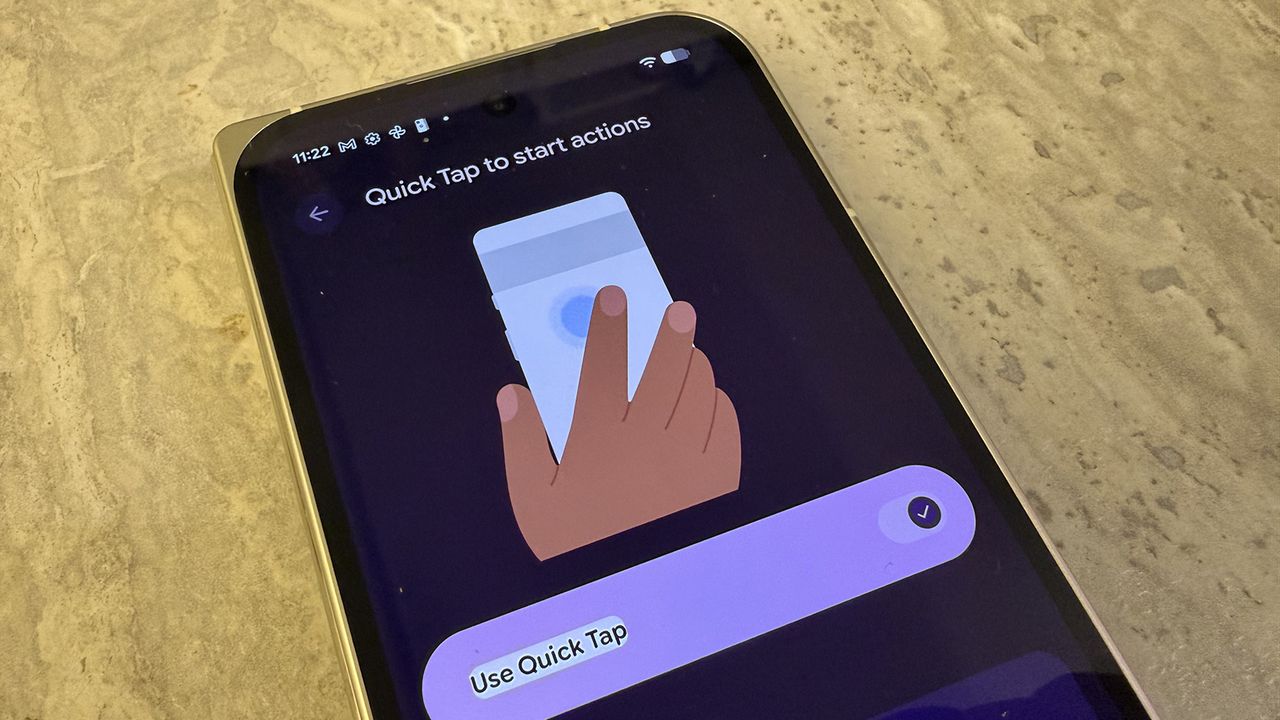
Gestures on a smartphone like a Google Pixel device can be really handy. They're offered to make it simple to start actions like opening the camera, viewing the screen, silencing the device, or even accessing your digital assistant, all without having to click a button or even speak a command.
There are two main types of gesture controls for Pixel phones. The most basic is Navigation gestures, which, as the name implies, use gestures rather than button sequences to navigate menus and screens. The second is quick-access Gestures, which let you perform a specific motion to achieve a predetermined result. You can enable or disable the first and enable, disable, and customize the second.