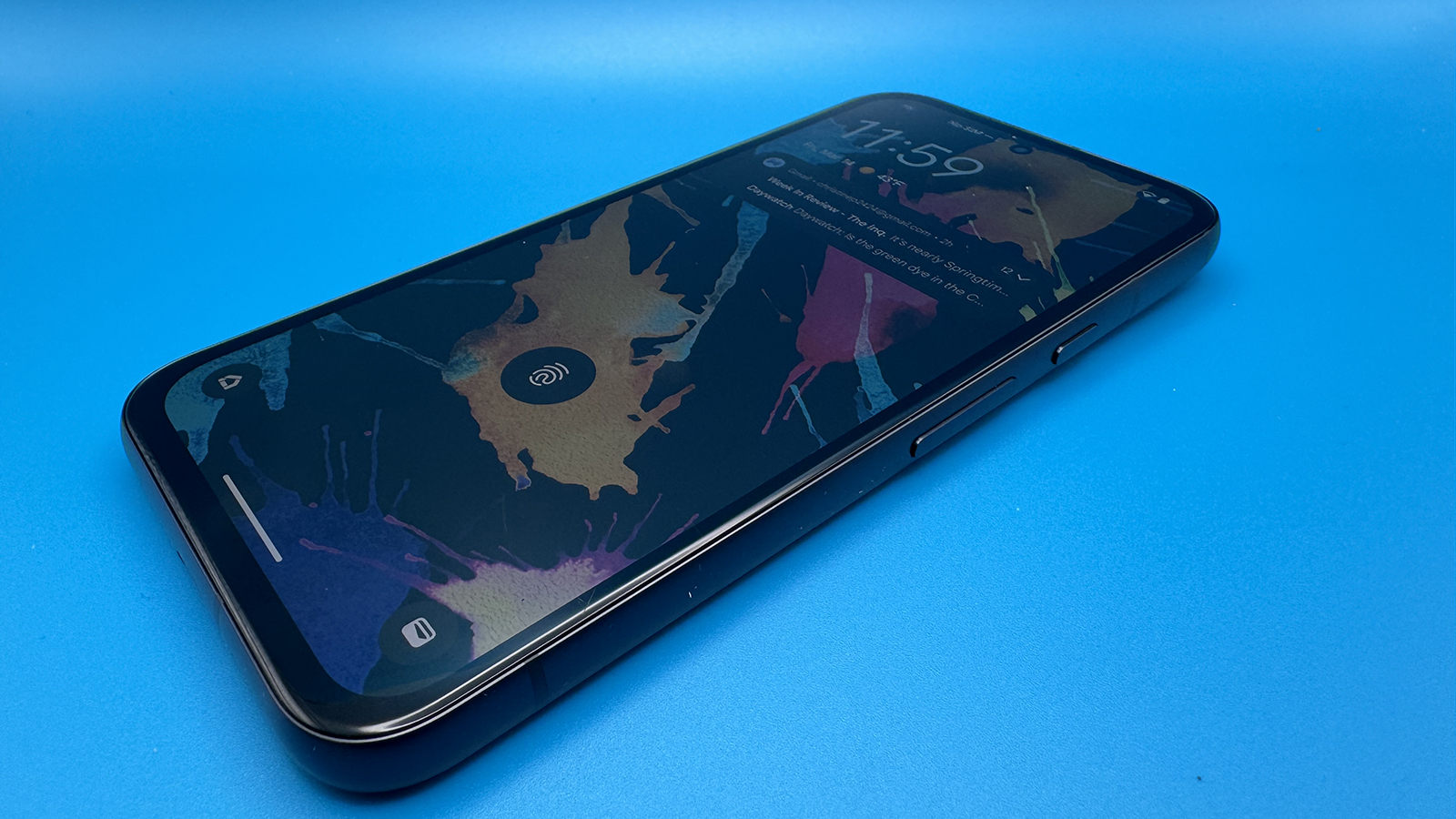
Smartphone notifications are great, keeping you abreast of what’s going on with e-mails, social media, calendar updates, and more. But there’s no denying that there are times when they can come in too fast and too furious and be pretty distracting. This might be when you’re in a meeting, and a personal group conversation is blowing up, or when you turn your phone back on after having it in Airplane Mode for a long flight, and your phone goes mad, alerting you to everything you missed.
Notification Cooldown is a new feature available with the March 2025 Android 15 update. It’s designed to help you manage an influx of notifications, minimizing sound interruptions and on-screen pop-ups. It’s easy to set up in just a few clicks.