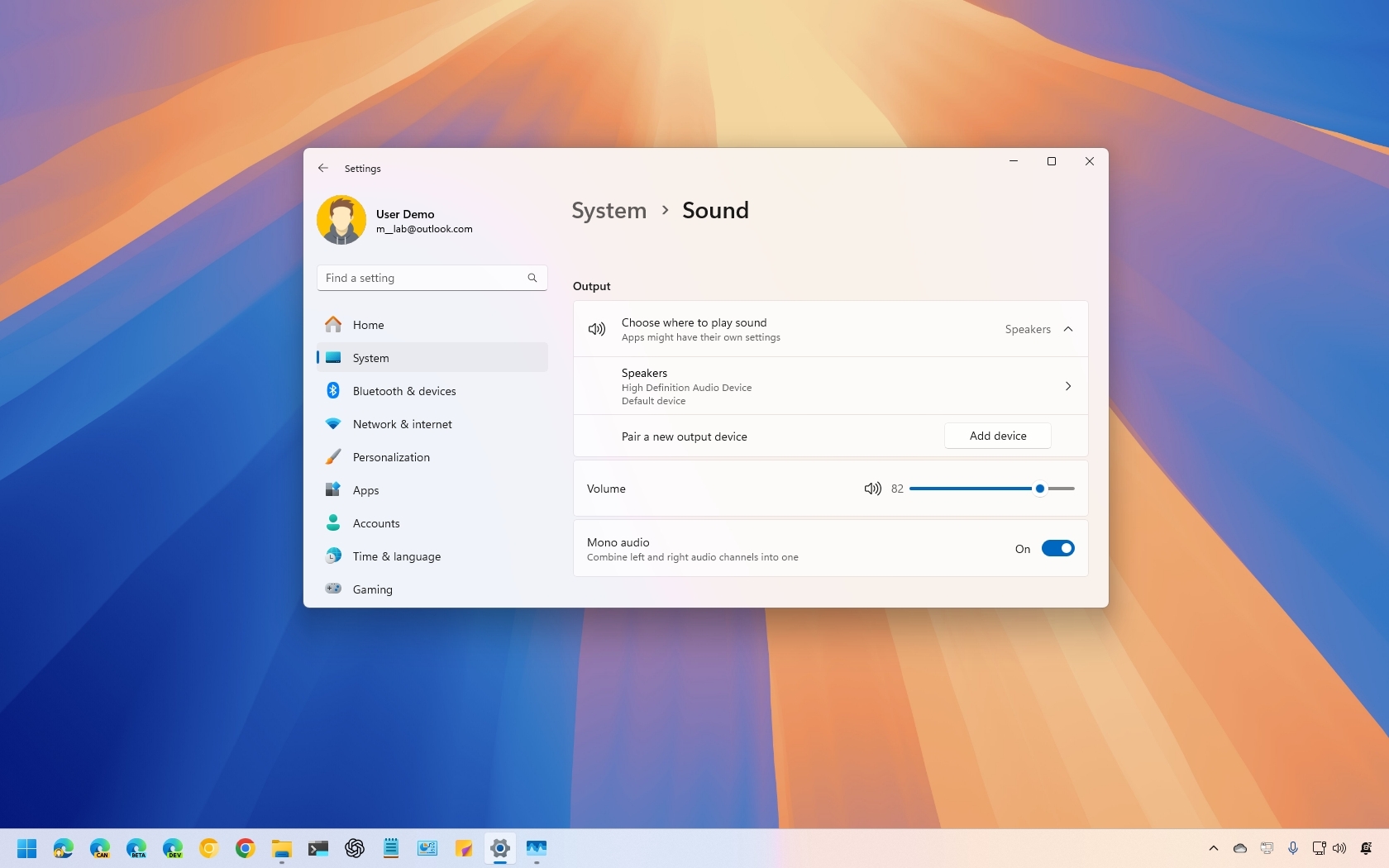
Imagine you're enjoying your favorite song or a captivating video on your Windows 11 device, but due to using a single speaker or headphones, you notice certain sounds are missing. This happens because Windows 11 typically distributes audio across multiple channels, which can lead to incomplete sound on devices with a single audio peripheral.
However, if you happen to have a single listening peripheral, Windows 11 includes a feature to convert a stereo sound into a single channel (or mono audio) to help you hear everything from one speaker or headphone.