Get all your news in one place.
100's of premium titles.
One app.
Start reading
Tom’s Guide
Tom’s Guide
Technology
David Crookes

How to enable clipboard history in macOS Tahoe

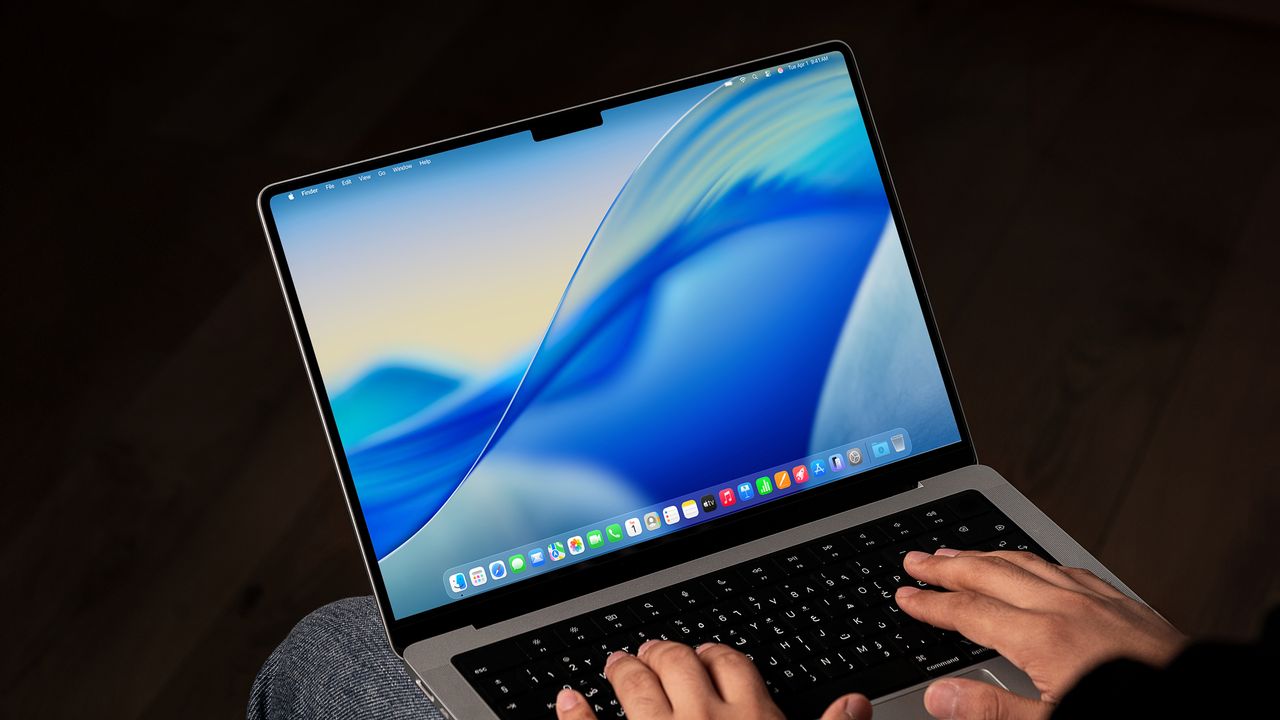
MacOS Tahoe 26 desktop screen on an MacBook.

The ability to copy and paste items is a basic task but that doesn’t mean it hasn’t proven frustrating for Mac users. The main issue is that you’ve only been able to copy and paste one item at a time, but that has changed in macOS Tahoe.

It’s now possible to save your recent items so you’re not restricted to only pasting your last clip. It’s not exhaustive by any means (you can only save around 10 clips) but it can be called upon in seconds regardless of what app you’re using.

Sign up to read this article
Read news from 100's of titles, curated specifically for you.
Already a member? Sign in here
Related Stories
Top stories on inkl right now
One subscription that gives you access to news from hundreds of sites
Already a member? Sign in here
Our Picks
Fourteen days free
Download the app
One app. One membership.
100+ trusted global sources.