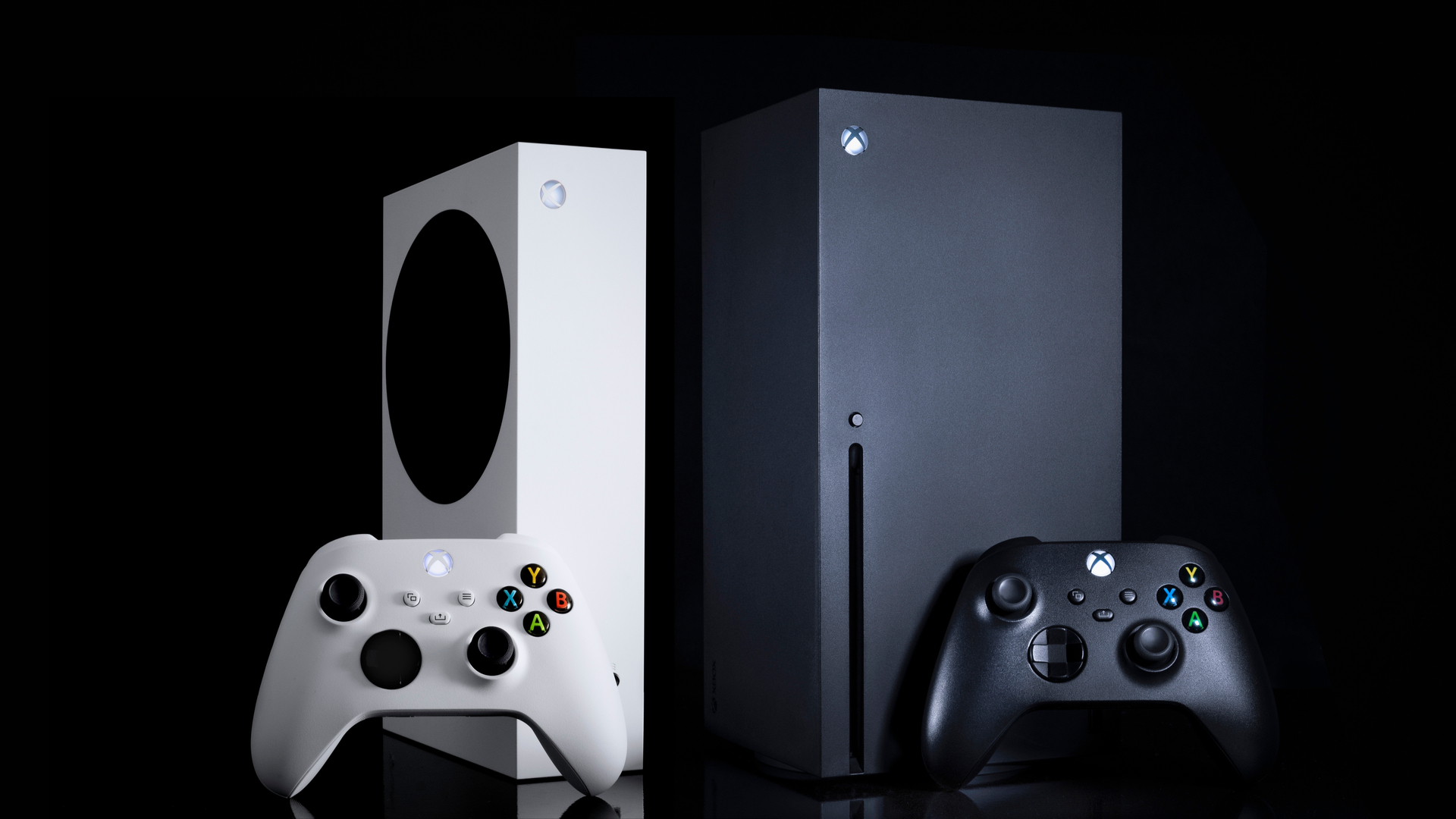
If you want to enable 120hz on Xbox Series X and Xbox Series S games, your Xbox Series X or Xbox Series S needs to be connected to a TV with HDMI 2.1 support. Running games at 120fps not only makes games look silky smooth in motion but also makes games feel more responsive, thanks to the lower input latency and higher framerate offers.
If you’re wondering how to enable 120Hz on Xbox Series X/S, then this guide will show you how. We’ve also rounded up all the Xbox Series X games with 120fps support, which is continually updated. It's worth noting that not every game with 120fps support on Xbox Series X has the same for Xbox Series S, so if you're deciding which one to buy, check out our Xbox Series X vs Xbox Series S guide.