Get all your news in one place.
100's of premium titles.
One app.
Start reading
Windows Central
Windows Central
Technology
Adam Hales

How to dual-boot Windows and SteamOS on Steam Deck — the best method for native Game Pass and anti-cheat support

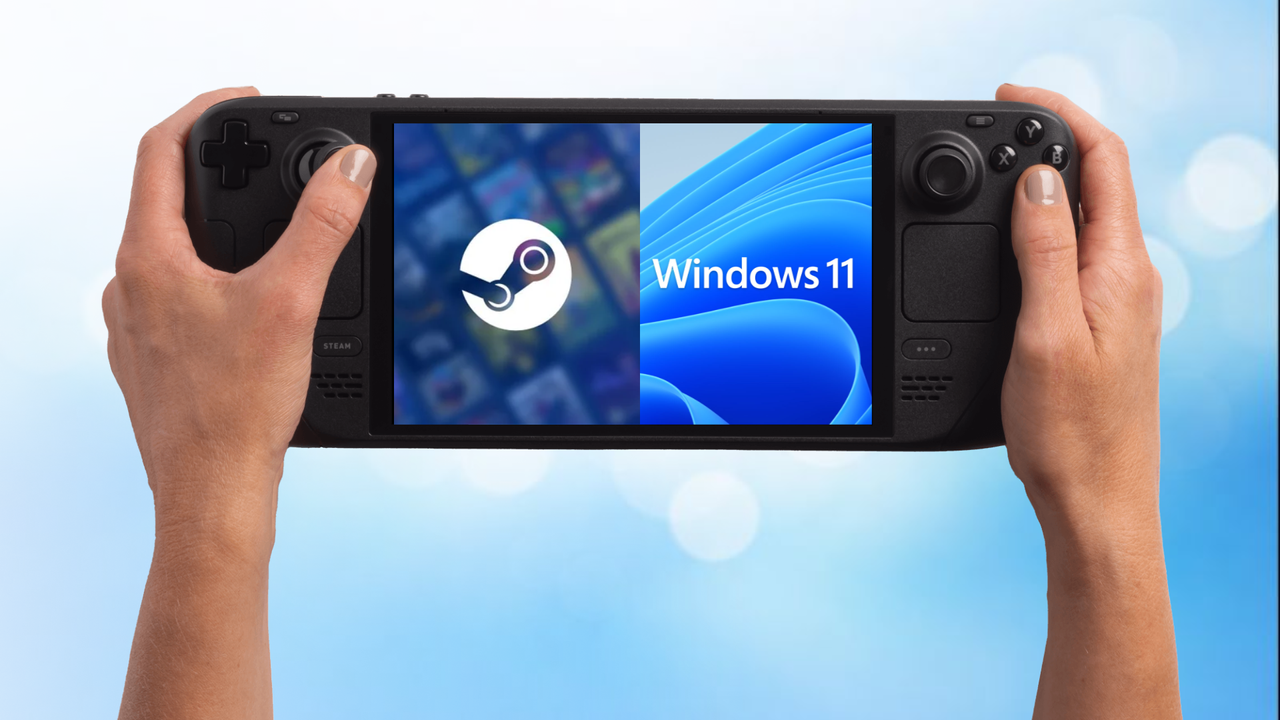
Steam logo side by side with Windows logo on a Steam Deck.

SteamOS already offers one of the best console-like experiences you can get on a PC handheld. It is fast, streamlined, and designed to feel simple in a way most desktop operating systems are not.

That said, installing Windows alongside SteamOS can unlock far more flexibility. Dual booting gives you access to games, launchers, and services that simply are not supported on SteamOS today, while still letting you keep the console-style experience when you want it.

Sign up to read this article
Read news from 100's of titles, curated specifically for you.
Already a member? Sign in here
Related Stories
Top stories on inkl right now
One subscription that gives you access to news from hundreds of sites
Already a member? Sign in here
Our Picks
Fourteen days free
Download the app
One app. One membership.
100+ trusted global sources.