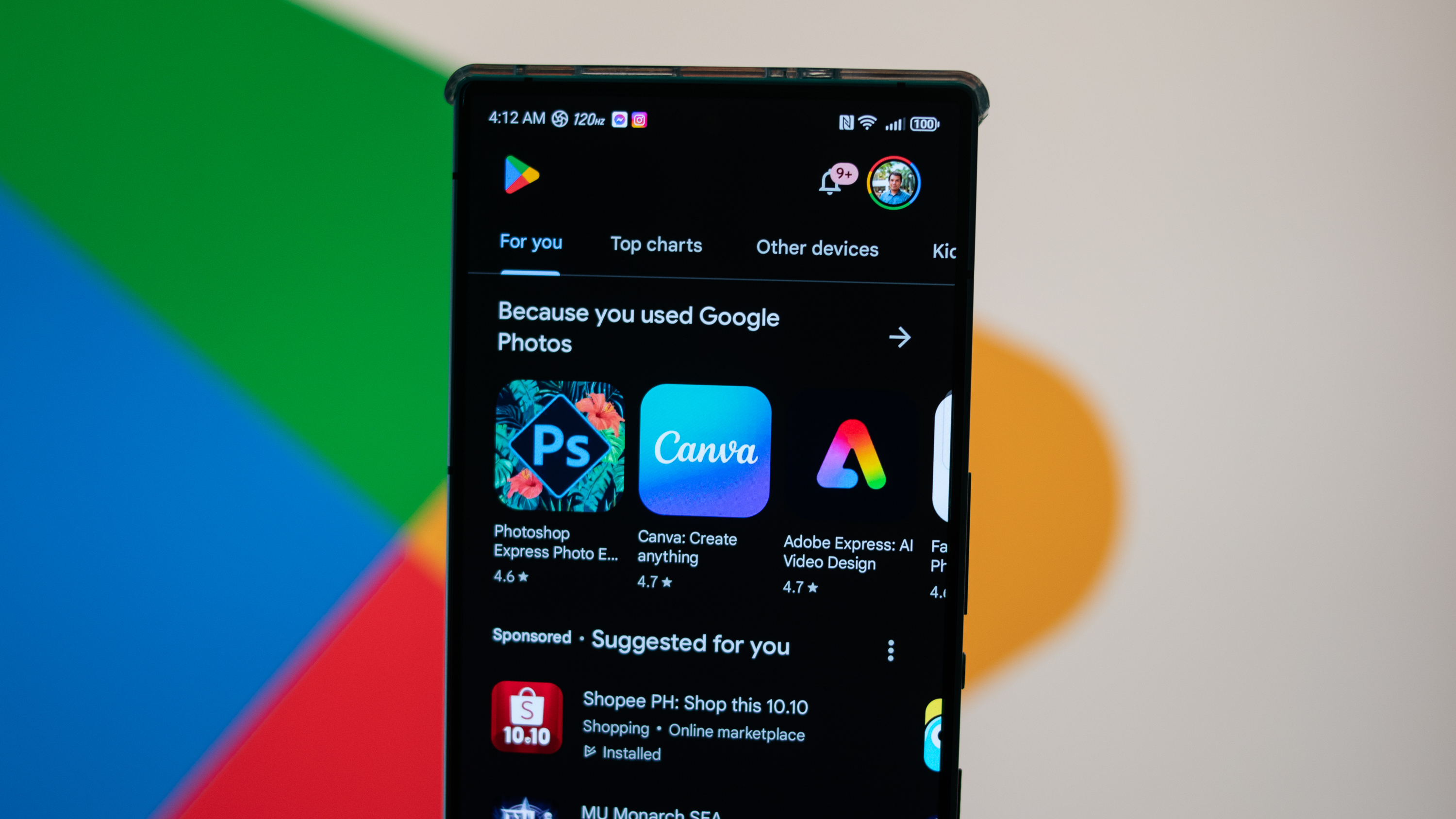
Home to over a million apps and countless hours of entertainment, the Google Play Store is truly your one-stop shop for all your smartphone needs. The Play Store comes preinstalled with every Android phone or tablet and lets you download and use a wide assortment of free and paid apps.
If this is your first smartphone or if you're not sure how to go about searching for an app that you need, we'll show you how to do it all in this guide. Soon, you'll be able to easily manage all the best Android apps straight from the Play Store. The following steps were carried out on a OnePlus 9 Pro 5G running Android 14, but it should be similar on any other Android phone too.