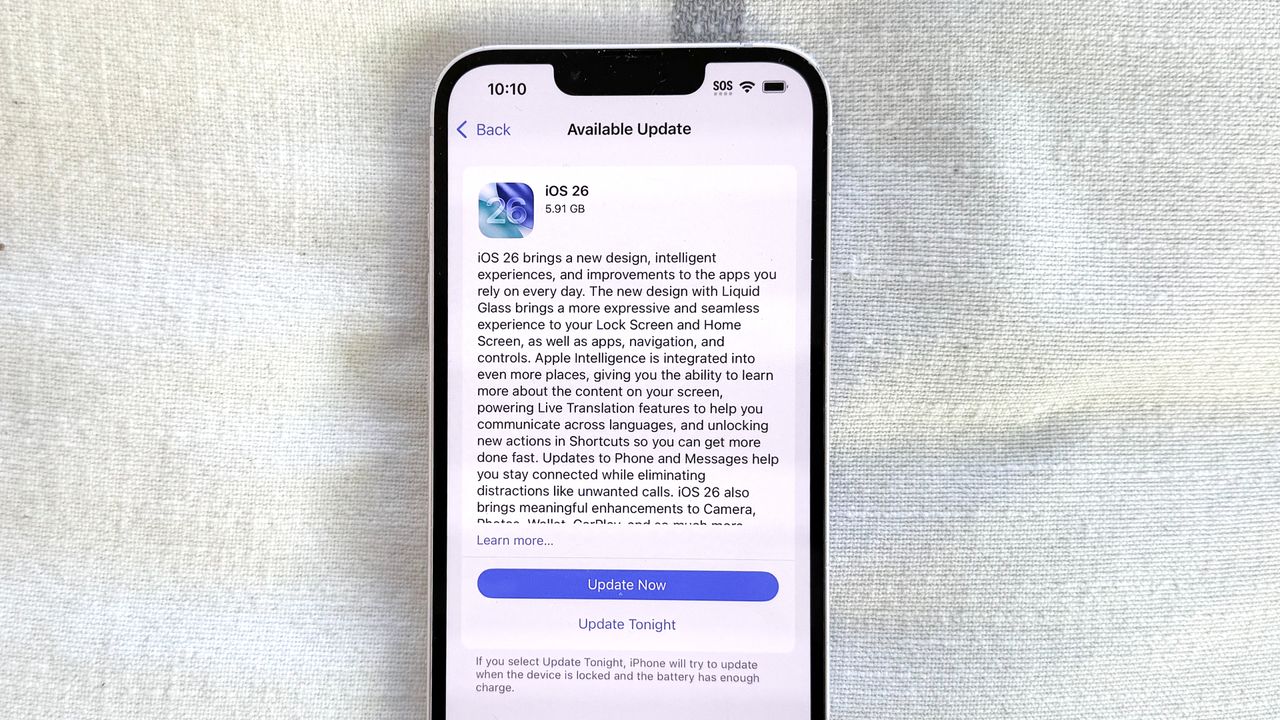
After a summer of beta updates, iOS 26 has landed, bringing a new look and new features to your iPhone. If you're looking to try out the latest iPhone software for yourself, you've come to the right place, as we can walk you through the steps of downloading iOS 26.
But first: should you upgrade to iOS 26? Unlike most annual iOS updates, this one introduces an entirely new interface to go with new features like call screening and live translations as well as updates to Messages, Maps and more. Not everyone will immediately take to Apple's Liquid Glass interface, and even fans of the changes will need to adapt to the new look.