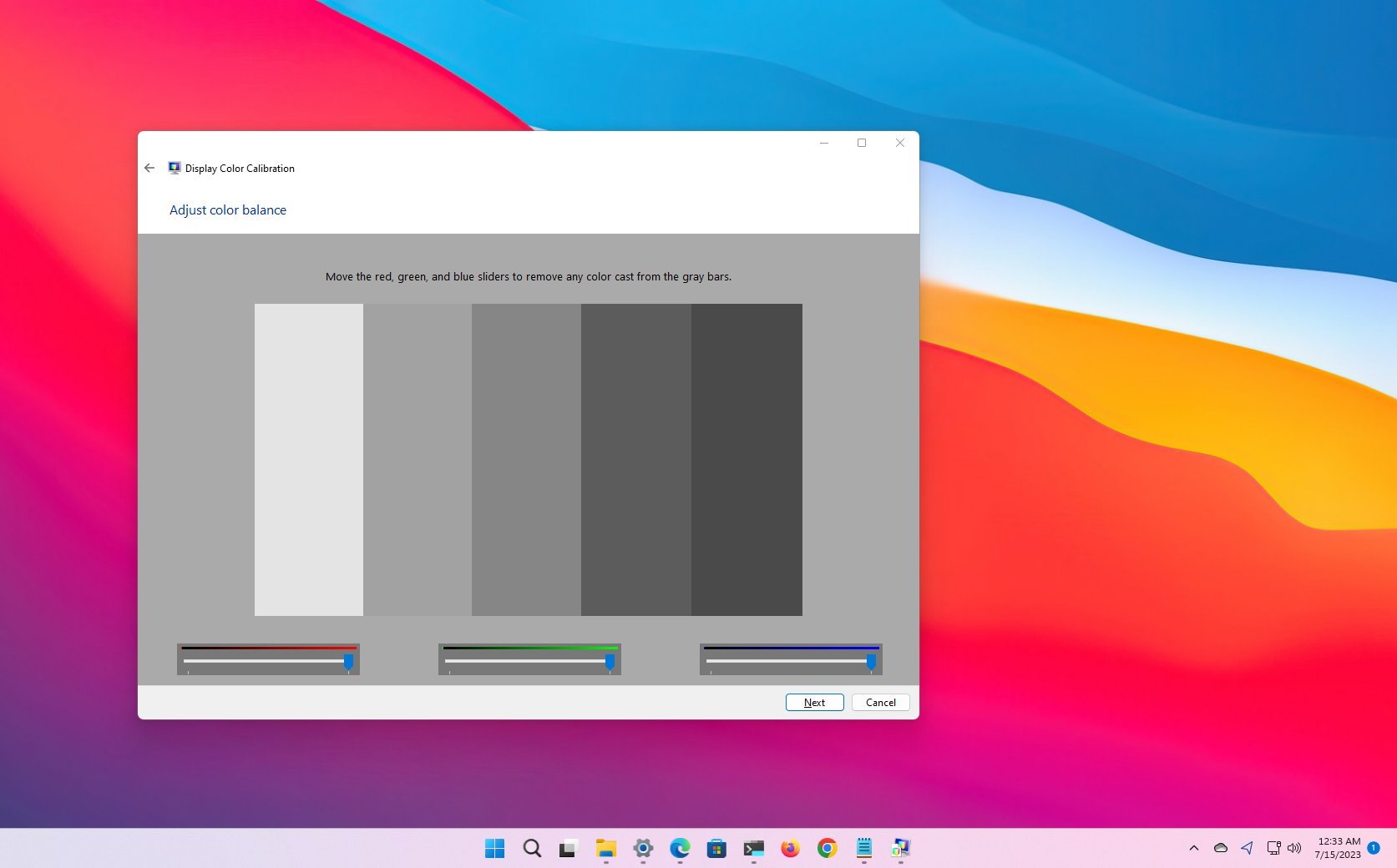
On Windows 11, when connecting a monitor, the system can automatically detect and determine the optimal configuration. However, since every monitor is different, it's up to you to use calibration tools to ensure that the photos, videos, and games render on the screen with the most accurate color representation.
You can find many third-party tools on the internet to calibrate your monitor. However, you can also use the tool that comes as part of the operating system that comes with basic features that help you control the brightness, contrast, and color levels of any display.