Get all your news in one place.
100's of premium titles.
One app.
Start reading
Tom’s Guide
Tom’s Guide
Technology
Kaycee Hill

How to disable iOS 27’s annoying auto-subtitles for good

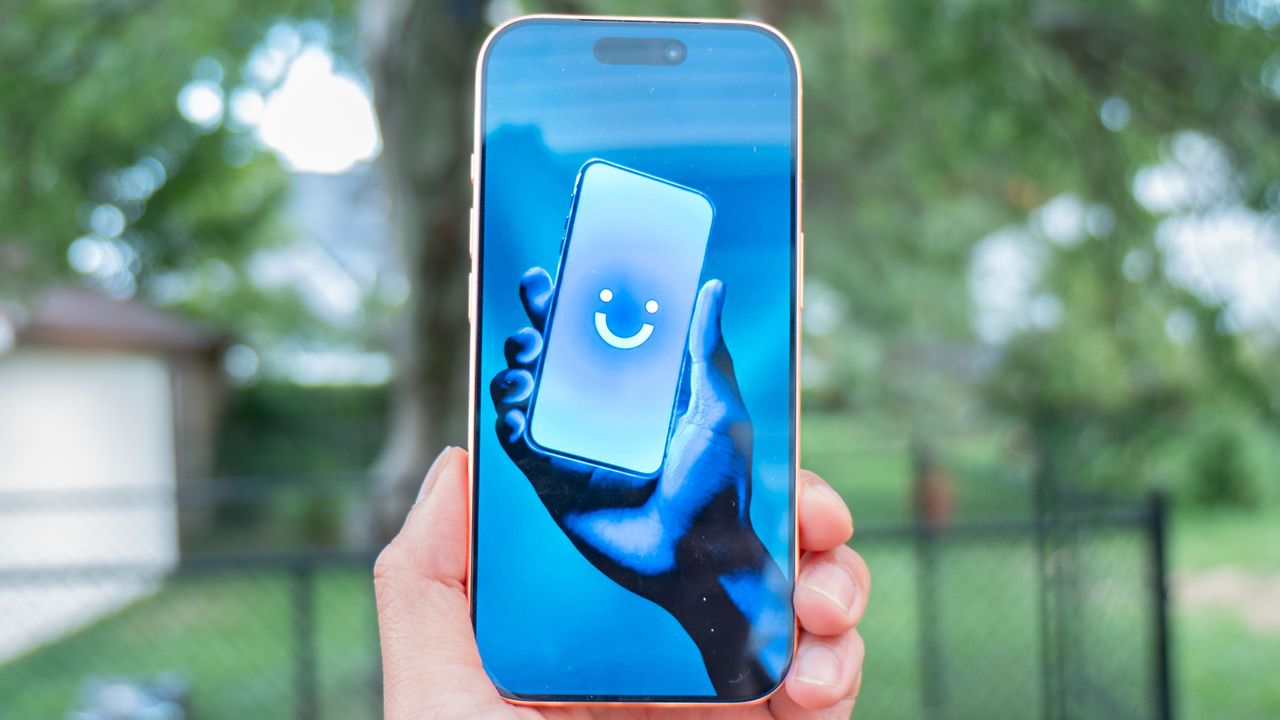
IPhone 17 Pro with Visible.

With iOS 27, subtitles now pop up automatically whenever a clip starts playing in Photos or Safari.

Apple introduced live transcription to help accessibility, but pushing it on everyone by default feels like an overreach. Worse still, the system constantly mishears dialogue, filling your display with useless text errors.

You end up constantly tapping the screen just to hide the captions manually. Thankfully, disabling this unwanted feature takes under a minute.

Disable subtitles in the moment

To turn off captions on a video you are currently watching, simply tap the screen to bring up the playback controls. Tap the three dots for More Controls, go to Subtitles, and select Off.

This temporary fix works for the moment, though captions will return on your next video.

Turn off automatic subtitles in Settings

To actually turn off subtitles, go to Settings, Accessibility, and Subtitles & Captioning. Under Automatic Subtitles, you'll see three toggles controlling when iOS forces captions on. Turn off whichever apply to you:

When Languages Don't Match stops captions from appearing when iOS thinks the video is in a foreign language. This is one of the biggest culprits since the detection is often wrong.

Show When Muted prevents subtitles from appearing just because your phone is silent. This is particularly annoying if you always keep your phone on mute.

Show on Skip Back disables captions when you rewind a video. You can control these individually instead of turning off all automatic subtitles, so if you actually want one behavior, keep it while disabling the others.

More from Tom's Guide

Sign up to read this article
Read news from 100's of titles, curated specifically for you.
Already a member? Sign in here
Related Stories
Top stories on inkl right now
One subscription that gives you access to news from hundreds of sites
Already a member? Sign in here
Our Picks
Fourteen days free
Download the app
One app. One membership.
100+ trusted global sources.