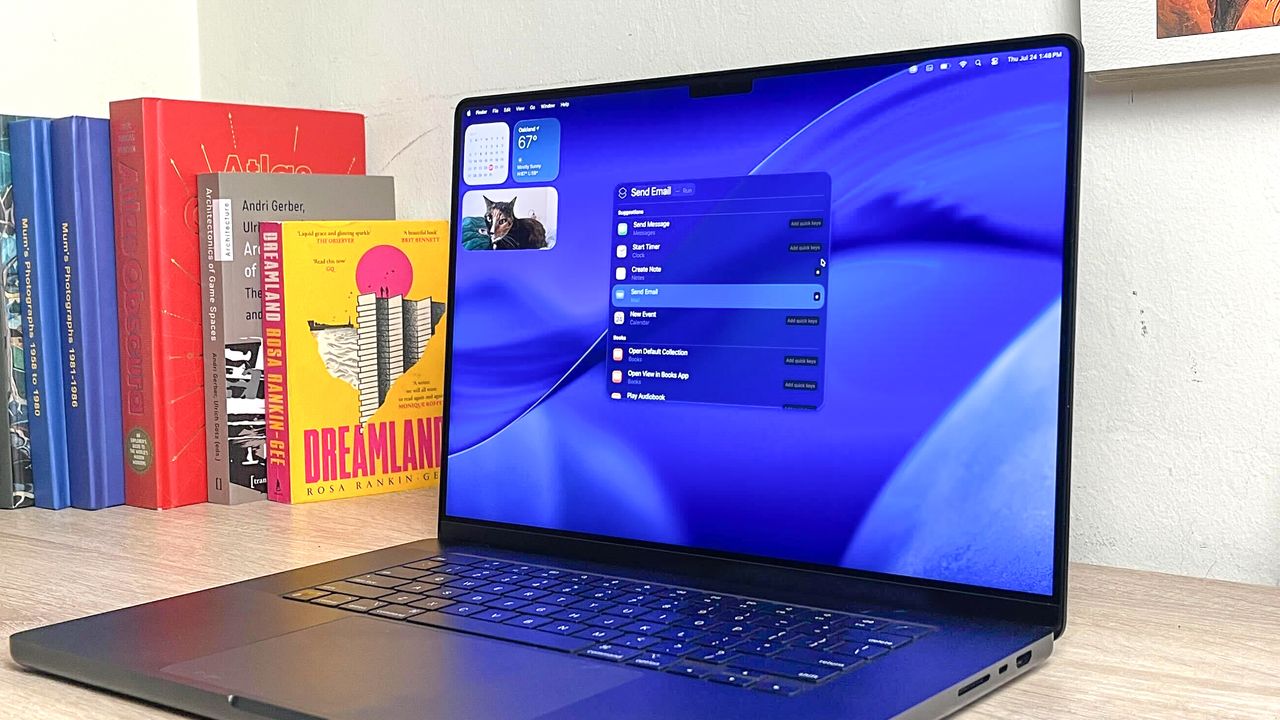
The world is going crazy over AI but that’s not to say you must have it baked into your Mac. You may prefer to call upon AI on your own terms by using an app, visiting a website or using a dedicated browser like ChatGPT Atlas, in which case there is an argument for turning off Apple Intelligence in macOS.
It won’t affect the overall running of your computer. You’ll still be able to perform the tasks you’re used to. You just won’t be able to use features such as Writing Tools or Image Playground. You will, however, free up some storage space and be able, to some extent, go back-to-basics. Plus, it's easy enough to turn back on if you change your mind.