Get all your news in one place.
100's of premium titles.
One app.
Start reading
Windows Central
Windows Central
Technology
Mauro Huculak

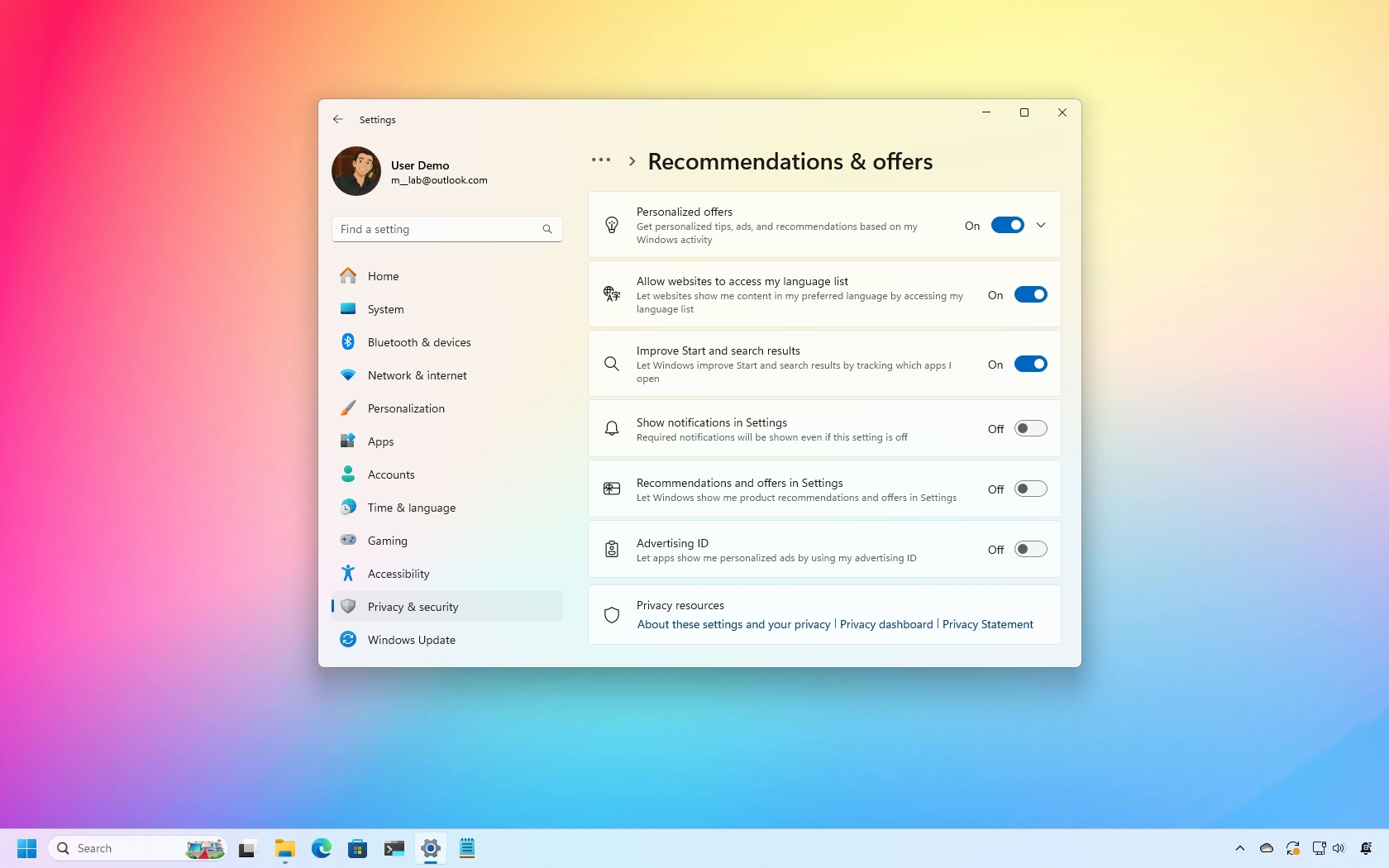
How to disable annoying ads on Windows 11

Windows 11 disable ads.

Whether you're just getting started with Windows 11 or you've been using it for a while, you've likely noticed that the operating system is increasingly filled with ads, though Microsoft prefers to call them suggestions, tips, or recommendations.

You can find them on the Lock screen, as pre-installed apps you've never used pinned to the Start menu, service promotions (such as OneDrive) in File Explorer, features and content suggestions are in the Settings app, and more.

Sign up to read this article
Read news from 100's of titles, curated specifically for you.
Already a member? Sign in here
Related Stories
Top stories on inkl right now
One subscription that gives you access to news from hundreds of sites
Already a member? Sign in here
Our Picks
Fourteen days free
Download the app
One app. One membership.
100+ trusted global sources.