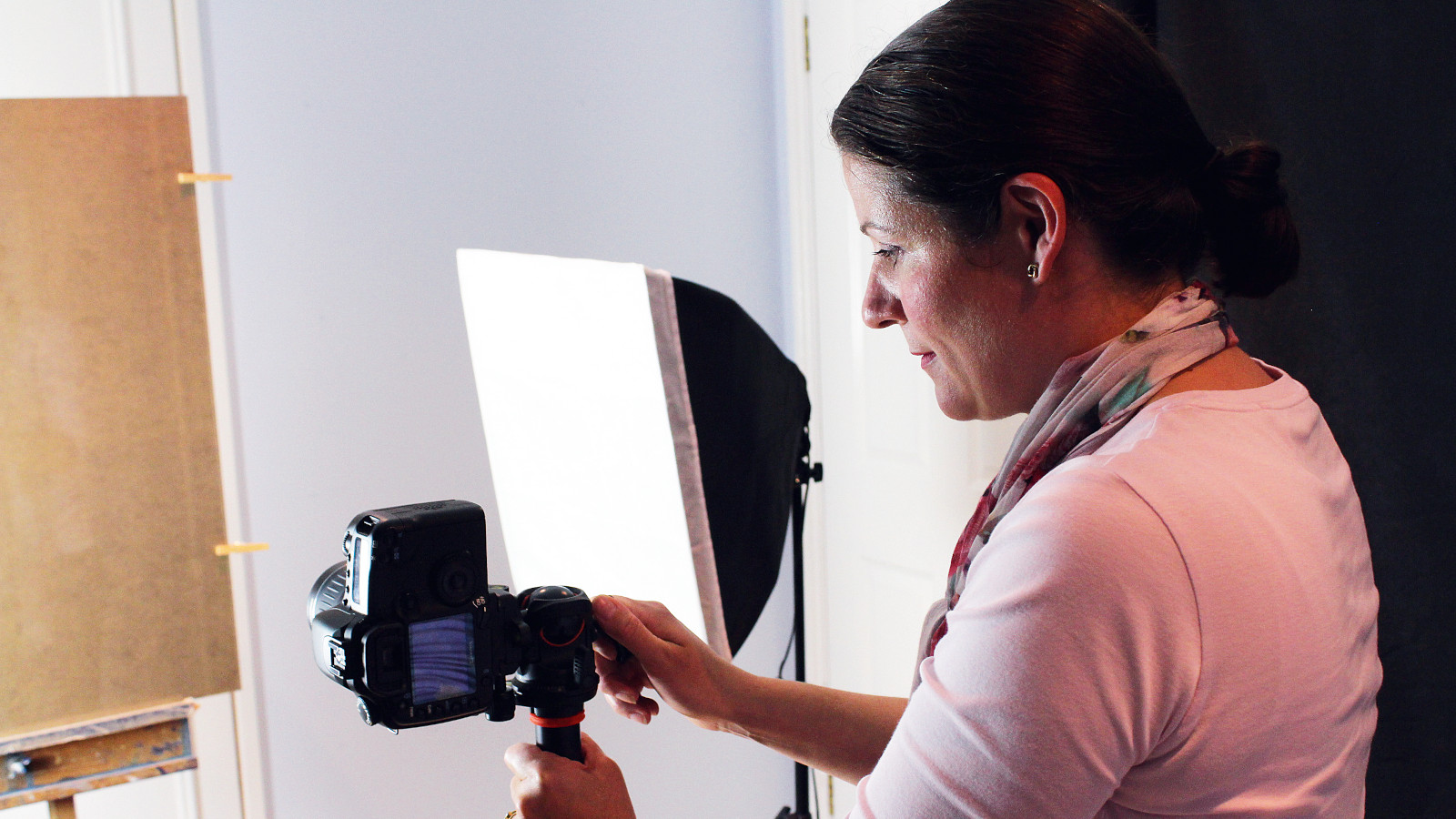
Learning how to digitise your artwork is a superb way to get your creations out into the world. Once you’ve made a beautiful work you’re proud of, it’s only natural that you’ll want others to see it too. There are several ways to do this; of course, you could frame your paintings and drawings and hang them up at home, or put them on display at an exhibition. But you can also go digital and share your work online.
If you do want to put your works online, or even have digital prints made, then you’ll need to digitise them. If your painting is smaller than A4 size, you could do this quite easily by popping it on to one of the best photo scanners. However, many artists work at sizes bigger than A4 and, while A3 scanners are available, it’s a bit extravagant to buy one just so that you can scan the occasional painting. Besides, flatbed scanners aren’t great at capturing the depth and texture of paint.
.jpg?w=600)