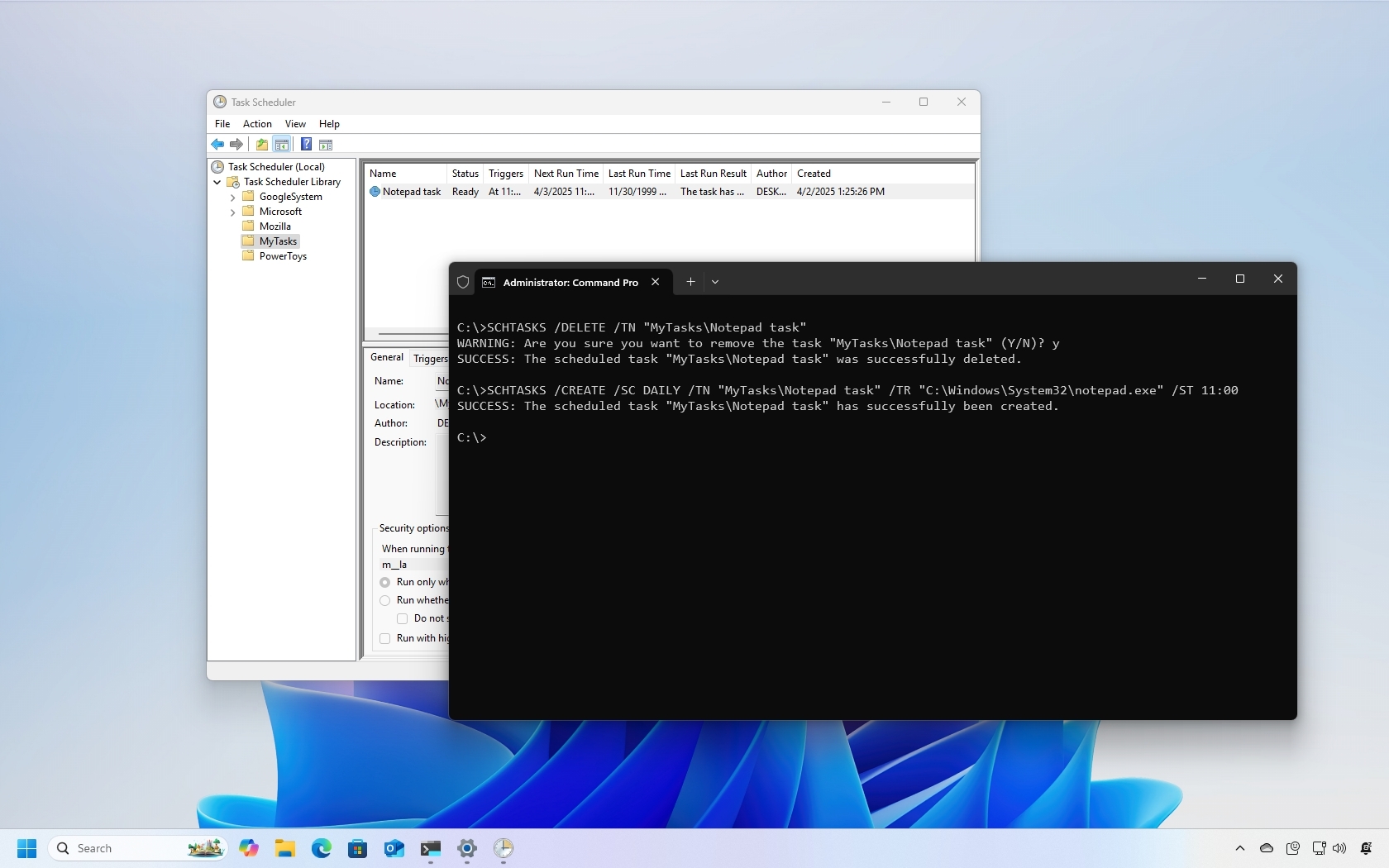
Windows 10 includes Task Scheduler, an advanced tool designed to automate routine tasks. With this utility, you can schedule various actions, such as launching apps, running commands, or executing scripts based on a specific schedule or predefined conditions using triggers.
Although Task Scheduler offers a graphical interface for managing tasks, you can also use Command Prompt to create, modify, and delete scheduled tasks. This command-line approach is particularly useful in scenarios where efficiency is key, such as deploying the same task across multiple computers, integrating automation into scripts or apps, or streamlining system administration.