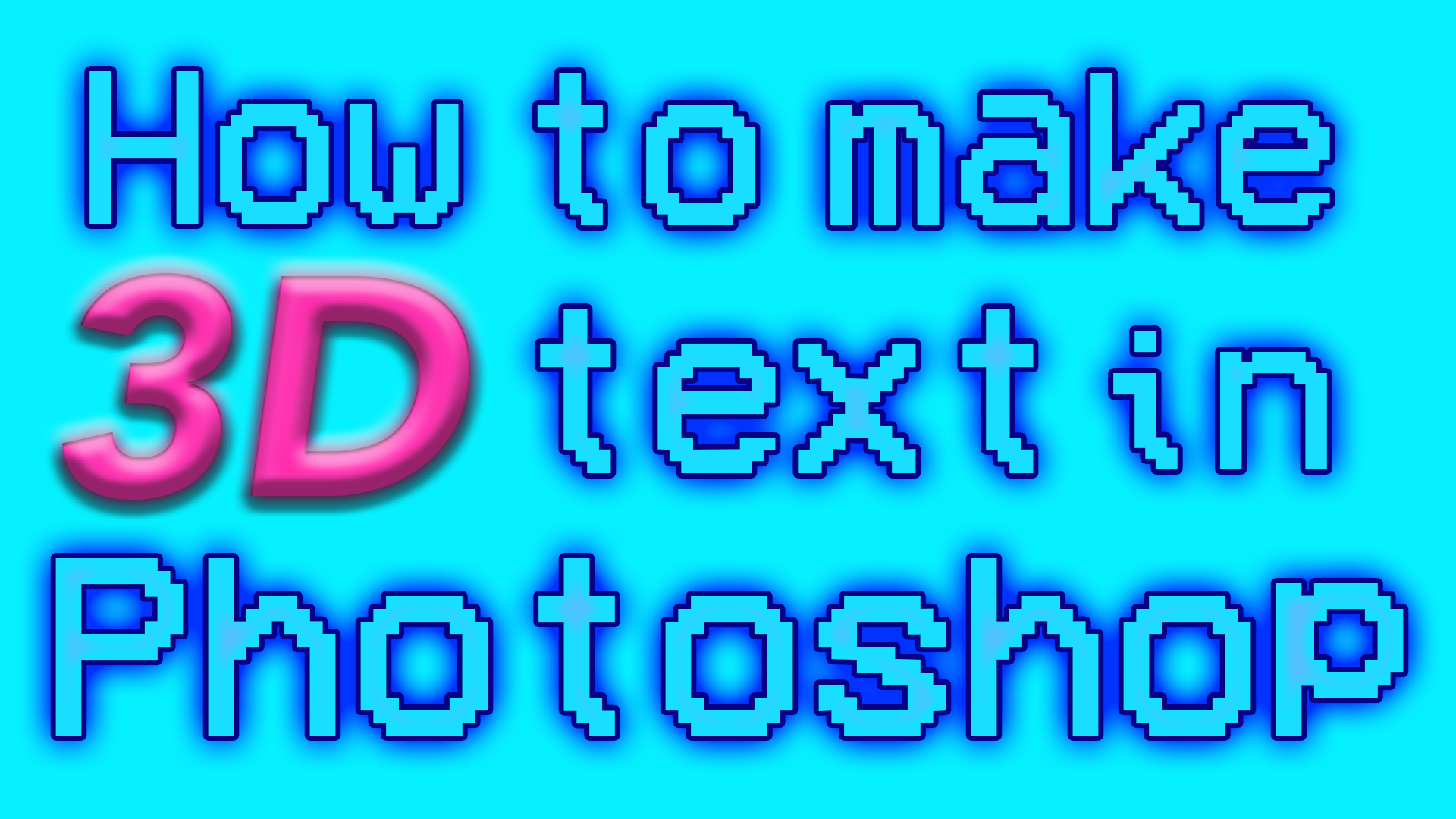
Likely you've just come to us after being unable to find the 3D extrusion tool in Photoshop. As of October 2024, Adobe has removed the 3D panel from Photoshop, presumably to encourage us to use Adobe Substance 3D for the editing of 3D files. Substance 3D might be up there with the best 3D modelling software, but that does not help us with creating 3D-effect typography in PS.
This puts us as designers in a tricky situation, as we now need to come up with a new, manual way of making text appear 3D. So you'll be pleased to know that we can create something just as good as the direct 3D effect in Photoshop. Firstly we'll show you how to make your text appear 3D using the Effect Controls panel, before finishing it off with some extra tips on exploring Photoshop's intricate tool options to tailor your 3D typography to your design.