Get all your news in one place.
100's of premium titles.
One app.
Start reading
Tom’s Guide
Tom’s Guide
Technology
Peter Wolinski

How to copy and paste edit settings in Adobe Lightroom

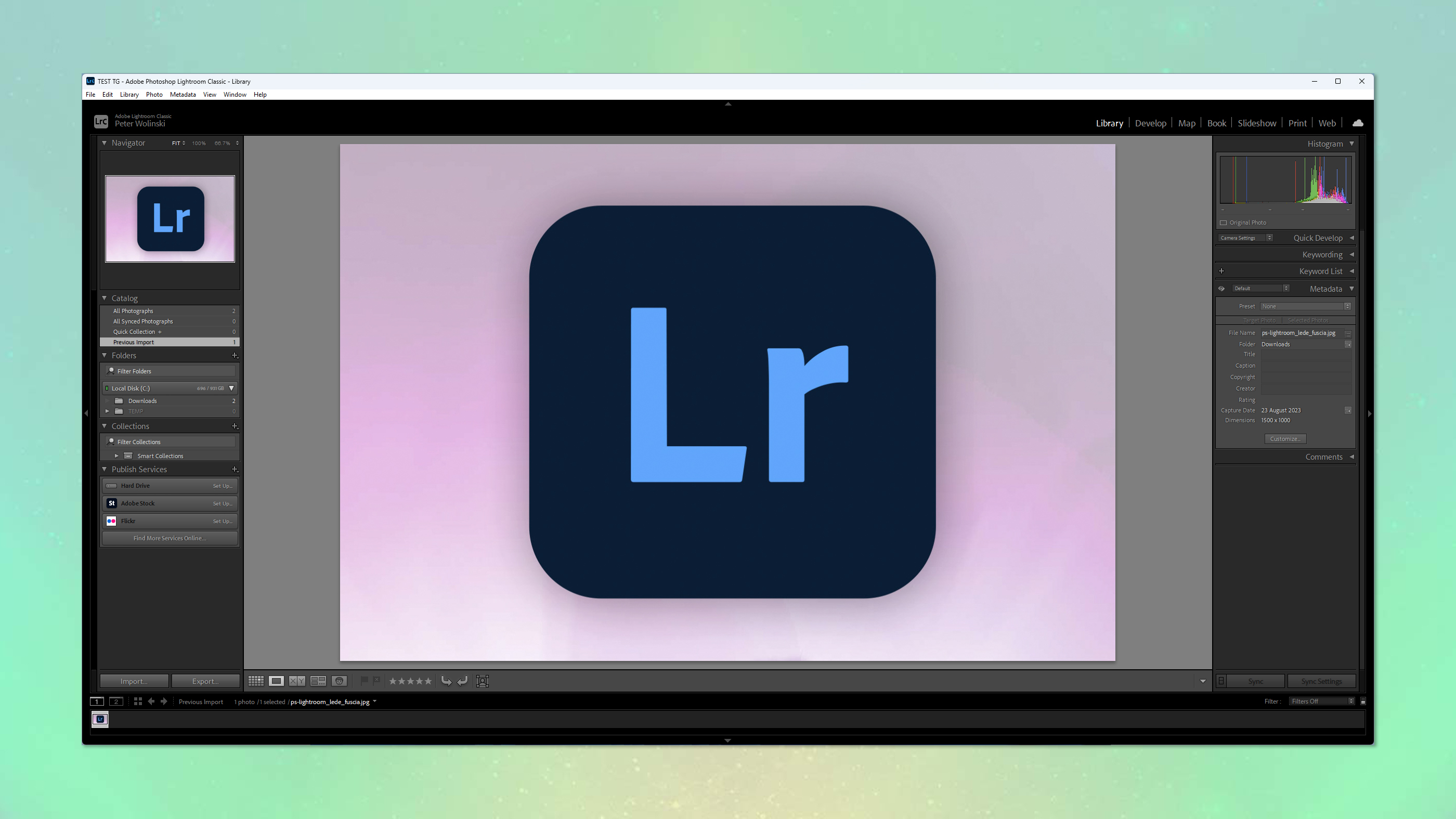
A screenshot showing the Lightroom logo opened in Adobe Lightroom

It pays to know how to copy and paste edit settings in Adobe Lightroom, especially if you use the software or plan on using it a lot.

While Adobe Lightroom is one of the best photo editing software applications out there, there isn't any way of getting around the fact that editing large numbers of photos takes time. One of the ways you can speed up your workflow and cut down on the time you spend in the editing studio is to copy edits from certain images and paste them to other images where the exposures are similar. 

Sign up to read this article
Read news from 100's of titles, curated specifically for you.
Already a member? Sign in here
Related Stories
Top stories on inkl right now
One subscription that gives you access to news from hundreds of sites
Already a member? Sign in here
Our Picks
Fourteen days free
Download the app
One app. One membership.
100+ trusted global sources.