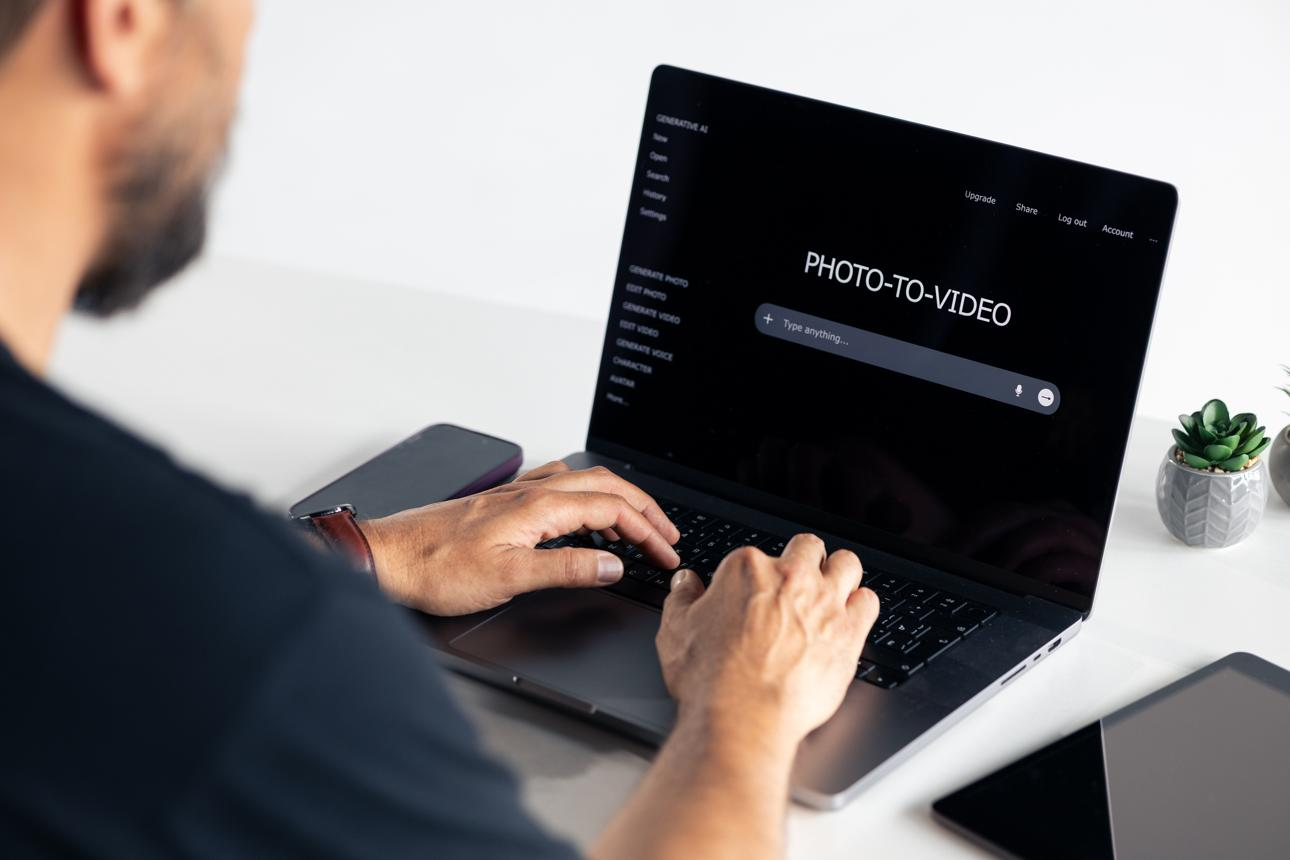
Creating video content no longer requires a camera crew, a studio, or hours of traditional editing. For marketers, designers, photographers, and independent creators, AI tools offer a practical way to turn existing images into short, engaging videos. However, choosing an AI image to video generator free of unnecessary complexity is not as simple as picking the platform with the most impressive demo. Different tools produce different types of motion, offer different levels of control, and impose different limits on output quality and usage.
The right choice depends on what you want to create, how often you need to create it, and how much editing you are prepared to do afterward. A product marketer may need stable packaging and realistic lighting, while an artist may prioritize expressive movement and visual experimentation. Understanding these differences makes it easier to choose a tool that fits your workflow instead of forcing your workflow to fit the tool.
Start With the Creative Task, Not the Tool
Before comparing platforms, define the final result you need. “Make a video from an image” can describe several very different projects.
A photographer might want subtle movement in a portrait. An online retailer might need a product image to become a short promotional clip. A designer might want to animate an illustration for a presentation, while a social media creator might need a vertical video that catches attention within the first few seconds.
These projects have different requirements. A tool that produces dramatic cinematic motion may not be the best choice for a product shot where the shape, label, and proportions must remain consistent.
Write down three things before testing an AI image-to-video generator: the source material, the desired motion, and the destination platform. This short brief creates a consistent standard for evaluating different tools.
It also prevents a common mistake: choosing a platform based on a polished demonstration that bears little resemblance to the work you actually need to produce.
Evaluate Output Quality Beyond Resolution
Resolution is an important specification, but it does not tell the whole story. A high-resolution video can still look artificial if the subject changes shape, the background distorts, or movement appears inconsistent between frames.
When testing an AI image-to-video generator free of complicated editing requirements, pay attention to several dimensions of quality.
Subject consistency: Does the person, product, or character remain recognizable throughout the clip? Facial features, clothing, product labels, and distinctive design elements should not change unexpectedly.
Motion quality: Does the movement look physically plausible? Hair should respond naturally to wind, fabric should follow body movement, and camera motion should feel deliberate rather than random.
Prompt adherence: Does the generated clip follow the requested action? A prompt asking for a slow camera push-in should not produce a rapid rotation or an unrelated change of scene.
Background stability: Look for warped walls, duplicated objects, shifting patterns, or changes in perspective that make the video difficult to use professionally.
Visual style: The generated clip should complement the original image. Photorealistic product photography, stylized illustrations, and cinematic portraits may require different models or generation settings.
Review the entire clip rather than judging only the opening frame. If possible, compare the output with the source image side by side. For commercial work, small inconsistencies can be more damaging than a lack of dramatic movement.
Check the Controls You Actually Need
Not every creator needs the same controls. Some projects benefit from a simple interface that generates motion with minimal setup. Others require more precise direction over camera movement, subject actions, duration, and visual style.
Start with the controls that affect your most frequent projects.
- Motion prompts:Can you describe what should move and what should remain still?
- Camera movement:Can you request a push-in, pan, tracking movement, or restrained orbit when supported?
- Aspect ratio:Can you generate vertical, landscape, or square content for your intended destination?
- Clip duration:Does the tool support the length required by your project?
- Model selection:Are different generation models available for different creative goals?
- Iteration:Can you adjust your prompt and generate another version without rebuilding the entire workflow?
A useful test is to generate one clip and then request a small change. For example, ask for slower movement while preserving the subject's appearance. If the second attempt is difficult to control, the tool may create more work during production than its initial demo suggests.
Compare Free Access, Credits, and the Real Cost of Production
Searching for an AI image-to-video generator free is a sensible starting point, particularly for creators who are experimenting with AI video for the first time. Free access can help you test image compatibility, explore motion styles, and determine whether the results fit your project before committing to paid usage.
However, free plans are not identical. Some tools limit generation credits, video duration, resolution, model availability, or export options. Others provide limited free access but require payment for specific premium features.
Look beyond the advertised price. The more useful question is how much it costs to produce one acceptable, finished clip.
Suppose a project requires ten usable clips. If a tool frequently produces distorted results, you may need several attempts per clip. A platform with a lower advertised price can become more expensive when repeated generations and additional editing are included.
Track four practical metrics during testing:
- The number of generations required for an acceptable result.
- The time spent generating and reviewing each version.
- The proportion of generated clips that can actually be used.
- Any additional costs for resolution, downloads, editing, or commercial use.
An AI image to video generator free to try can be particularly valuable when it lets you evaluate these factors with your own images rather than relying exclusively on sample content.
Always review current plan details before starting a larger project. Credits, output limits, and commercial-use conditions can differ by provider and subscription level.
Match the Tool to Your Creative Workflow
The best platform is not necessarily the one with the largest feature list. It is the one that solves your recurring production problems reliably.
For photographers and digital artists
Prioritize image fidelity and controlled motion. A portrait may need a subtle expression change, while an illustrated landscape may benefit from moving clouds, flowing water, or a slow camera movement. Excessive motion can damage the original composition, so start with a specific, restrained instruction.
For e-commerce and product marketing
Prioritize stable product geometry, readable labels, consistent lighting, and predictable camera movement. Generated content should support the real product rather than invent features or alter its appearance.
Before publishing, compare the output with the original product image. Use actual product specifications for factual claims, and do not treat an AI-generated visual as evidence of a feature that the product does not have.
For social media creators
Prioritize speed, aspect ratio, and the ability to generate variations. A single source image might become several clips with different camera movements or visual emphasis. Each version should have a clear purpose rather than simply repeating the same animation.
For designers and creative teams
Consider how the tool fits into the wider production pipeline. You may need to export clips into an existing editor, combine several shots, add typography, adjust sound, or maintain consistent visual branding. An attractive standalone generation is only one stage of the final process.
Try an Image-to-Video Tool With Your Own Images
Once you have defined your requirements, shortlist two or three tools and test them with the same source image and comparable instructions. This makes differences in motion, subject consistency, and usability easier to identify.
One option to explore is ImageToVid.ai, an AI image-to-video tool that turns still images into animated video clips. It can be useful for creators who want to experiment with portrait animation, product visuals, and other image-based video concepts without beginning with a new video shoot.
If you are evaluating an AI image to video generator free for your own workflow, test the actual features available to your account, including supported duration, output resolution, generation credits, and download options. Choose a representative image rather than a carefully selected example that makes every tool look good.
A simple comparison sheet can help:
|
Evaluation criterion |
What to record |
|
Source-image fidelity |
Whether key visual details remain consistent |
|
Motion |
Smoothness, realism, and prompt accuracy |
|
Output format |
Resolution, aspect ratio, and duration |
|
Ease of use |
Time required to produce a usable clip |
|
Iteration |
Number of attempts needed |
|
Cost |
Total cost per acceptable final clip |
|
Usage rights |
Whether your intended use is permitted |
If another platform performs better on your specific task, use it. A comparison should help you make a decision, not confirm a preference you already have.
Build a Repeatable Workflow Instead of Generating Random Clips
Once you select a tool, create a simple process that can be reused across projects.
First, prepare a clean source image with suitable framing and enough space for the intended movement. Second, write a motion prompt that describes one primary action and the desired camera behavior. Third, generate a short test and review the result carefully. Fourth, adjust the instruction based on a specific problem rather than changing several variables at once.
For a product shot, for example, you might ask for a slow camera push-in while keeping the packaging, logo, and background unchanged. If the result distorts the label, reduce the motion or simplify the prompt before generating another version.
Finally, bring the selected clip into your normal editing workflow. Trim weak sections, add captions or branding where appropriate, and check the final aspect ratio before publishing. AI generation can reduce the work required to create source footage, but editing and quality control still matter.
Consider Privacy, Copyright, and Commercial Use
Creative convenience should not replace basic risk management. Before uploading an image, check the provider's data-retention and privacy policies, particularly if the file contains confidential client material or personal information.
You should also confirm that you have the necessary rights to use the source image. Photographs, illustrations, recognizable people, logos, and licensed assets may be subject to different restrictions. Review the tool's current terms to understand the permitted use of generated output, especially for advertising and client projects.
For business content, maintain a record of source assets and review generated clips before publication. AI-generated movement can introduce details that were not present in the original image. Human review helps catch those errors before they become public-facing content.
The Best Choice Is the One That Fits Your Actual Work
Choosing an AI image to video generator free to test is a practical first step, but the final decision should depend on repeatable performance rather than a free label or an impressive sample gallery.
Define the project, compare quality using your own images, evaluate the available controls, and calculate the cost of producing usable clips. Then test whether the tool fits naturally into your existing creative process.
AI image to video technology can make visual experimentation more accessible and help creators get more value from existing assets. The strongest workflow combines the speed of generation with clear creative direction, careful review, and a realistic understanding of each tool's limitations.