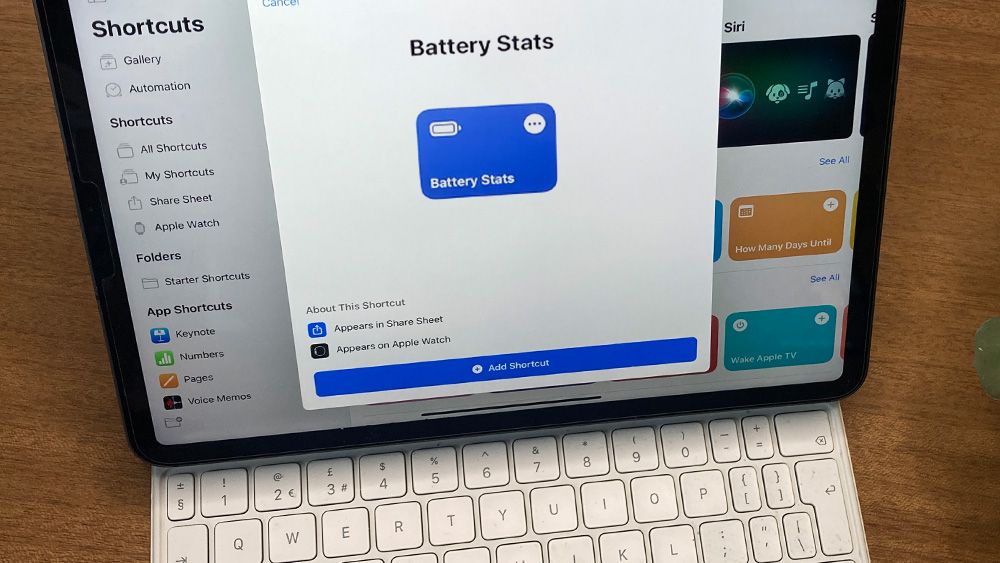
How to check your iPad’s battery health should be straightforward, but Apple hasn’t always made it that way. iPad models released since 2024 have a dedicated Battery Health menu like on iPhones and Macs, which makes it easy to check how the best iPads for drawing are holding up.If you have an older iPad, getting that information takes a little more work, but there are still ways to check iPad battery health and get insights into its condition and charging history. In this guide, we'll show you how.Knowing your battery’s health helps you plan, manage expectations, and keep your tablet in peak condition so you can spend less time guessing and more time creating with the best drawing apps for iPad. That applies for all iPad generations and models, from the mini to the Airs and the Pros. All lithium batteries degrade with time, and the iPad’s is no exception. Even with the larger cells Apple packs inside, you’ll eventually notice the charge slipping faster than it used to. But before you panic or think about upgrading to a new model like the 2026 M4 iPad Air read on to learn what you can do to optimise your iPad battery.