Get all your news in one place.
100's of premium titles.
One app.
Start reading
Windows Central
Windows Central
Technology
Mauro Huculak

How to change mouse speed on Windows 11 or Windows 10

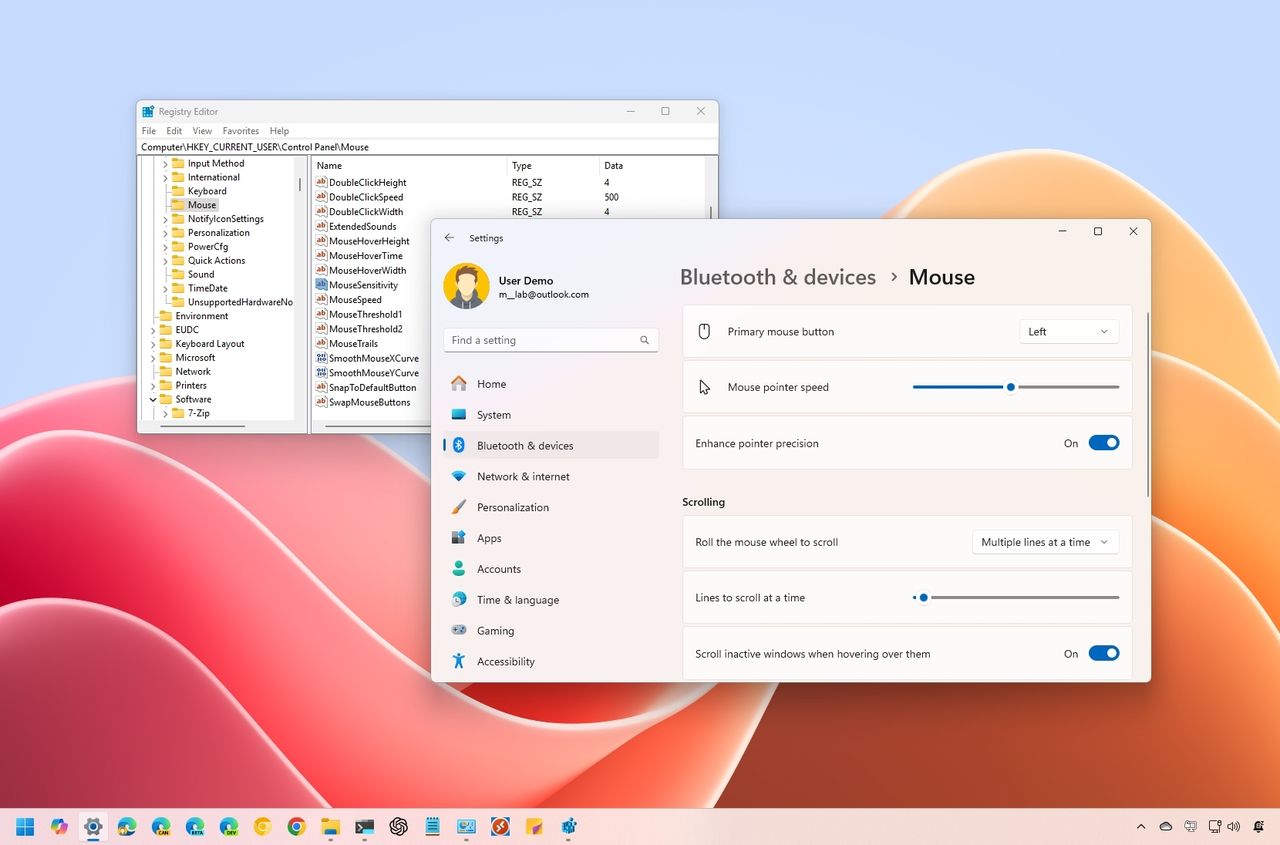
Windows 11 change mouse speed.

On Windows 11, the mouse is an essential tool for navigating and performing actions with ease. To ensure the best experience, it’s important to optimize its settings to match your preferences.

If the default mouse pointer speed feels too fast or too slow (perhaps you need quicker movement across a multi-monitor setup or slower pacing for better precision), Windows 11 provides several methods to adjust this feature. You can use the Settings app, Control Panel, or Registry Editor to fine-tune the speed to your liking.

Sign up to read this article
Read news from 100's of titles, curated specifically for you.
Already a member? Sign in here
Related Stories
Top stories on inkl right now
One subscription that gives you access to news from hundreds of sites
Already a member? Sign in here
Our Picks
Fourteen days free
Download the app
One app. One membership.
100+ trusted global sources.