
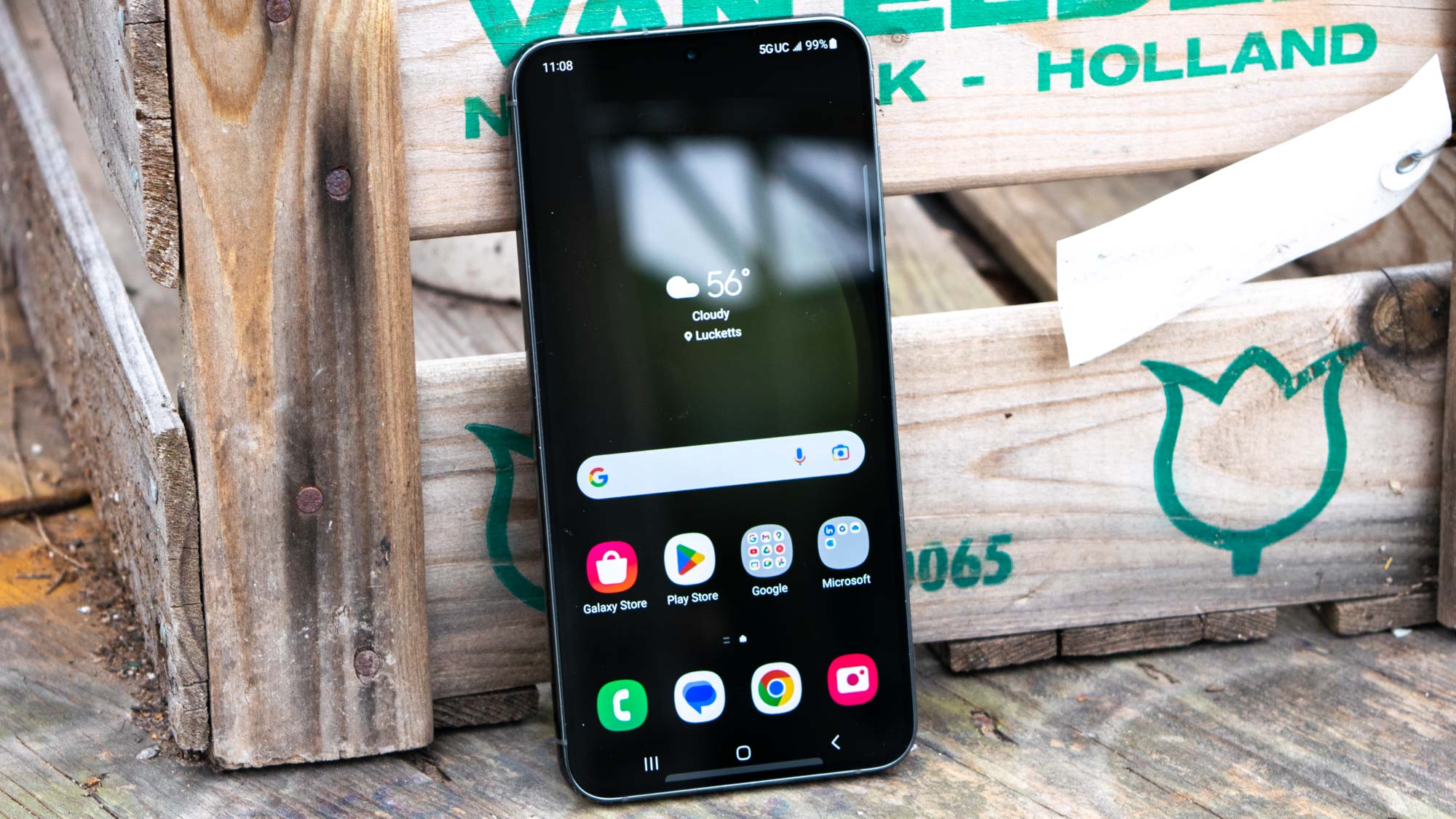
We're not surprised that you want to know to change display settings on the Samsung Galaxy S23, as there are so many variables to consider when setting up a new phone. From brightness levels to font size, you've got a lot of potential elements of the basic phone experience that you can alter to your heart's content.
Fortunately, all these settings are where you'd expect, bundled together in their own section in the Settings app. There are a lot of different options to pick from though, so we're to help show you everything and explain what they do. So if you're confused about where to find settings like "Extra brightness", want to know what Easy mode does, or want to find out what your choices are for Motion smoothness, we'll be going into all of that.




