Get all your news in one place.
100’s of premium titles.
One app.
Start reading
Tom’s Guide
Tom’s Guide
Technology
Krishi Chowdhary

How to cancel Surfshark and get a refund

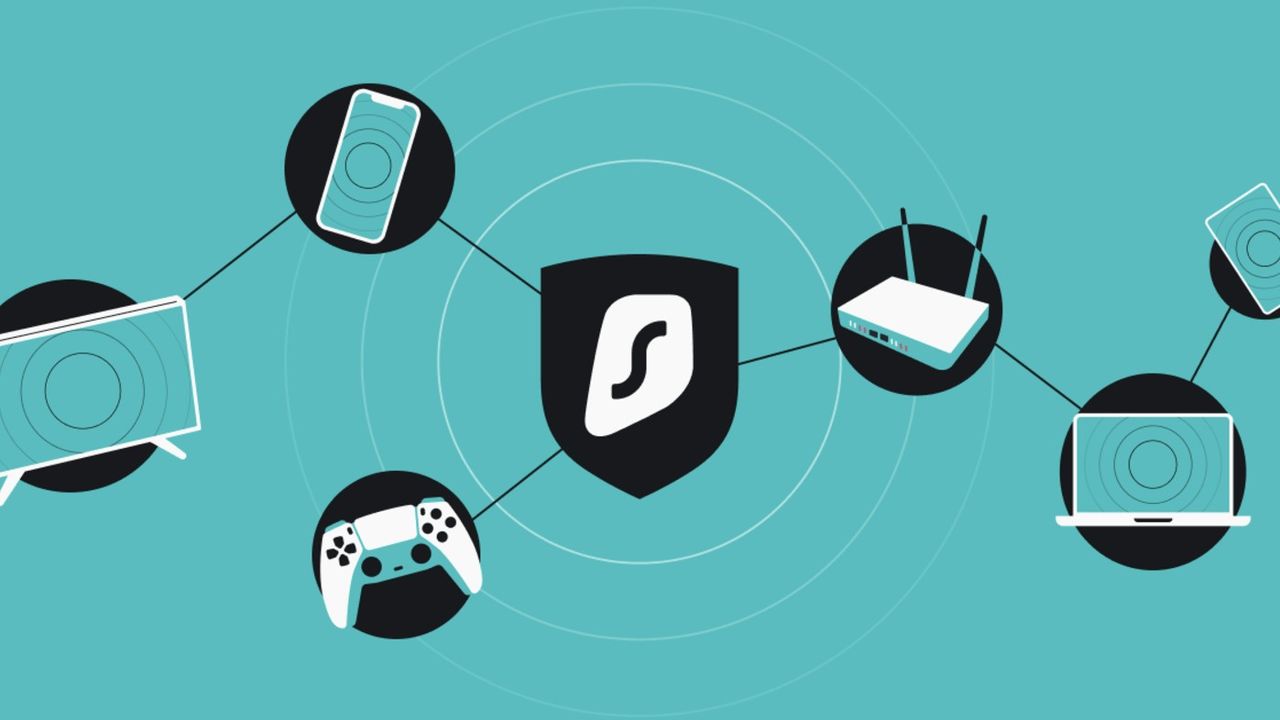
Surfshark on all devices.

Surfshark is at the very top of our best cheap VPN list, and is currently even cheaper than usual thanks to its Cyber Monday VPN deal.

If you have snatched it up using a deal, but now want to cancel and get your money back for whatever reason, you'll need to use Surfshark's 30-day money-back guarantee.

In this article, I’ll take you through how to cancel your Surfshark plan and get a refund.

Can I get a refund from Surfshark?

Like all of the best VPNs in the industry, Surfshark also offers a generous 30-day money-back guarantee across all its pricing plans, including the 2-year, 1-year, and 1-month options. This means if you cancel your subscription within 30 days from the date of purchase, you will receive a full refund.

However, do note that if you cancel after the slotted 30 days of the refund period, you won’t qualify for a refund. Of course, you can still cancel your recurring payment and continue using the service for the remainder of your subscription period.

How to cancel Surfshark

You can cancel your Surfshark subscription by following these few simple steps:

  • Go to Surfshark’s website and log in to your Surfshark account
  • Click on your account in the top right corner
  • Then, select the "Subscription" tab
  • Under the "Auto-renewal" tab, click on "Cancel auto-renewal" to stop automatic payments

If you’ve purchased a Surfshark plan through the Google Play Store (or Apple App Store), you can head over to your Google account (or Settings on iOS devices), select the subscriptions tab, choose Surfshark, and tap on “Cancel Subscription.”

Alternatively, you can simply contact the Surfshark support team via live chat and request the cancellation of the automatic renewal of your subscription.

This might, in fact, be a very good idea given that you need to get in touch with the support team anyway after you've cancelled your subscription, because that's the only way you can raise a refund request and get your money back.

How to claim a Surfshark refund

As mentioned earlier, you'll need to get in touch with Surfshark’s customer support team – either through live chat or by submitting a request on their support page – to receive a refund. All you’ll have to do is provide them with the required details, including your email, plan type, payment method, reason for cancellation, etc.

Needless to say, on the date of canceling and asking for a refund, you must be within Surfshark's 30-day money-back guarantee period to claim a refund.

Also note that if you’ve purchased Surfshark via the Apple App Store, you’ll have to get in touch with Apple’s support team for refunds. For Google Play Store purchases, though, all refund requests must go to Surfshark customer support – although if the payment was made within the last 48 hours, you can request a refund directly from your Google Play account.

Sign up to read this article
Read news from 100’s of titles, curated specifically for you.
Already a member? Sign in here
Related Stories
Top stories on inkl right now
Our Picks
Fourteen days free
Download the app
One app. One membership.
100+ trusted global sources.