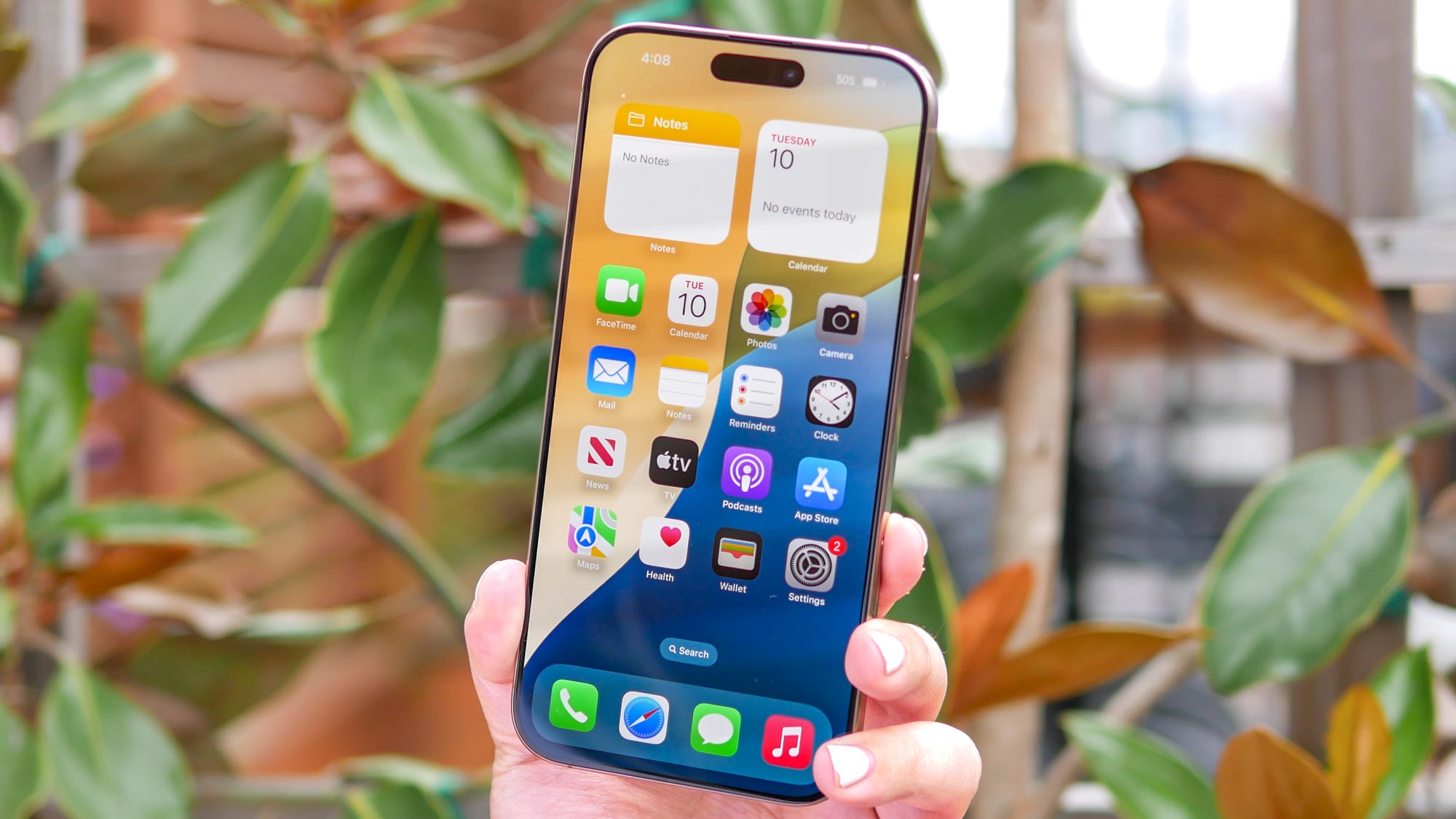
Have you ever felt like your money is slipping away, one small charge at a time? That’s exactly what I discovered during a recent app audit of my iPhone. Monthly subscriptions can pile up faster than you'd think—hidden beneath the convenience of automatic renewals.
Sure, you might already know how to disable location sharing, check your deleted messages, or even rename your iPhone. But when it comes to truly taking control of your device, tackling your recurring payments is one of the smartest—and most rewarding—housekeeping tasks you can do.