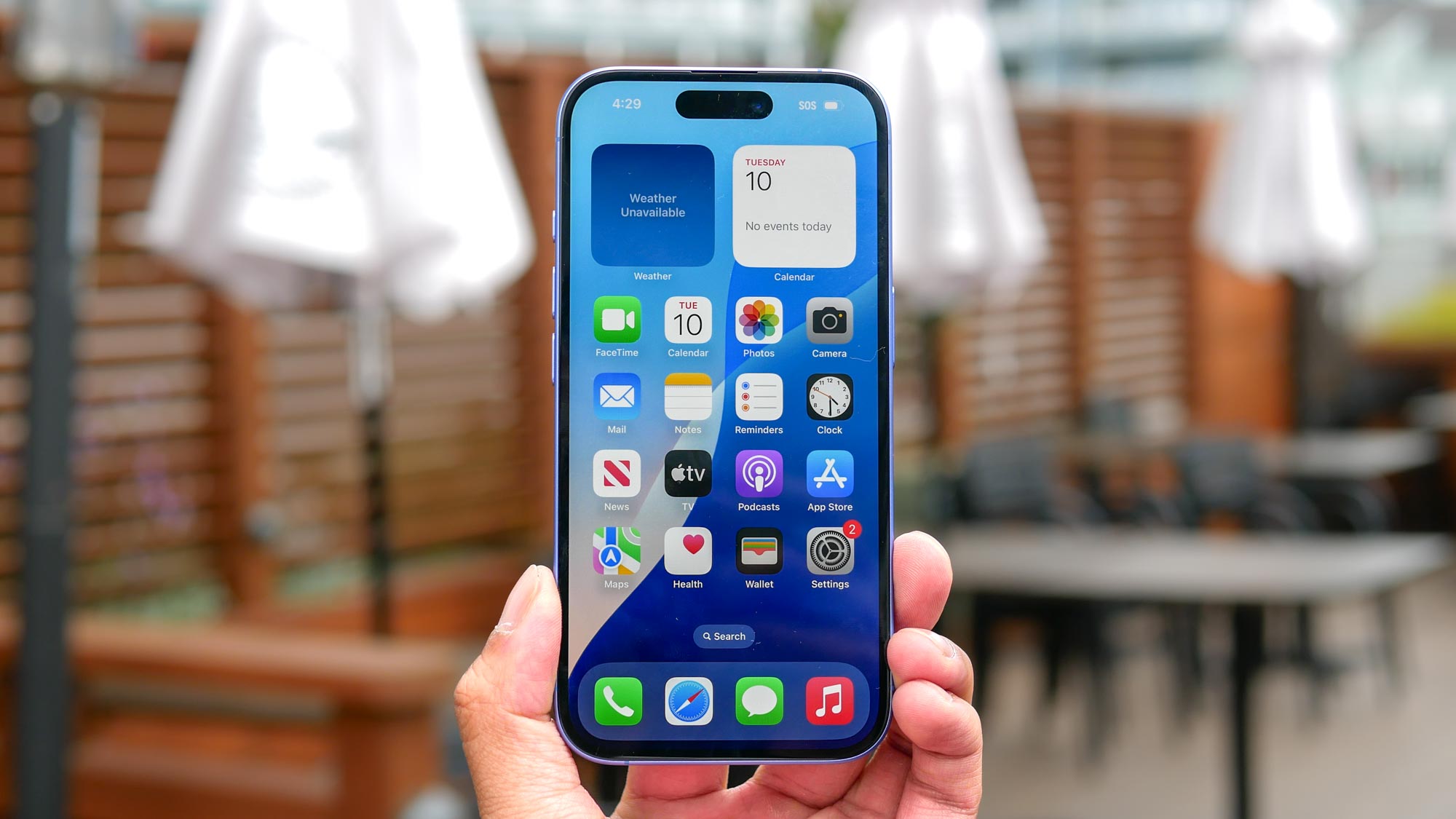
We’ve all been there — your phone buzzes, and it’s yet another scam call or an unknown number you’d rather not deal with. Or maybe it’s persistent texts or emails from someone you’ve been trying to avoid. Whatever the case, blocking a number on your iPhone is a quick and effective way to stop the interruptions and reclaim your peace of mind.
Much like putting your device on vibrate, scanning a QR code, or forcing a restart, iPhones make it simple to block numbers across different areas of your device, whether it’s calls in the Phone app, video chats on FaceTime, or unwanted messages in iMessage.