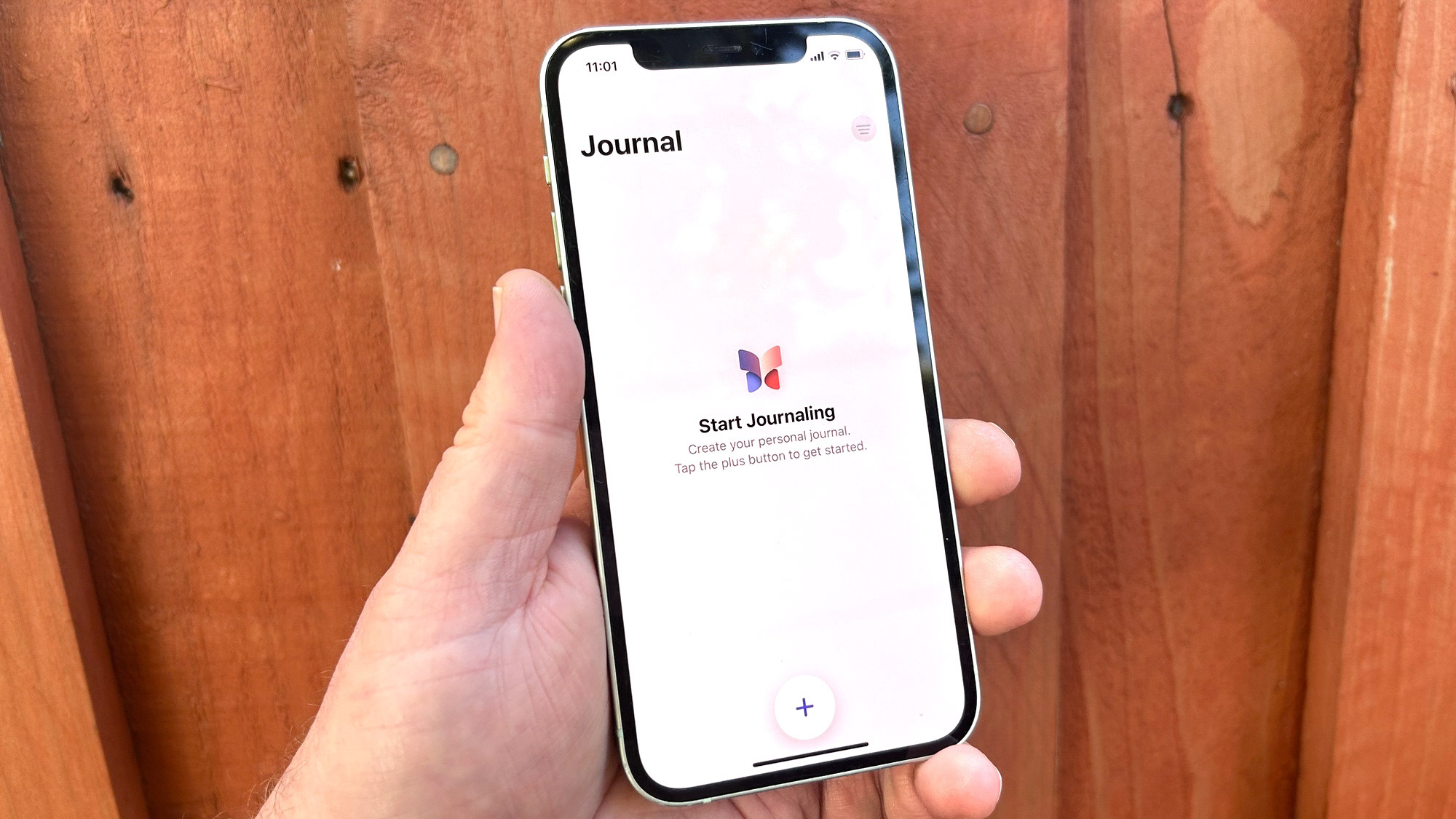
The iPhone's Journal app, introduced in iOS 17.2, includes a feature called Discoverable by Others. While this may sound alarming at first, it's not as concerning as it seems. When enabled, the Discoverable by Others feature allows other iPhone users to detect your device via Bluetooth; doing so enhances the relevance of Journal suggestions for you and other users.
When iPhones are in close proximity, Journal can gather information about the number of contacts that may be around, and it can prompt users to create a Journal entry based on that situation. You may get a writing prompt to reflect on your meet-up with an iPhone-toting friend, for example.