
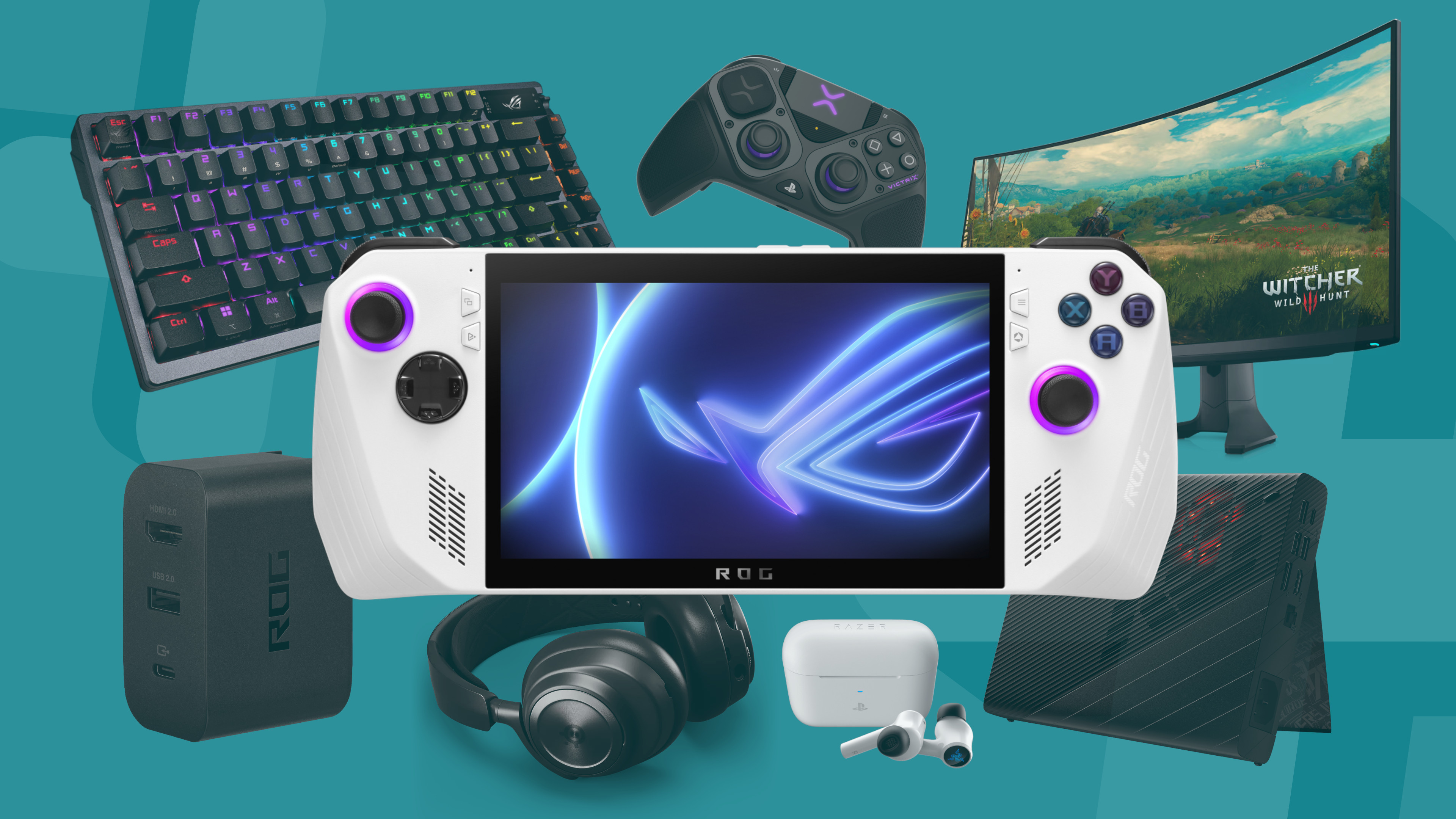
The Asus ROG Ally is perfectly capable of running the latest and greatest games all by itself, but where's the fun in that. The USB-C port opens you up to a whole host of additional accessories and docking opportunities which means a full desktop style setup is just a few cables away. Of course, the perfect Asus ROG Ally setup is always going to be subjective - you might not even need a keyboard and mouse if you're going for a console style arrangement, and the full suite will be dependent on how often you take your PC on the road. However, if you're building a top of the range rig for one of the best gaming handhelds on the market, you're going to be splashing some cash.
That's why we're not just focusing on the ultimate Asus ROG Ally setup. After all, the high-end gadgets we've picked out for that total over $4,000 / £4,000 at MSRP. We've got four setups for you to mix and match between; a selection of everyday essentials, and then budget, mid-range, and premium docked arrangements. If you're building your Asus ROG Ally setup from scratch, there are six things you need - assuming you've got the original charging cable; a dock, monitor, mouse, keyboard, headset, and controller.