Get all your news in one place.
100’s of premium titles.
One app.
Start reading
T3
T3
Technology
Bethan Morgan

Hate saying ‘Hey Google’ to your Nest devices? This ‘hidden’ feature means you don’t have to

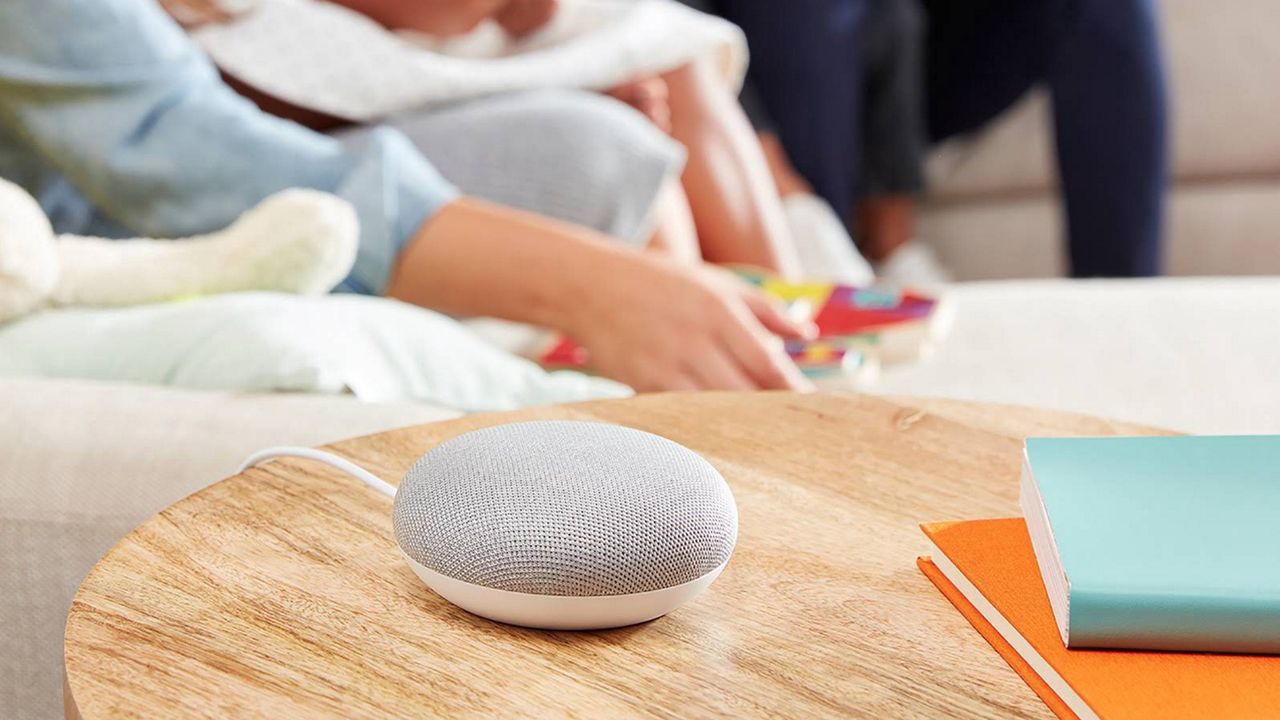
Google Nest Mini.

One of my favourite things about having a smart speaker is voice commands, as it gives you hands-free access to making calls, reading instructions, setting timers, and more. But let’s face it – shouting ‘Hey Google’ 20 times a day can get a bit tiring.

But if you have a Google Nest speaker or display, I just found out about a ‘hidden’ feature that means you don’t have to constantly yell for Google’s help for your device to interact with you. And it’s all down to Ultrasound Sensing.

Ultrasound Sensing is a feature that uses your Google Nest’s speaker and microphone to detect when a person is approaching your device. How it works is the speaker emits ultrasonic, inaudible sound waves that reflect off nearby objects which the microphone then picks up.

With this technology, Ultrasound Sensing can determine when a user is up to six inches of the device. Once it finds you’re close to the speaker or display, it’ll automatically make controls appear. This is especially useful for the Google Nest Mini which doesn’t have a screen.

(Image credit: Shutterstock)

When you approach the Google Nest Mini, the volume or touch controls will brighten, making it easier to adjust the volume. But where Ultrasound Sensing really shines is with the Google Nest Hub Max.

Unlike the Nest Mini, the Google Nest Hub Max is a smart display, so you do have a screen that you can view music, timers and calendars on. While you can customise it to have an Always On display, this can get a bit bright and disruptive if you’re using it in your bedroom, or you simply want to set the mood in your living room in the evenings.

Instead with the Ultrasound Sensing, the Google Nest Hub Max detects when you’re near, and will show you detailed information, like cooking timers, weather updates, traffic forecasts and more.

(Image credit: Google)

My personal favourite is as you start getting further away from the Google Nest Hub Max – just before you hit the six inch mark – the screen will increase its font to large so you can still read all the details. It’ll also remove its controls as you can’t reach them.

To use Ultrasound Sensing on your Google Nest devices, specific models have it enabled by default, including the two devices previously mentioned, and the first and second generation of the Nest Hub.

But if you want to enable Ultrasound Sensing on your device – or if you want to switch it off – you can head into the Google Home app, select your device and its settings, and go into Recognition. There, you should find Ultrasound Sensing which you can turn on or off.

Sign up to read this article
Read news from 100’s of titles, curated specifically for you.
Already a member? Sign in here
Related Stories
Top stories on inkl right now
One subscription that gives you access to news from hundreds of sites
Already a member? Sign in here
Our Picks
Fourteen days free
Download the app
One app. One membership.
100+ trusted global sources.