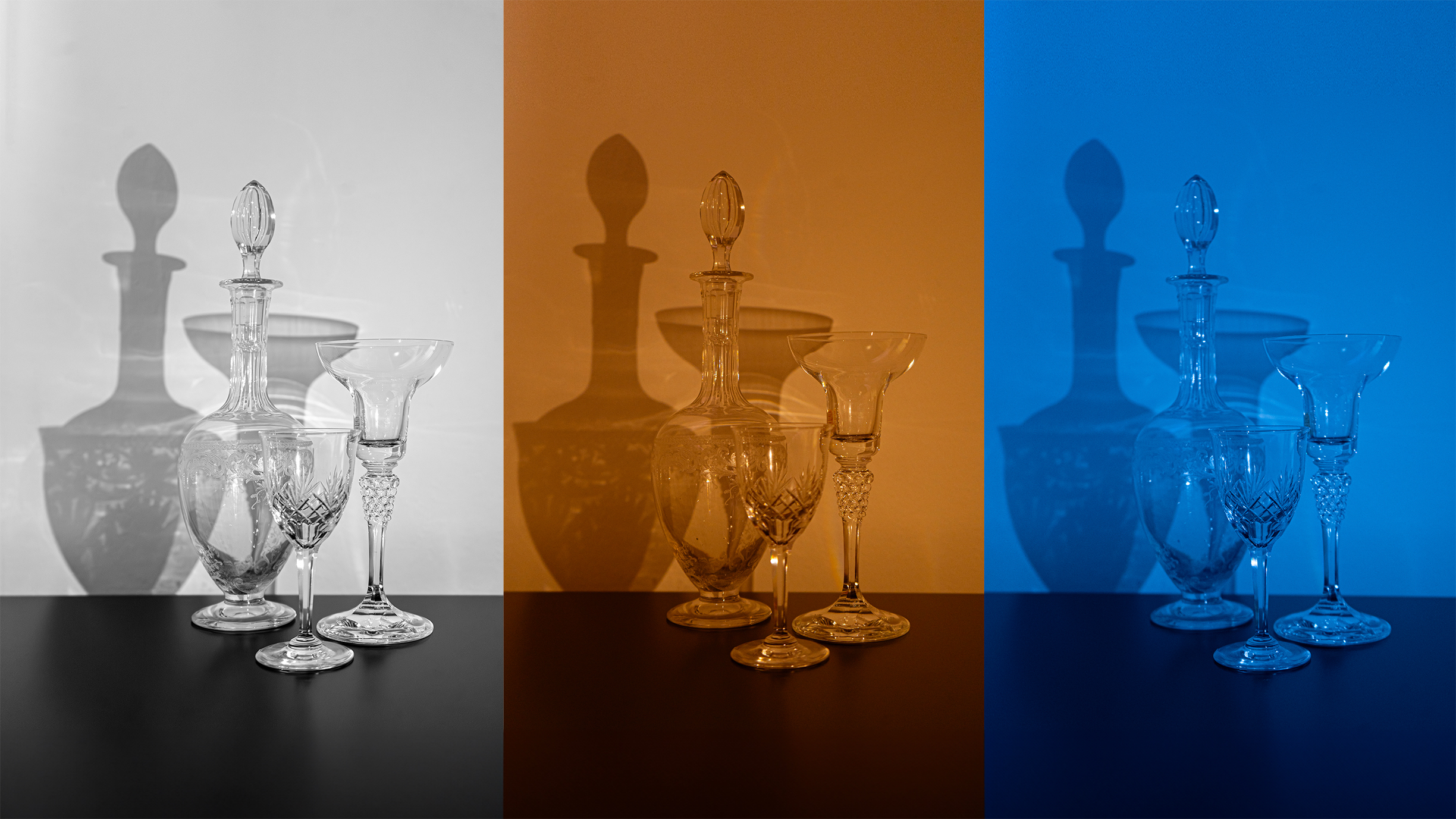
When it comes to capturing images, either still or moving, white balance is crucial. This setting helps to regulate the color temperature of an image, ensuring the most accurate representation of color, which can vary depending on the light source used and whether it’s artificial or natural.
When the white balance is set to the optimum, any white areas in the scene are rendered as ‘pure’ white and any color casts that may affect the overall quality of the image are eliminated. Most modern cameras feature an automatic white balance setting, which can adjust the camera’s color temperature between a range of approximately 3,000 and 7,000 Kelvin. This feature is particularly useful when taking photographs under changing light conditions or varying light sources. For instance, the color temperature during sunrise is around 2,000K (warm spectrum), while it rises to about 10,000K (cold spectrum) when capturing a subject under a clear blue sky.