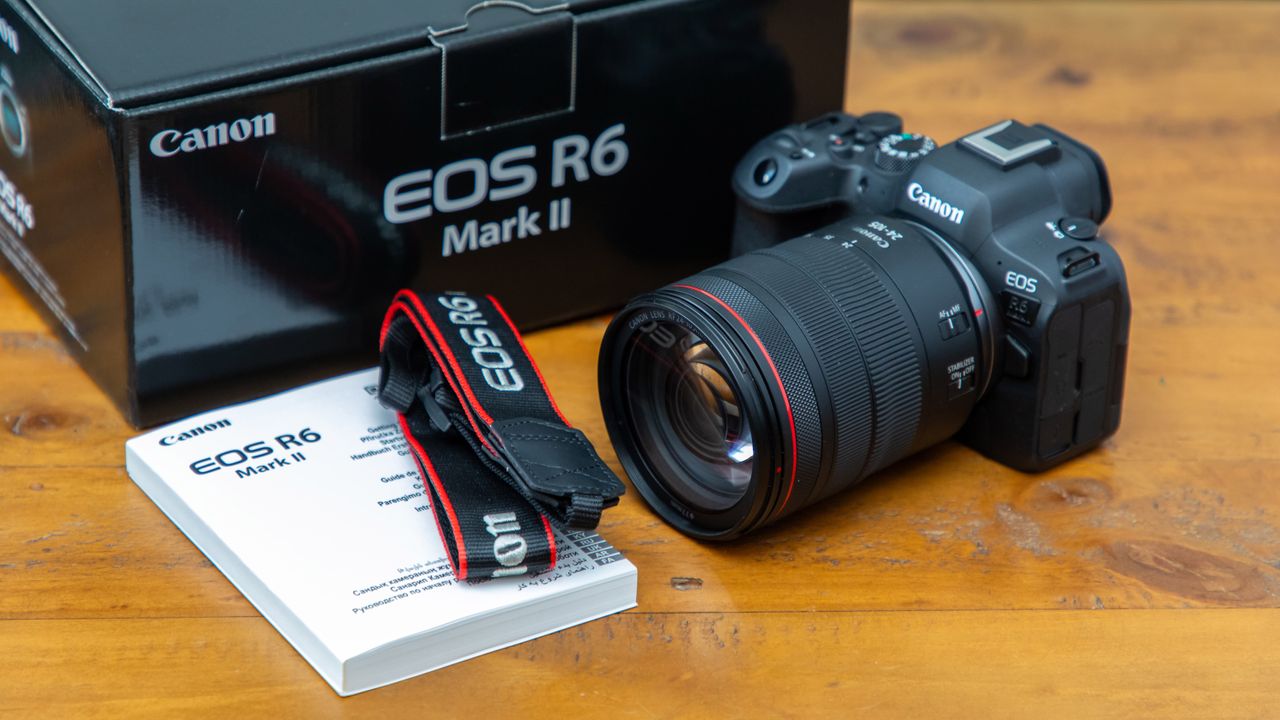
Depending on how naughty or nice you were this year could mean you were lucky enough to get your hands on one of the best mirrorless cameras from your loved ones to play with over the holidays. However, to get the best results you’ll want to take a few moments to configure it properly and get to grips with the key settings. In this article I run through how you can set up your new camera like a pro.
The first thing I do with any piece of new tech that has an LCD is to use a screen protector. These cost only a few bucks on Amazon and will help keep your camera screen in tip-top condition – they’re also infinitely easier to put on when the screen is immaculate and free from dust when opening up your brand-new camera too, so make sure you do this straightaway if you can.