Get all your news in one place.
100’s of premium titles.
One app.
Start reading
Tom’s Guide
Tom’s Guide
Technology
Josh Render

Got a new Android phone? These are the top 5 apps that you should consider downloading first

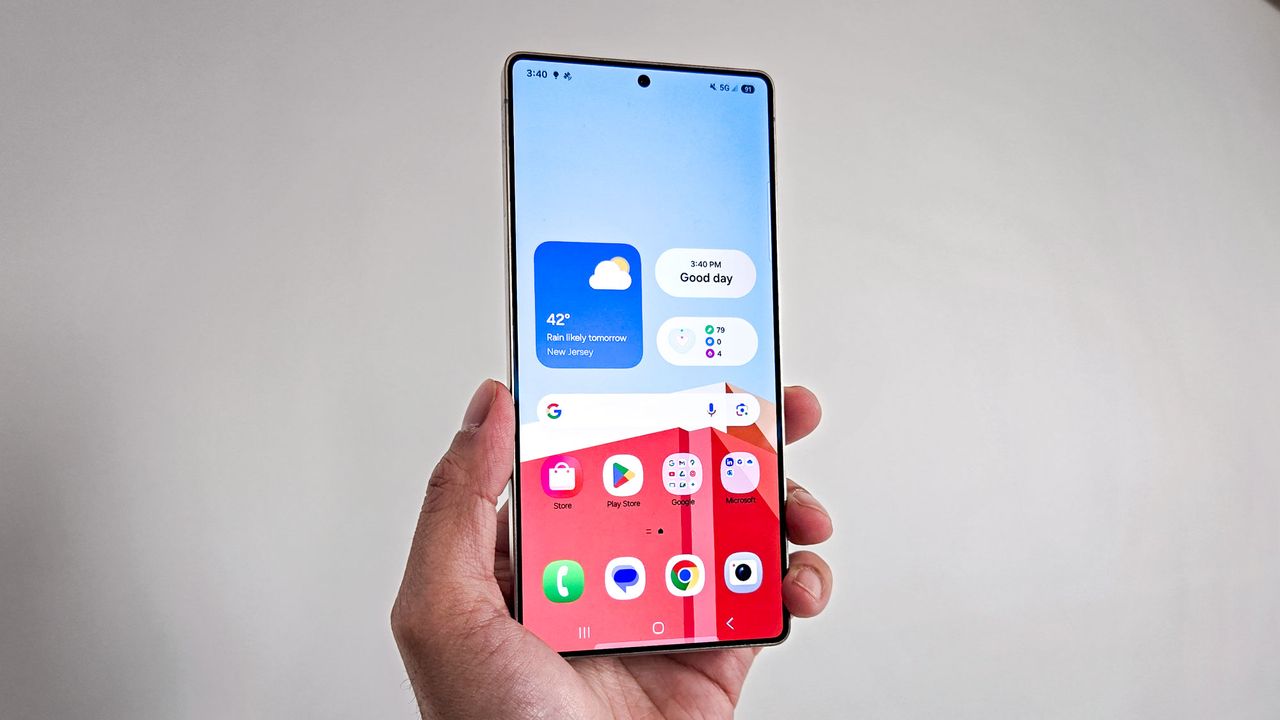
Samsung Galaxy S25 Ultra.

If you just got a new Android phone, then you might be struggling to find the right apps to download first.

The best apps are heavily dependent on what you use your phone for. For instance, are you an avid gamer looking for your next project, or are you looking to make a lifestyle change, or even find your way around? There are hundreds, if not thousands, of different choices out there, and it can be easy to get a bit lost.

I have gathered together five apps that I use nearly every day, with some of them having changed how I use my phone while traveling to work. Each one offers something different, and some might even help you keep any New Year's resolutions that you might have made.

Without further ado, let's break down the top five apps that you should consider downloading onto your Android phone.

Top five apps to download today

Amazon Kindle app

(Image credit: Future)

As an avid reader, one of the biggest challenges I often have is finding a place to put the actual books, not to mention carrying them on the train. However, that issue was removed once I downloaded the Amazon Kindle app, and I didn’t have to buy a separate Kindle either. The app is easy to use, and you can buy the books you want through the Amazon app or its website, and then have them in your library in seconds.

Plus, it has to be said, e-books tend to be much cheaper than physical copies (plus it's easier to find books that are no longer in print.) So, if your New Year’s resolution is to read more books in 2026, then the Kindle app is a great place to start.

You can find the Google Play Store Page here.

Strava

(Image credit: Shutterstock)

Speaking of New Year's resolutions, I’m sure that many of you will be joining me in promising to work off the result of days of Christmas gorging. However, actually going for a run can be a nightmare, especially if you’re doing it alone. However, Strava takes this issue and aims to solve it by creating a social feel to the experience.

Not only does the app track your progress and offer goals for you to reach, but it also allows you to share your most recent runs with friends and family, as well as see their progress. Suffering is more fun with others after all, so if you're looking to get fitter in 2026, then Strava is a great step to take.

You can find the Google Play Store page here.

NYT games

(Image credit: Future)

Finding a game to pass the time on your phone can be a real challenge, especially with how many of them can be quite predatory when it comes to a time investment. However, the NTY Games app is great if you’re looking for games that you can compete with your friends in, as well as offering some challenging brain teasers to help keep your cognitive skills sharp.

These daily games include the ever-popular Wordle, the mini crossword, and more. You can also share your results with your friends, which helps to add a bit of competition to each day. There are two options available on the app, with the free version granting access to daily games. However, you'll need a paid subscription to play older games, while also gaining access to the full New York Times crossword and more.

You can find the Google Play Store page here.

Waze

(Image credit: Shutterstock)

The days of using an A to Z to get around are long gone, having been replaced by the map app. Most of the best Android phones come with Google Maps preinstalled, which is great if you’re a fan of public transportation. However, if you prefer to drive, then we ( and most Tom's Guide readers) would recommend downloading Waze.

Waze has a lot to offer you to make sure that your drive is a smooth as possible, including any traffic updates and potential hazards. What helps to set it apart from the other options is that it makes the most out of other drivers on the road, with user reports helping to fill the map with any incidents of hazards that you need to know about.

Waze is completely free to use, but it is worth noting that you will need some form of internet connection (including 4G and 5G) to get the most from the app.

You can find the Google Play Store page here.

Smart Launcher 6

(Image credit: Future)

If you're a big fan of keeping all your apps organized, but still having a sense of personalization, then a smart launcher might be for you. One of the best options that I've found is the Smart Launcher 6, which helps to sort your apps into easy-to-understand categories.

Not only does it sort your apps, it also offers a powerful search engine that allows you to quickly find the relevant apps in a matter of seconds, and matches your wallpaper colors. It can be a little tricky to get your head around, at least initially, but if you're looking for an organized and unique design, then you can't do much better.

There is a free and a paid version of Smart Launcher 6, and the free version is perfectly serviceable, if a little limited.

You can find the store page here.

What apps are your first choice?

As I said from the start, the best apps are entirely dependent on what is that you want from your phone. With that in mind, why not let us know what kind of apps you're looking for, as well as what you would suggest for any new phone user, in the comments below.

Follow Tom's Guide on Google News and add us as a preferred source to get our up-to-date news, analysis, and reviews in your feeds.

More from Tom's Guide

Sign up to read this article
Read news from 100’s of titles, curated specifically for you.
Already a member? Sign in here
Related Stories
Top stories on inkl right now
One subscription that gives you access to news from hundreds of sites
Already a member? Sign in here
Our Picks
Fourteen days free
Download the app
One app. One membership.
100+ trusted global sources.