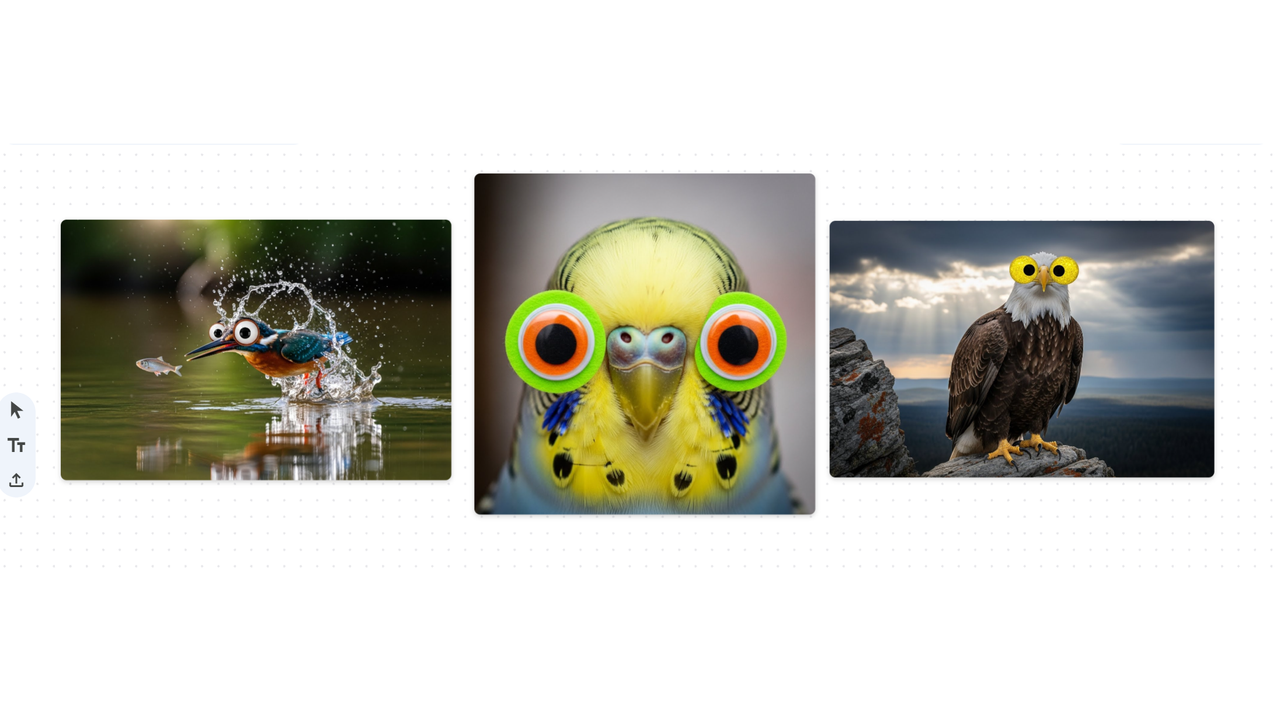
Google Labs is pushing us all to be more creative, and I am totally here for it. Google Mixboard is the latest launch, currenly in beta and available only in the U.S. for now.
If you've tried Gemini Canvas for storyboarding, this is very similar, but for visuals. This new AI tool is essentially a canvas for users to bring their ideas to life as they visualize, sketch, refine and remix ideas visually. You could think of it as Pinterest for your most creative aspirations.
First there was Nano Banana and now Mixboard hints at the next wave of creative AI tools helping you think, explore and shape your own concepts. Here's how it works:
What Mixboard can do
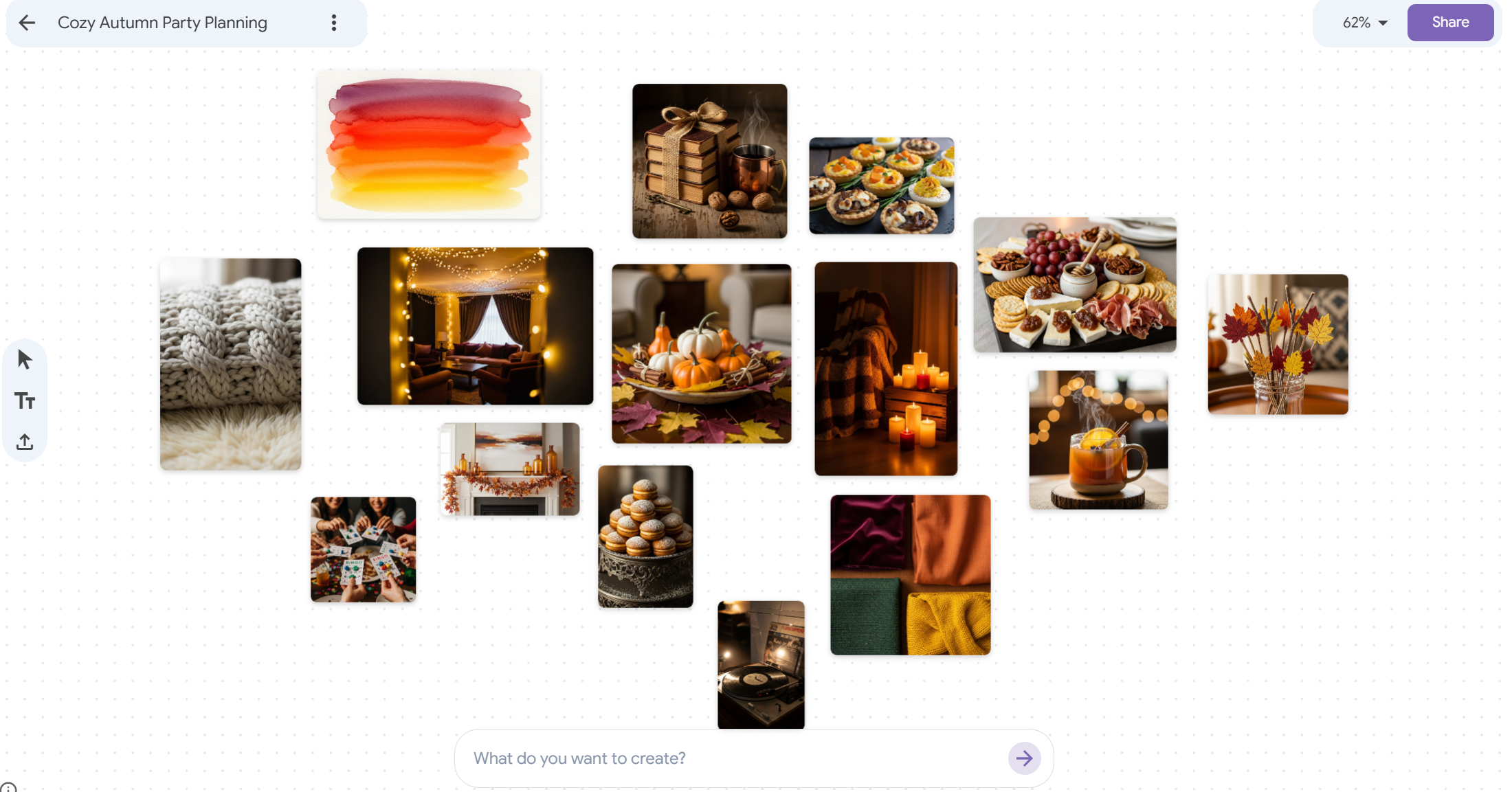
Users start with a text prompt or choose from ready-made boards offering various styles, themes and projects. You can upload your own images or generate new ones within the chat. Mixboard runs on Nano Banana to handle all image generation.
From there, you can use natural language to make edits and refine your ideas such as "blend these two concepts" or "make it more minimal." Then, generate the idea or ask for variations.
Users can create text that links directly to the visuals on their board, such as captions or descriptions.
Why I think it's worth trying

If you're a fan of Nano Banana, and with 5 billion images generated in the last month, it seems like the AI tool has many, you'll probably enjoy this tool. It's essentially fluid editing that could rival competitors like Midjourney, Kling and more.
Mixboard helps you play with possibilities and bring your ideas to life, making it useful for anyone brainstorming, designing or ideating. It's the place to design prototypes and generate supporting text within the same space, instead of juggling back and forth between multiple tools.
How to try it
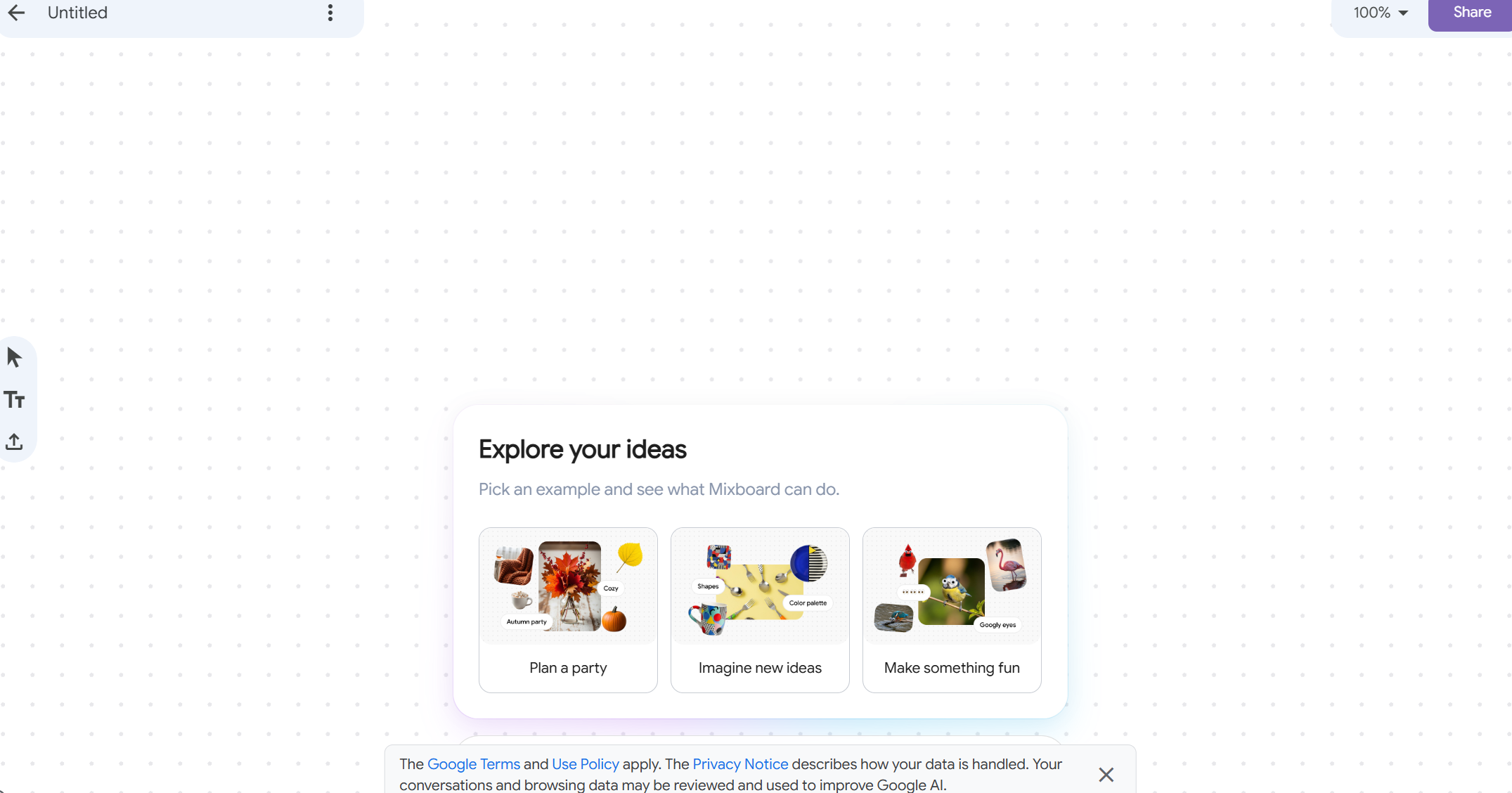
It's important to know that this AI tool is still in beta, which means it could drastically change from what it is now. That's why usage and feedback my help shape the future of the tool's features.
For now, it's only available in the U.S. and it may generate inconsistent or unexpected results. But as someone who has spoken to Google Labs about user feedback, I know for a fact they take it seriously. So, if you run into issues while using Mixboard, it's helpful to share your thoughts with Google.
If you’re in the U.S., head to labs.google.com/mixboard to test the beta. Quick tips for better results:
- Start with a clear concept (e.g. “cozy reading nook with pastel tones”).
- Upload seed images if you want a specific style.
- Use “regenerate” for fresh takes, “more like this” for variations.
- Add text only after visuals feel stable to avoid mismatched captions.
The takeaway
Mixboard is one of Google’s most intriguing creative AI experiments. Instead of doing the work for you, it aims to make you a better thinker. If you’re a visual creator or just curious about where AI is heading, it’s worth a spin — even if you have to wait for it outside the U.S.