Get all your news in one place.
100's of premium titles.
One app.
Start reading
Tom’s Guide
Tom’s Guide
Technology
Amanda Caswell

Google just fixed the biggest problem with leaving ChatGPT — I tried it

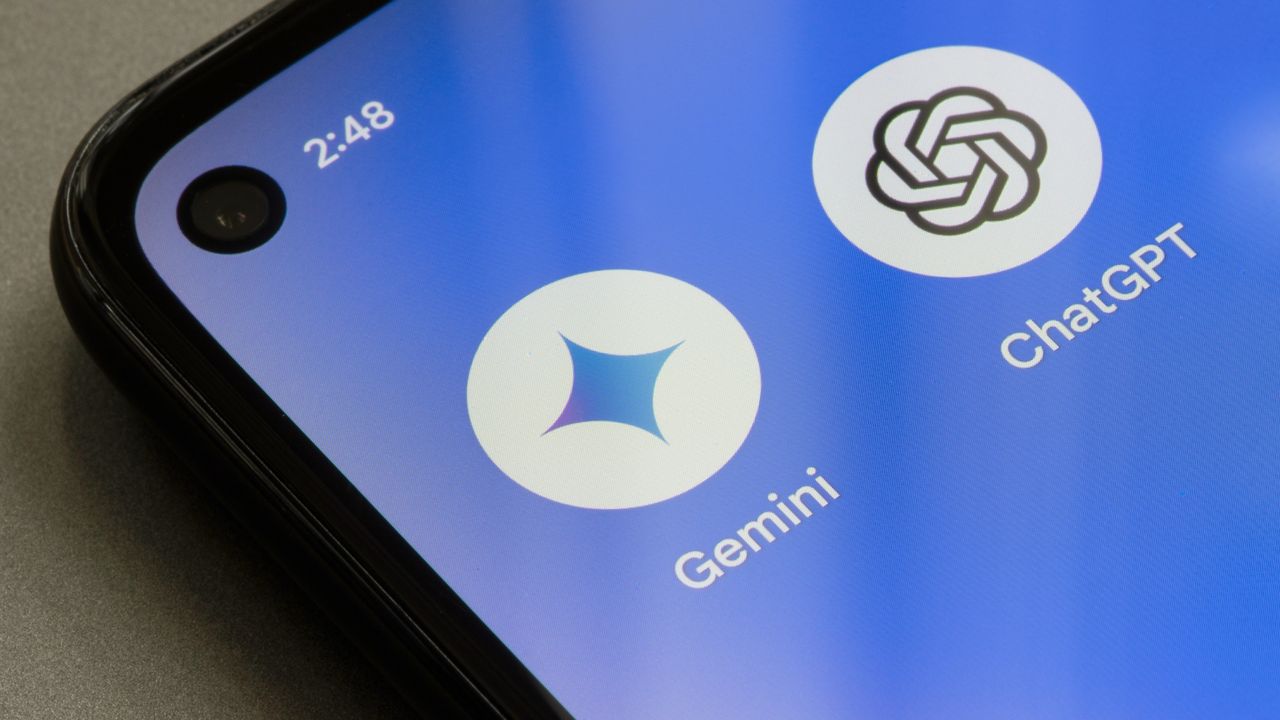
Gemini and ChatGPT logos on a phone.

Switching from one chatbot to another has always comes with a hidden cost of starting over completely. The QuitChatGPT movement has caused a lot of people to switch chatbots, with Claude even taking the top spot in the Apple app store. To make the switch from ChatGPT to Claude easier, Anthropic offered ea memory import tool.

Today, Google Gemini announced a way to import everything from another chatbot, too. So, I had to see if it actually worked.

Importing memory is surprisingly smooth

(Image credit: Google Gemini)

The memory transfer process is simple, but a little unconventional. Gemini gives you a prompt to paste into your current chatbot. That prompt generates a summary of your preferences — things like tone, formatting and recurring tasks.

Gemini gives you a prompt to paste into your current chatbot. That prompt generates a summary of your preferences — things like tone, formatting and recurring tasks. Then, you copy that response, paste it into Gemini and it builds your profile from there.

What stood out to me wasn’t just that it worked (and well!), but that Gemini immediately used that context. It actually felt like I was using ChatGPT, just within a Gemini interface.

Responses felt tailored right away. I didn’t have to re-explain how I like things structured or what I typically use AI for. For me, that alone removed a huge amount of setup time.

Importing chat history: useful, with limits

(Image credit: Shutterstock)

Next, I uploaded a ZIP file of past conversations. Gemini lets you browse and search those chats, which is helpful if you’re trying to revisit ideas or pick up an old thread.

But this isn’t a perfect “continuation” of every conversation. Instead, it works more like a reference library than a seamless memory — you can access past chats, but Gemini doesn’t automatically treat all of them as active context in new responses. So, it's kind of like telling a friend what happened, but with a "you had to be there" caveat.

Still, it’s far better than losing everything.

What actually transfers (and what doesn’t)

(Image credit: Future)

Preferences and tone carry over quickly as does key context, which is understood almost immediately. Additionally, old chats are searchable and accessible. But, old chats don't fully "continue" without prompting. You have to add something like, "bring up that chat about planning my vacation to Italy." When it doesn't do it right away, you may have to add the name of a restaurant or tourist attraction to "spark" that memory.

I also noticed that some things simply get lost in translation. I guess that would be "nuance," but the vibe simply feels off. Just keep in mind that you may need to refine things over time.

Bottom line

Making the switch from ChatGPT to Gemini or even Claude to Gemini is convenient. I really appreciate that for the first time, switching between chatbots doesn’t mean wiping the slate clean. This lowers the barrier to trying new tools, which is a big deal in a space where most people stick with whatever they started using first.

Paired with Gemini’s broader “Personal Intelligence” features — pulling from Gmail, Photos, Search and past chats — it’s clear Google is aiming for something bigger than a chatbot. It wants to be your long-term AI layer.


More from Tom's Guide

Sign up to read this article
Read news from 100's of titles, curated specifically for you.
Already a member? Sign in here
Related Stories
Top stories on inkl right now
One subscription that gives you access to news from hundreds of sites
Already a member? Sign in here
Our Picks
Fourteen days free
Download the app
One app. One membership.
100+ trusted global sources.