Get all your news in one place.
100's of premium titles.
One app.
Start reading
Windows Central
Windows Central
Technology
Kevin Okemwa

Google Chrome's design revamp is a total miss for some users — Here's how to revert to the old style

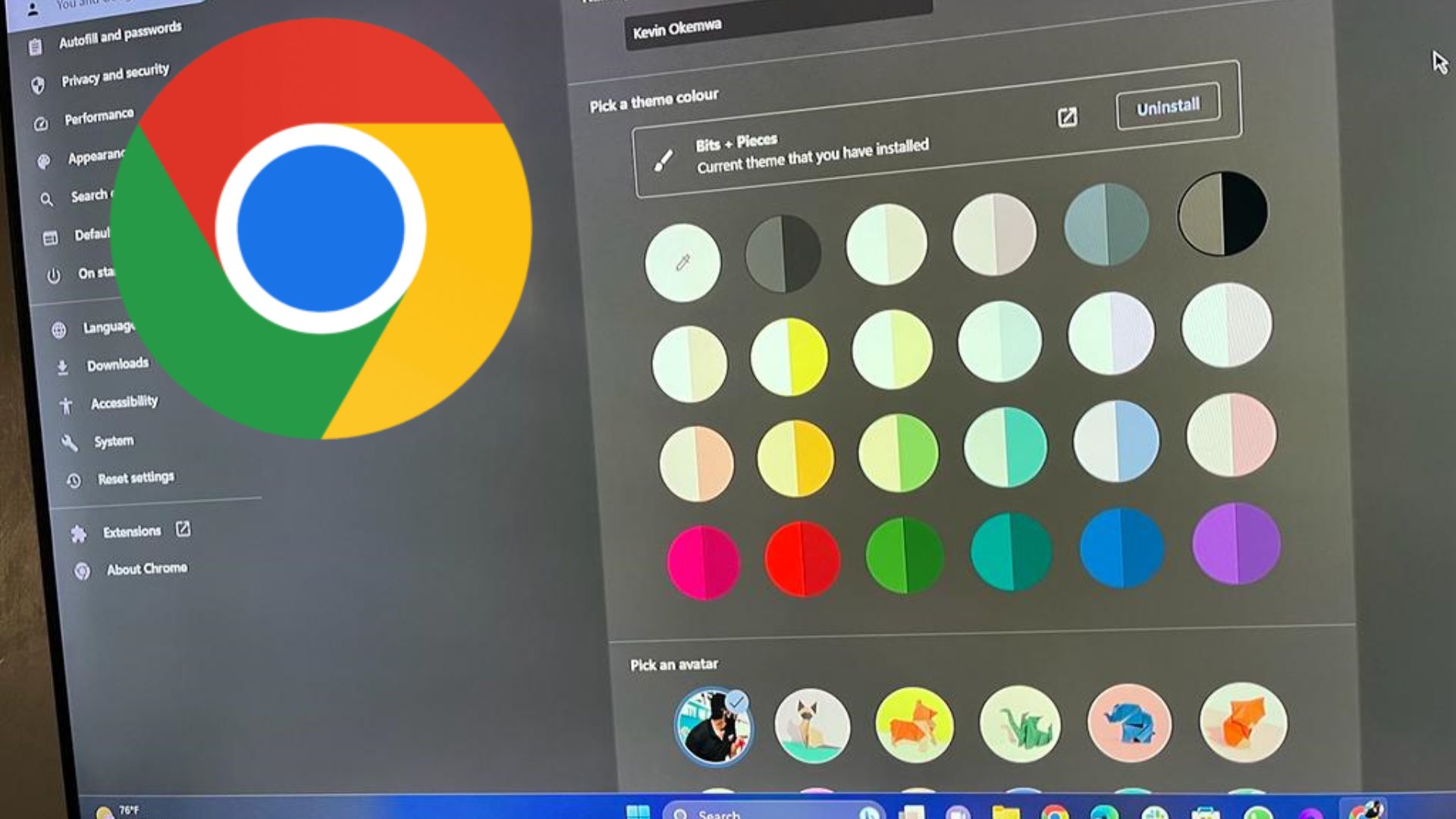
Google Chrome theme color pallette in Customize Chrome panel.

What you need to know

  • Google Chrome has been revamped with a Material You redesign.
  • The redesign adds rounded corners, a better search experience, a revamped Chrome Web Store, and more.
  • It also features new safety features that make it easier to identify malicious ploys and extensions that have been unpublished and violate Google's policies.
  • Users have openly expressed that they prefer the old design to the new one and can revert to the old design by following a few steps.

Sign up to read this article
Read news from 100's of titles, curated specifically for you.
Already a member? Sign in here
Related Stories
Top stories on inkl right now
One subscription that gives you access to news from hundreds of sites
Already a member? Sign in here
Our Picks
Fourteen days free
Download the app
One app. One membership.
100+ trusted global sources.