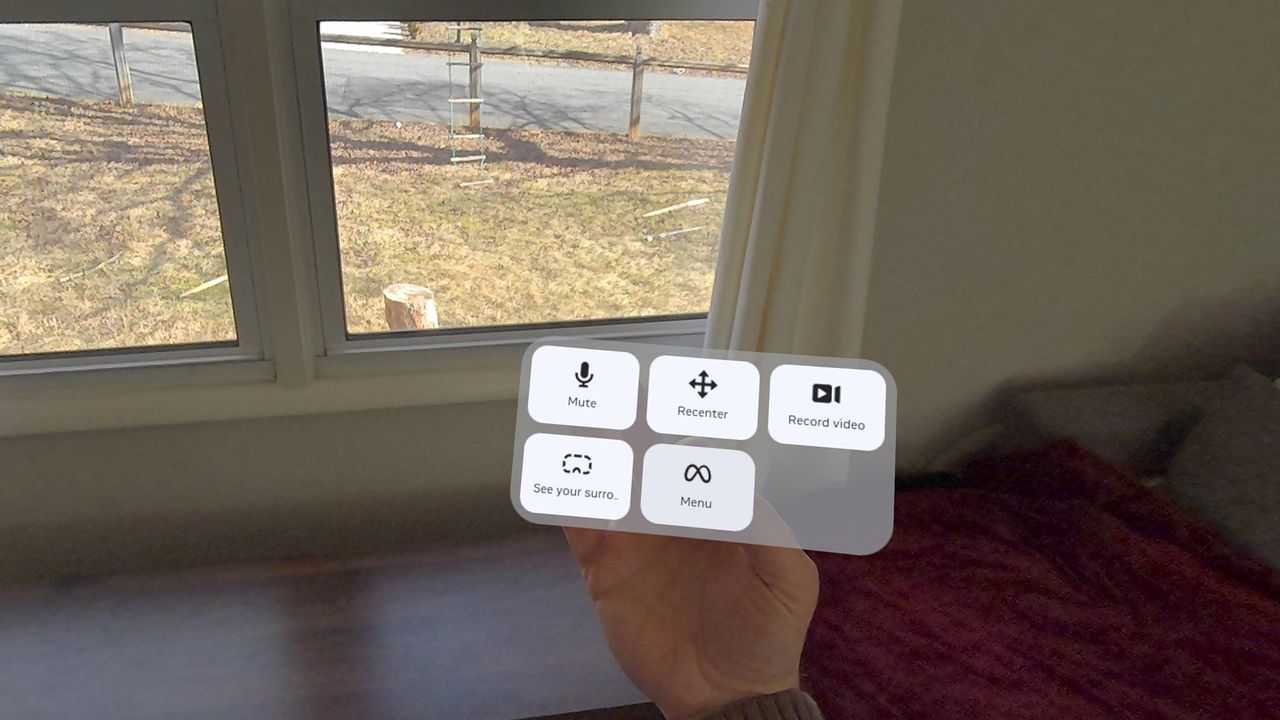
Meta Quest games that primarily use hand tracking are extremely cool, there's no doubt about it. Being able to interact with a virtual world using your actual hands feels like something out of a sci-fi movie, but that sense of realism and interaction also means that inputs are a bit more restrictive than when using controllers with joysticks and buttons.
That means when playing a game like Dimensional Double Shift, you can interact with the world and other players like never before. Still, it's not as easy to perform system tasks like taking a screenshot, recording a video, or muting your microphone. Thankfully, there's a solution for that, but it's a bit hidden within the system menu.