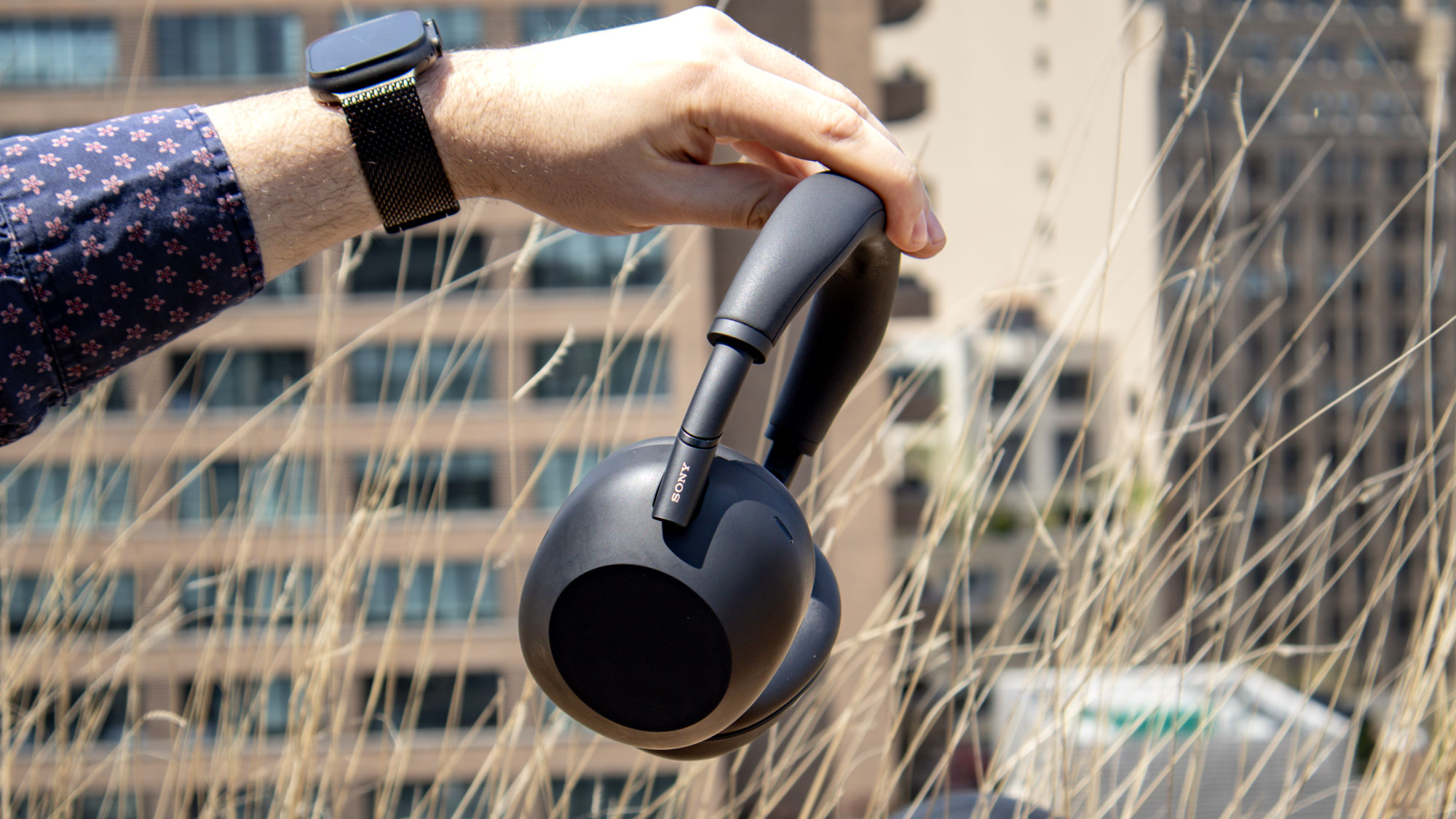
So you've got your shiny new wireless headphones, and they're all connected up to your Android phone. You open Spotify, get that 25-hour Pop Punk playlist running, and set off for some on-the-go listening. But there's a problem — it doesn't sound quite right.
You can't put your finger on it, but you feel like your headphones could sound better. Thankfully, there are plenty of ways on an Android phone to make sure your best wireless headphones are performing at their best. Even better, they're usually only a settings menu or an app installation away.