Get all your news in one place.
100’s of premium titles.
One app.
Start reading
Android Central
Android Central
Technology
Nandika Ravi

Gemini's refresh: Unveiling the new 'My Stuff' folder for seamless user navigation

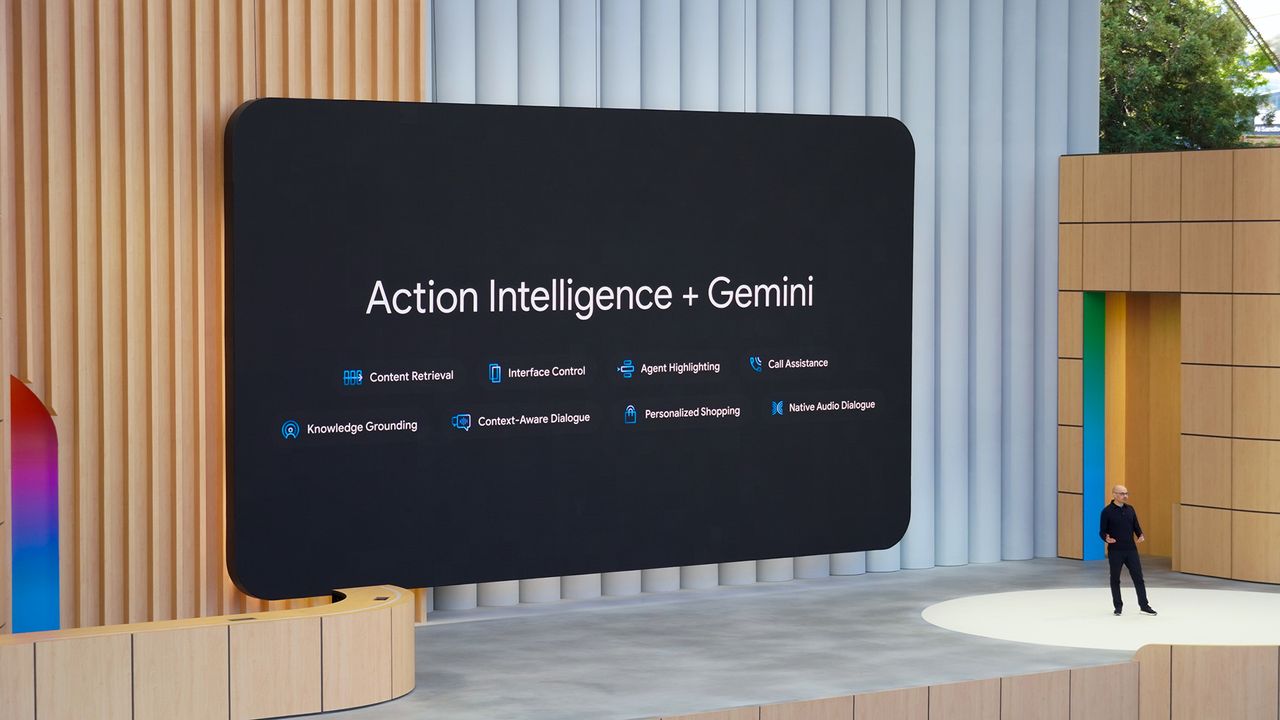
Gemini Action Intelligence at Google I/O 2025.

What you need to know

  • Gemini's new web design features a cleaner look and an updated dark theme.
  • The 'My Stuff' folder simplifies access to your previous content on Gemini.
  • UI improvements coincide with the launch of Gemini's latest AI models.

Google unveiled a sleek redesign of its Gemini web interface, featuring a dark theme and a streamlined "My Stuff" folder, earlier this week (Dec. 3). Enhancing user accessibility and reflects the recent launch of its advanced AI models, aiming to revolutionize online interactions.

The web version of Gemini now includes a modern homepage and a "My Stuff" folder on the left for previously generated content (as spotted by 9to5 Google).

(Image credit: Nandika Ravi/Android Central)

Android Central's staff have also received this new update on Gemini's website, confirming that the new appearance and user interface are now available to the public.

Much like the Gemini app, the web version's homepage now features a bluish-gray background on light mode and a fully-black background on dark mode. The greeting on the page reads as "Hi" instead of "Hello," with the prompt bar and Gemini's suggestions right below it. Additionally, you notice a spinning animation on the Gemini sparkle logo on the initial page load, while the prompt box also has more defined outlines.

The menu on the left of the homepage also receives a tiny tweak, with a new "My Stuff" section along with the existing "Gems" and "Chats". As you may have noticed on the Gemini app, My Stuff stores images, videos, and Canvas creations separately from your Gemini chats for easy access. By tapping content in My Stuff, you'll see different conversations with Gemini that you've generated images for.

(Image credit: Google)

The website also notes that, in the chat conversations, there’s a new dropdown menu when clicking the chat name to "Share conversation, Pin, Rename, and Delete."

Google seems to be revamping Gemini's UI after it recently rolled out its latest models, Gemini 3 Pro and Nano Banana Pro, which came in with Google's November drop. The new model is said to gain a refreshed AI mode that enhances Google Search with multimodal responses, offering smarter, concise interactions for users.

Sign up to read this article
Read news from 100’s of titles, curated specifically for you.
Already a member? Sign in here
Related Stories
Top stories on inkl right now
One subscription that gives you access to news from hundreds of sites
Already a member? Sign in here
Our Picks
Fourteen days free
Download the app
One app. One membership.
100+ trusted global sources.