
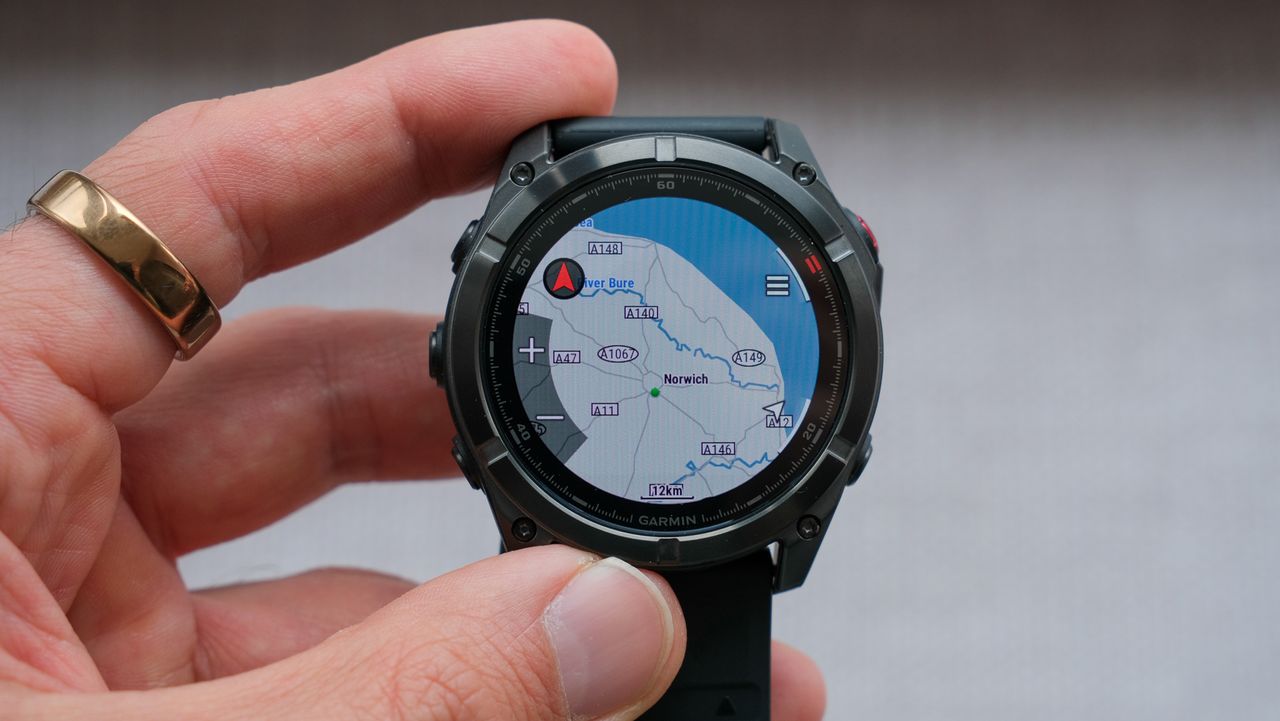
Garmin is preparing another free software update for the Fenix 8, with fixes targeting some particularly frustrating problems encountered during workouts and everyday use.
Beta Version 23.22 is now being distributed to watches enrolled in Garmin’s Public Beta programme.

Despite the lengthy changelog, this is primarily a reliability update and not one packed with new training or navigation features.
The most noteworthy change for runners is a fix for an issue that could cause pace and speed data to drop out, especially during interval training.
Losing real-time pace information is inconvenient on any run, but it is particularly disruptive during a structured session when each interval may have a specific speed or intensity target.
Garmin is also addressing a problem that could cause its flagship outdoor watch to reboot sporadically.
Other fixes target resets while viewing the Morning Report or receiving an audio spectator message, as well as a crash that could occur when incident detection was activated.
Tuning up
The update also includes several smaller quality-of-life improvements.
Garmin says it has fixed a volume slider that could bounce around and become unresponsive in the music controls, as well as an issue that prevented audio spectator messages from playing while music was paused.
Voice output should also work more reliably after receiving a spectator message, while silent mode should now be correctly honoured when Activity Focus Mode is enabled.
Morning and Evening Reports have been adjusted to time out properly rather than remaining on screen indefinitely.
The software introduces a prompt explaining that watch face selections made during Boat Mode will only appear after Boat Mode has been disabled.
Quatix 8 users should also regain the ability to change and customise watch face styles.
Version 23.22 applies to Garmin’s current family of premium outdoor watches, including the Fenix 8, Fenix 8 Pro, Fenix 8 Pro MicroLED, Enduro 3 and Quatix 8.
At the time of Garmin’s announcement, the beta had reached around 20% of eligible Public Beta participants.
Enrolled users can check manually by opening the watch’s main menu and heading to System, Software Update, and Check for Updates.
[via NotebookCheck, Garmin]