
Get all your news in one place.
100's of premium titles.
One app.
Start reading
Windows Central
Windows Central
Technology
Richard Devine

Forza Horizon 6 doesn't have the best voice acting, so here's how to turn off the audio dialogue

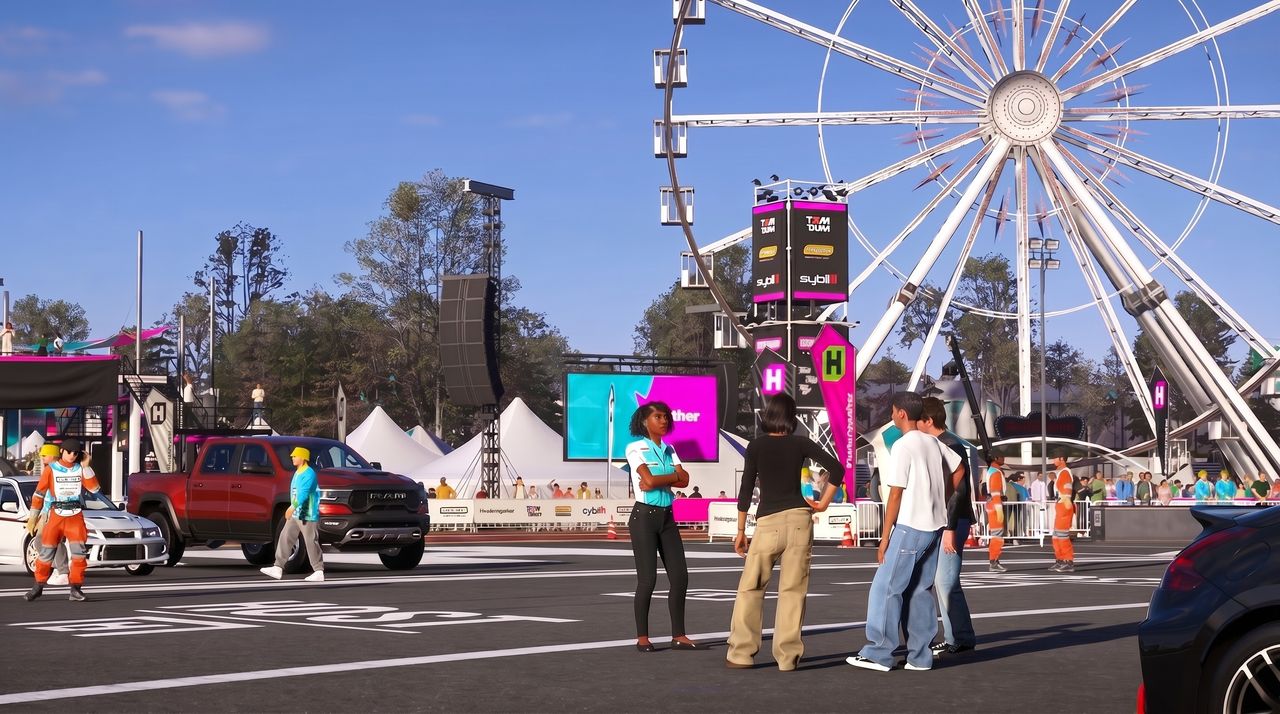
A screenshot of Forza Horizon 6 characters talking at the Horizon Festival outpost. .

Let's face it, nobody will be playing Forza Horizon 6 for a killer storyline or some incredible voice acting. The campaign is simply a way to unlock all of the things you need to do, but you can't avoid the NPCs chattering away in your ear.

Or can you? Fortunately, you can.

Having played all the way through to Legend Island in Forza Horizon 6, I can say with confidence that you don't miss anything by not listening to the in-game dialogue. But you can also make it so you don't need to hear it at all, while still leaving subtitles on so you can still see what's being said. Here's how

How to turn off audio dialogue in Forza Horizon 6

The audio settings in Forza Horizon 6 are superb and let you turn down anything you don't want to hear. (Image credit: Windows Central)

To make it so you don't have to listen to the in-game characters (which includes your own), simply follow these steps.

  1. Pause the game.
  2. Open Settings.
  3. Select the Audio tab.
  4. Scroll down until you find the Dialogue volume slider.
  5. Set the slider all the way down to zero.

Subtitles are probably on by default, and it's worth keeping them on because occasionally there will be some nuggets of information that are helpful.

Barn Find restoration completion will be accompanied by a proper on-screen notification, so even without subtitles you'll never miss when these are ready to add to your collection.

If you do need to enable subtitles, here's how to do it.

You can still see what the characters are saying even if you can't hear them. (Image credit: Windows Central)
  1. Pause the game.
  2. Open Settings.
  3. Choose the Accessibility tab.
  4. Turn Subtitles to on.

Now you're able to keep the subtitles on while ensuring you don't have to listen to any of the audio dialogue. There are also settings to customize just how you want the subtitles to look, including an option to highlight key words.

The audio settings in Forza Horizon 6 actually give you a significant level of control over how you want the game to sound. I recommend playing with all of the options available to you in the audio settings menu to find that "sweet spot" for your own enjoyment.

And a pro tip if you're going to be streaming or creating any form of video content: go right to the bottom of the audio settings and enable "Streamer Mode" so you don't get hit by copyright strikes.

For more be sure to check out our full Forza Horizon 6 review.

Join us on Reddit at r/WindowsCentral to share your insights and discuss our latest news, reviews, and more.

Sign up to read this article
Read news from 100's of titles, curated specifically for you.
Already a member? Sign in here
Related Stories
Top stories on inkl right now
One subscription that gives you access to news from hundreds of sites
Already a member? Sign in here
Our Picks
Fourteen days free
Download the app
One app. One membership.
100+ trusted global sources.


