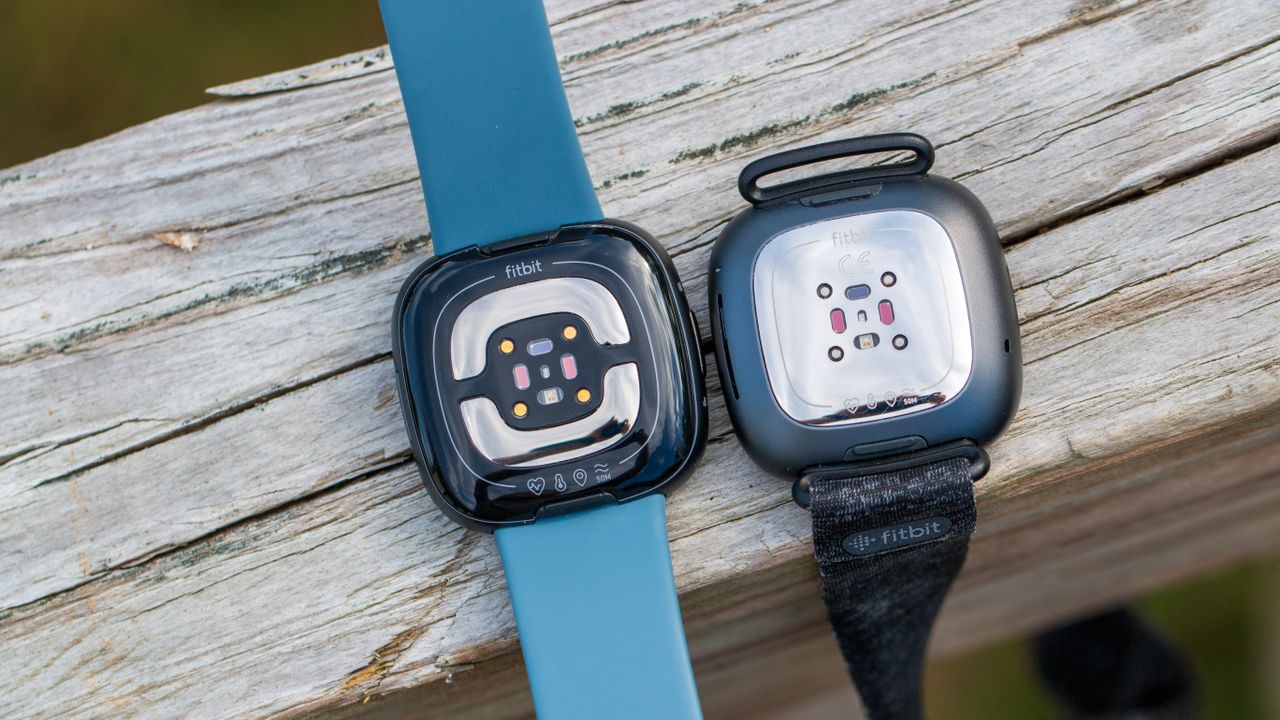
Not enough magic
Bringing the physical button to the Sense 2 was the right move, as it ditched the frustrating capacitive one. Features like Maps and Wallet that weren't available at launch are now accessible, but the price tag is still hard to justify.
Pros
- Ditches haptic button in favor of a physical one.
- Lighter and thinner
- Features continuous EDA sensor
- 6+ days of battery life
- Includes 6-month Fitbit Premium membership
- Google Wallet and Google Maps are available
Cons
- Some features are limited to Fitbit Premium subscribers
- Google Assistant is not available
- Unable to download third-party apps
- Still costs about $250 when not on sale
Still pretty great
The Fitbit Sense may lack a cEDA sensor, but it can still help you keep track of your stress levels. It also has the added benefit of supporting Google Assistant, but you can't use Google Wallet or Maps.
Pros
- 6+ days of battery life
- Access to either Alexa or Google Assistant
- Includes many of the same features and sensors as the Sense 2
- Includes 6-month Fitbit Premium membership
Cons
- Haptic "button" is not reliable
- Some features limited to Fitbit Premium subscribers
- EDA scanning is not continuous
- Lacks features like Google Wallet and Maps
There's a treasure trove of fantastic smartwatches available for every kind of user and every type of budget these days. Samsung, Google, Apple, Garmin, and Amazfit are some of the most notable players, with Fitbit falling under Google's umbrella as a subsidiary.
It's been a few years since the Fitbit Sense 2 and Versa 4 made their debut back in 2022. Even today, it's hard to decide whether you should upgrade to the Fitbit Sense 2 if you own a Fitbit Sense, or maybe even skip the Sense 2 and upgrade to something else altogether. This is largely because the Sense 2 still retails for $250, frequently going on sale for $199 on and off.
Bearing in mind that the Pixel Watch 3 and Watch 4 cost nearly the same or just a little more than the Sense 2, let's dive into this comparison of the Fitbit Sense 2 versus the Fitbit Sense.
Fitbit Sense 2 vs Fitbit Sense: What's the same?
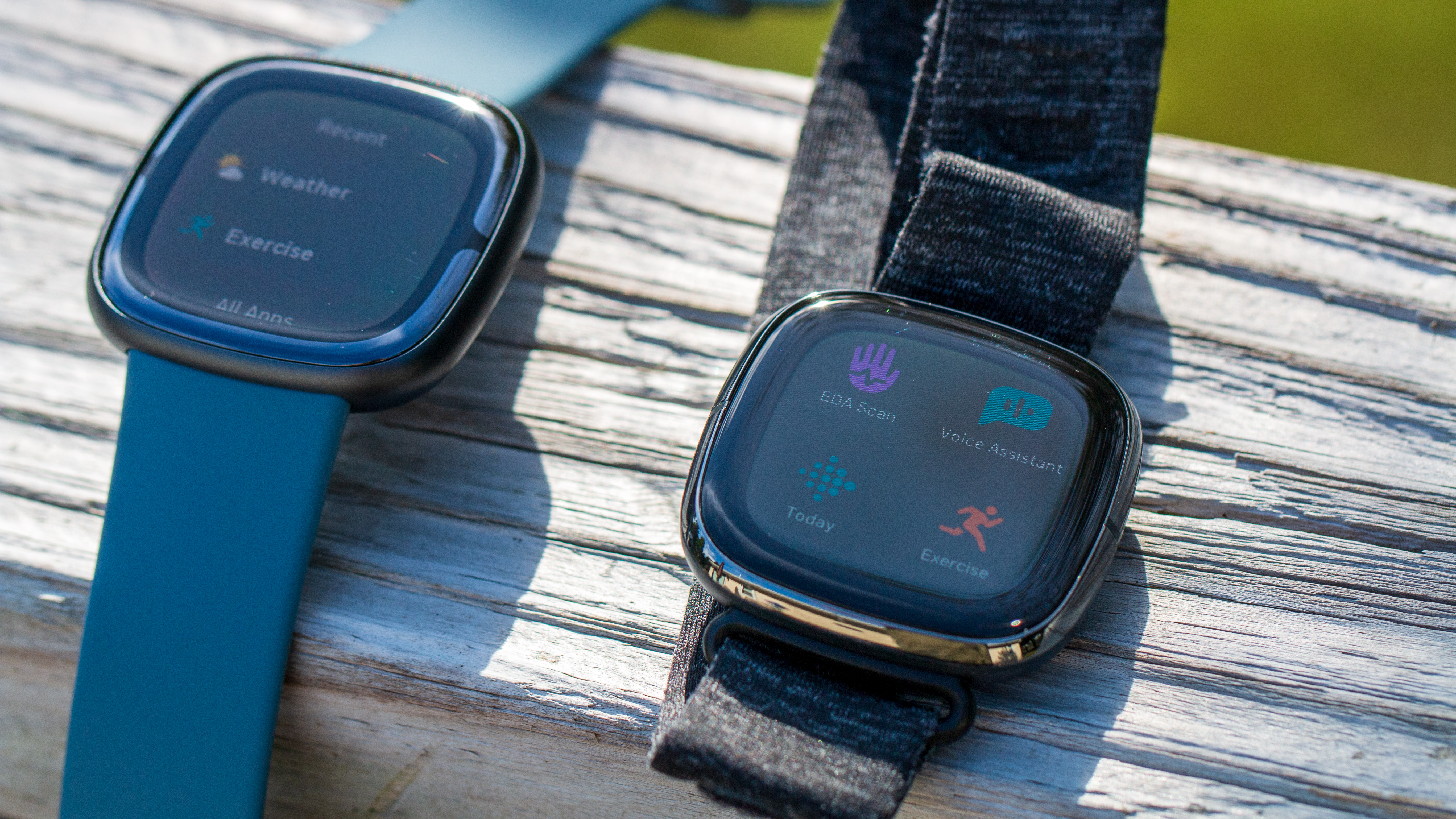
Putting it plainly, there's really not much of a difference between the Sense 2 and the original Fitbit Sense. Both of these smartwatches are more than capable of tracking things such as your heart rate, stress levels, sleep, and at least 20 different specific activities/workouts.
There's one major change in the design segment, which we'll touch on in the next section. Other than that, you might have a hard time telling the two flagship Fitbit smartwatches apart. They both feature a 1.58-inch AMOLED display, with the same 336x336 resolution, with a frame made from aluminum paired with a silicone band.
Category |
Fitbit Sense 2 |
Fitbit Sense |
|---|---|---|
Display |
1.58-inch AMOLED |
1.58-inch AMOLED |
Dimensions |
40.5 x 40.5 x 11.2mm |
40.48 x 40.48 x 12.35mm |
Sensors |
GPS + GLONASS, ECG, cEDA, skin temperature, optical heart rate sensor, gyroscope, 3-axis accelerometer, altimeter, ambient light sensor |
GPS + GLONASS, ECG, EDA, skin temperature, optical heart rate sensor, gyroscope, 3-axis accelerometer, altimeter, ambient light sensor |
Connectivity |
Bluetooth 5.0, Wi-Fi 802.11 b/g/n |
Bluetooth 5.0, Wi-Fi 802.11 b/g/n |
Water resistance |
5 ATM |
5 ATM |
Battery life |
6+ days |
6+ days |
ECG / EDA |
✔️ (cEDA) |
✔️ (EDA) |
Skin temperature |
✔️ |
✔️ |
NFC payments |
✔️ (Google Wallet, Fitbit Pay) |
✔️ (Fitbit Pay) |
Voice assistant(s) |
Amazon Alexa |
Amazon Alexa, Google Assistant |
Google Maps and Wallet support |
✔️ |
❌ |
Mic/speaker |
✔️ |
✔️ |
Battery life is also expected to be the same for the Sense 2, offering more than six days of usage on a single charge. This matches up with the original Sense, and with both, you'll have to account for workout tracking and the always-on display, as those will lower the projected totals.
And while Fitbit Premium is needed to unlock the Sense and Sense 2's full potential, the company will continue to offer a free six-month trial. This is more than enough time to decide whether Premium is worth the cost or if you'll be just fine without it after the trial has concluded.
Fitbit Sense 2 vs Fitbit Sense: What's different?
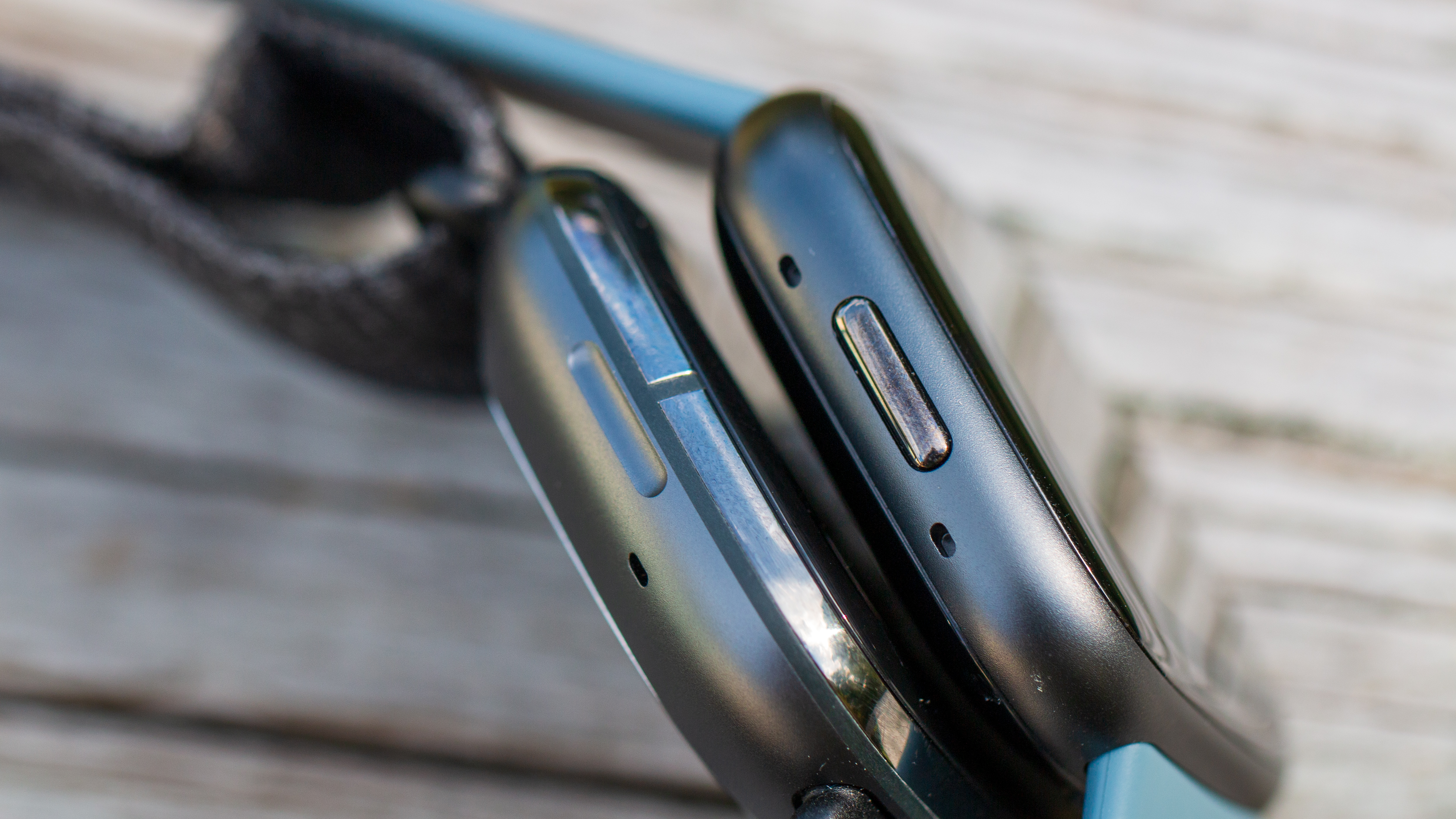
As we alluded to previously, the biggest difference when comparing the Fitbit Sense 2 vs. the Fitbit Sense is the reintroduction of a physical button on the left side. Fitbit has attempted to make its capacitive "button" work on various fitness trackers and smartwatches, but it never worked quite right. It's a move that makes it clear that Fitbit is listening to its users, as the physical button simply makes interacting with a device easier.
When it comes to health and fitness tracking, there's only one single difference between the two wearables. The original Fitbit Sense introduced an EDA (electrodermal activity) sensor that made it possible to monitor how the electrical levels of your skin changed throughout the day; it was a bit cumbersome to use. It wasn't available at launch and remained dormant until Fitbit released its EDA Scan app for the wearable.
With the Fitbit Sense 2, the company has replaced this older sensor with a new cEDA (continuous electrodermal activity) monitor. As the name suggests, the Sense 2 is now able to consistently measure your stress levels throughout the day. And if your levels are too high, your watch will let you know as much, providing some suggestions for how you can get back to "normal."
It's been more than three years since Google acquired Fitbit, but until now, Google hasn't had much input in the software of Fitbit wearables. This started to change with the Sense, as users can use Google Assistant (or Alexa) directly on their wrists. However, the Sense 2 presented Google with the ability to implement even more features while we wait around for the Wear OS-powered Fitbit smartwatch to appear.
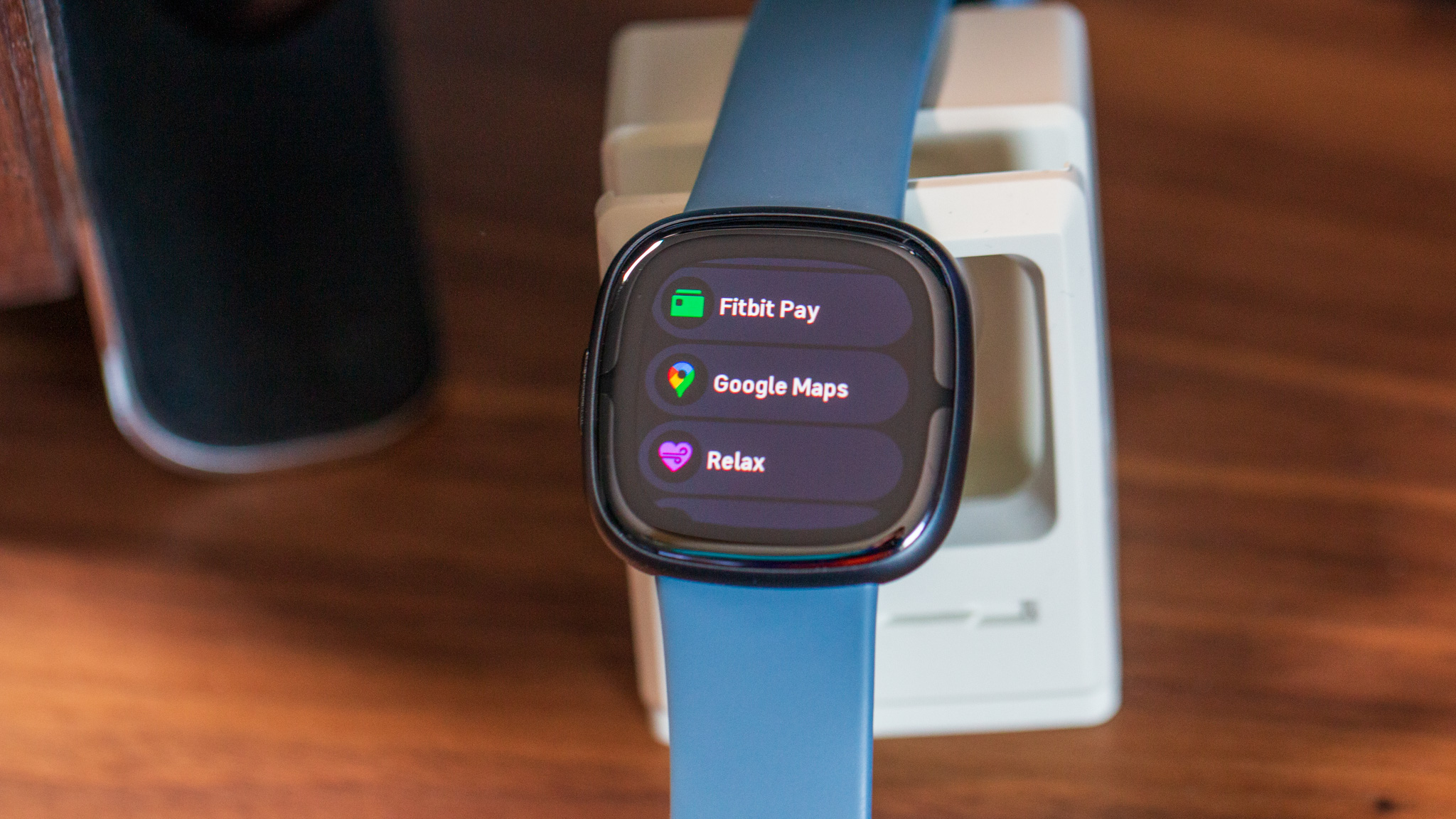
With the Sense 2, users have the option to use Google Wallet over Fitbit Pay, along with getting turn-by-turn directions courtesy of Google Maps. This is a big deal for Fitbit and Google. While you get Alexa on the Sense 2, the lack of Google Assistant support is a major letdown.
Fitbit Sense 2 vs Fitbit Sense: Should you upgrade?
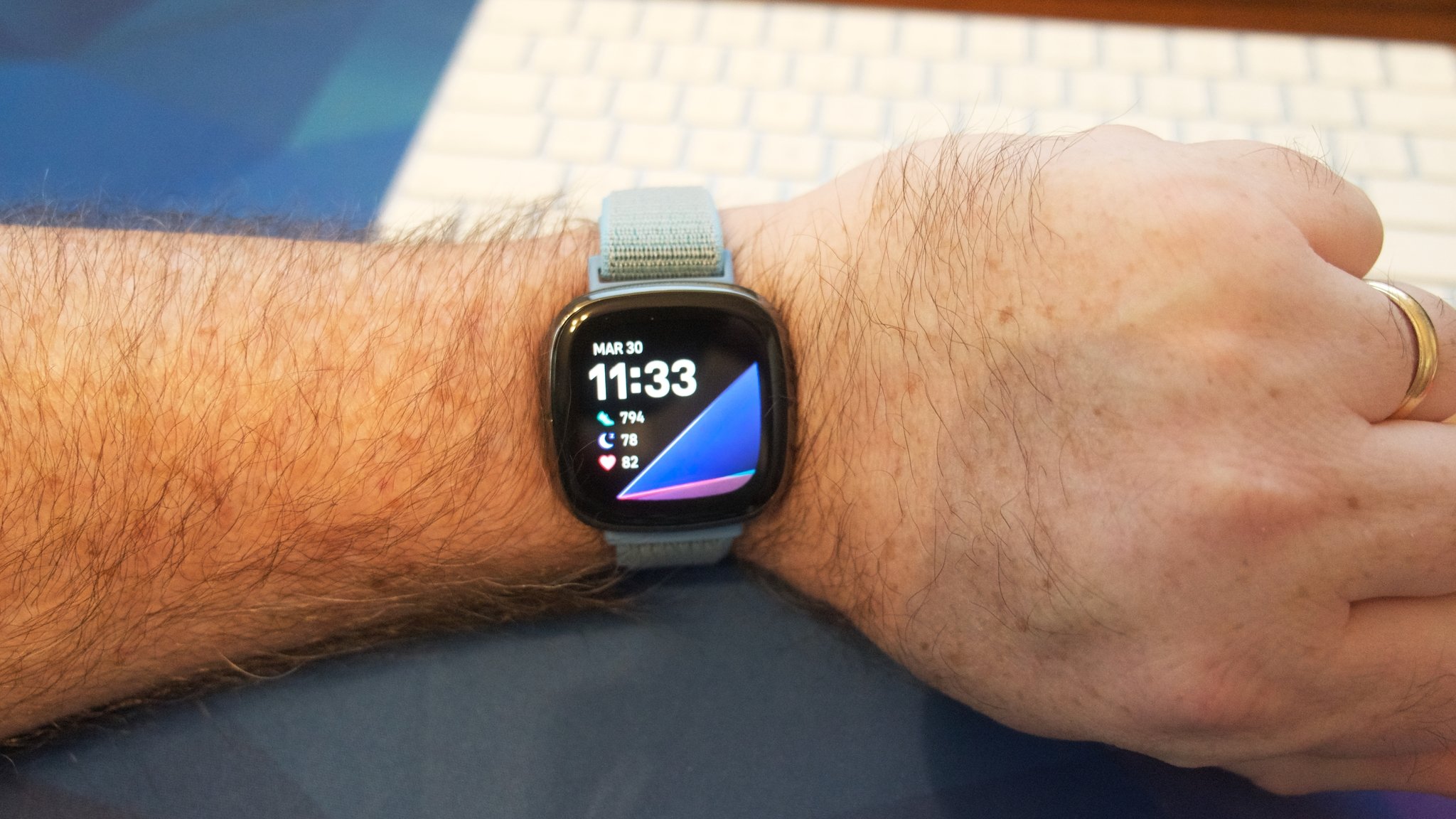
There are really only two reasons why you might want to consider upgrading from the Sense to the Sense 2. The first is for those who are annoyed or bothered by the capacitive button and would prefer to have a physical one. Next is for those who want to be able to use Google Maps and/or Google Wallet without grabbing a WearOS smartwatch.
Considering the $250 retail price of the Fitbit Sense 2, it makes far more sense to grab the Pixel Watch 3 or Watch 4 if you can afford to spend a little more money. The Watch 3 sells for about $219 to $299, frequently going on sale for even cheaper. It can do everything the Sense 2 can do and way more, and has the same cEDA sensor that the Sense 2 uses to monitor stress levels.
At the end of the day, if you're looking to upgrade your Fitbit Sense and want the Fitbit app along with its features, get the Google Pixel Watch 3 instead, or the Watch 4 if you can afford to splurge. You could even get the older Pixel Watch 2 and still get a major upgrade, along with all the bells and whistles of Wear OS. In this day and age, buying a Fitbit Sense or Sense 2 just doesn't make sense.
Almost the same
The Fitbit Sense 2 doesn't offer much in the way of upgraded health and fitness tracking features, with the only difference being the addition of a cEDA sensor. But you might be intrigued by the inclusion of Google apps such as Wallet or Maps.
Great, if you have one
Fitbit is already phasing the original Sense out, as it's being removed from many storefronts. But if you already own one, there's not much reason to upgrade, as the original Sense already does pretty much everything the Sense 2 can do.