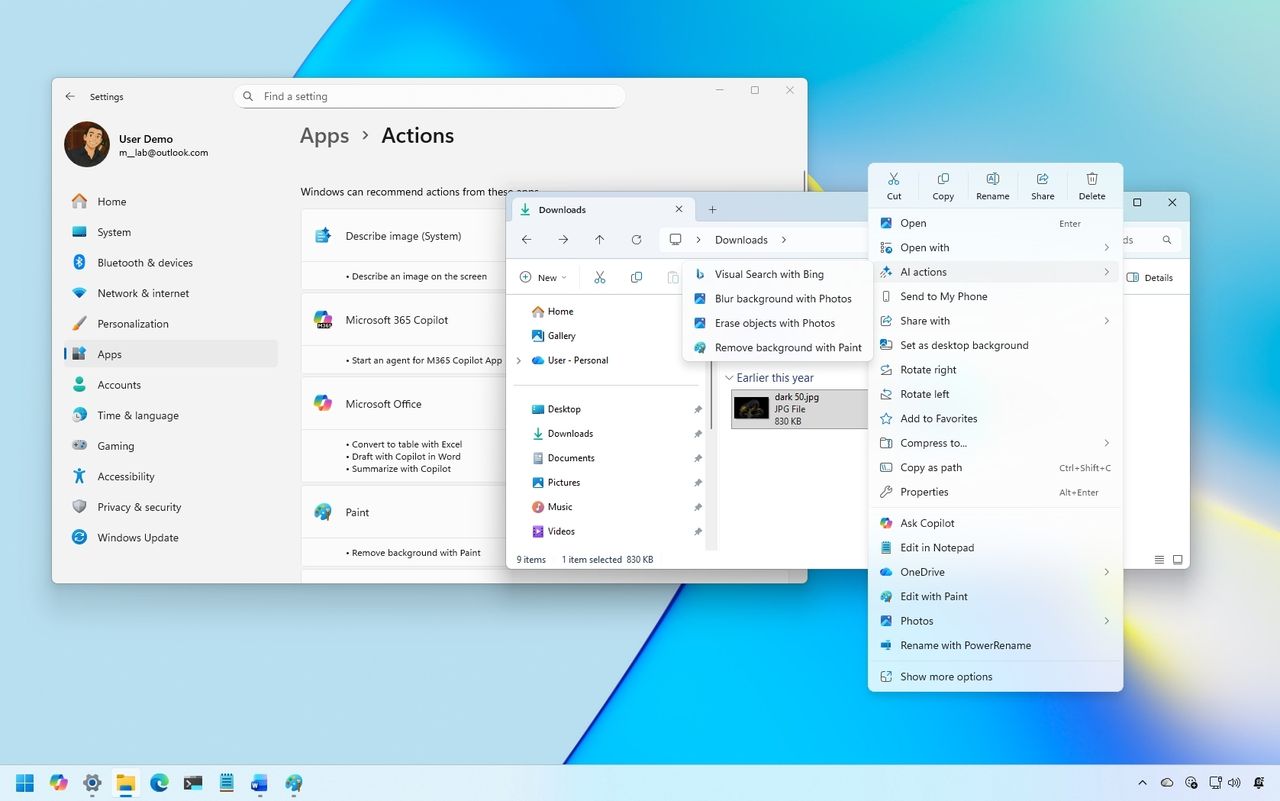
On Windows 11, it's no secret that Microsoft is integrating AI everywhere, including in File Explorer, with additions such as "Ask Copilot" and "Semantic Indexing." However, since that isn't enough, Microsoft also added AI actions to the context menu. If the feature isn't for you, I'll outline the steps to control it.
In File Explorer, "AI actions" is a menu that gives you access to features depending on the file type. These features are not part of the file manager. Instead, they are pointers to perform AI tasks within other applications, such as Microsoft 365 apps, Photos, or Paint.