My social media timelines this past weekend were absolutely dominated by mentions of Clawdbot and how it is already revolutionizing productivity.
Blame my specific algorithm's serving, but I know I'm not alone. Everyone who's interested in tech is likely going to hear about this new "AI assistant" that's all the rage ... just give it a few more hours.
It essentially leverages LLMs like Anthropic's Claude or OpenAI's ChatGPT to become a hands-on helper that can do a lot more than answer questions. It's great at automating more mundane tasks like email, scheduling, and planning, but given the right permissions, it can do a whole lot more.
Take this example: a dev got Clawdbot to set up Ollama in order to save on API credits. It's AI installing AI to deliver a better AI experience.
Just had Clawdbot set up Ollama with a local model. Now it handles website summaries and simple tasks locally instead of burning API credits.Blown away that an AI just installed another AI to save me money. pic.twitter.com/RRvXQAgBfXJanuary 25, 2026
It reminds me a lot of Lenovo's biggest announcement from CES 2026: an AI assistant named Qira that's expected to launch in March or April this year.
Clawdbot learns context, including who you are, over time to better serve your needs and to be more proactive. It's controlled entirely through chat apps like Telegram, Slack, iMessage, and Discord, making it feel like you're texting an actual assistant who never fails to respond. Clawdbot doesn't need any time off, and it's happy to work for you 24/7.
Clawdbot's Mac Mini hype and growing security concerns
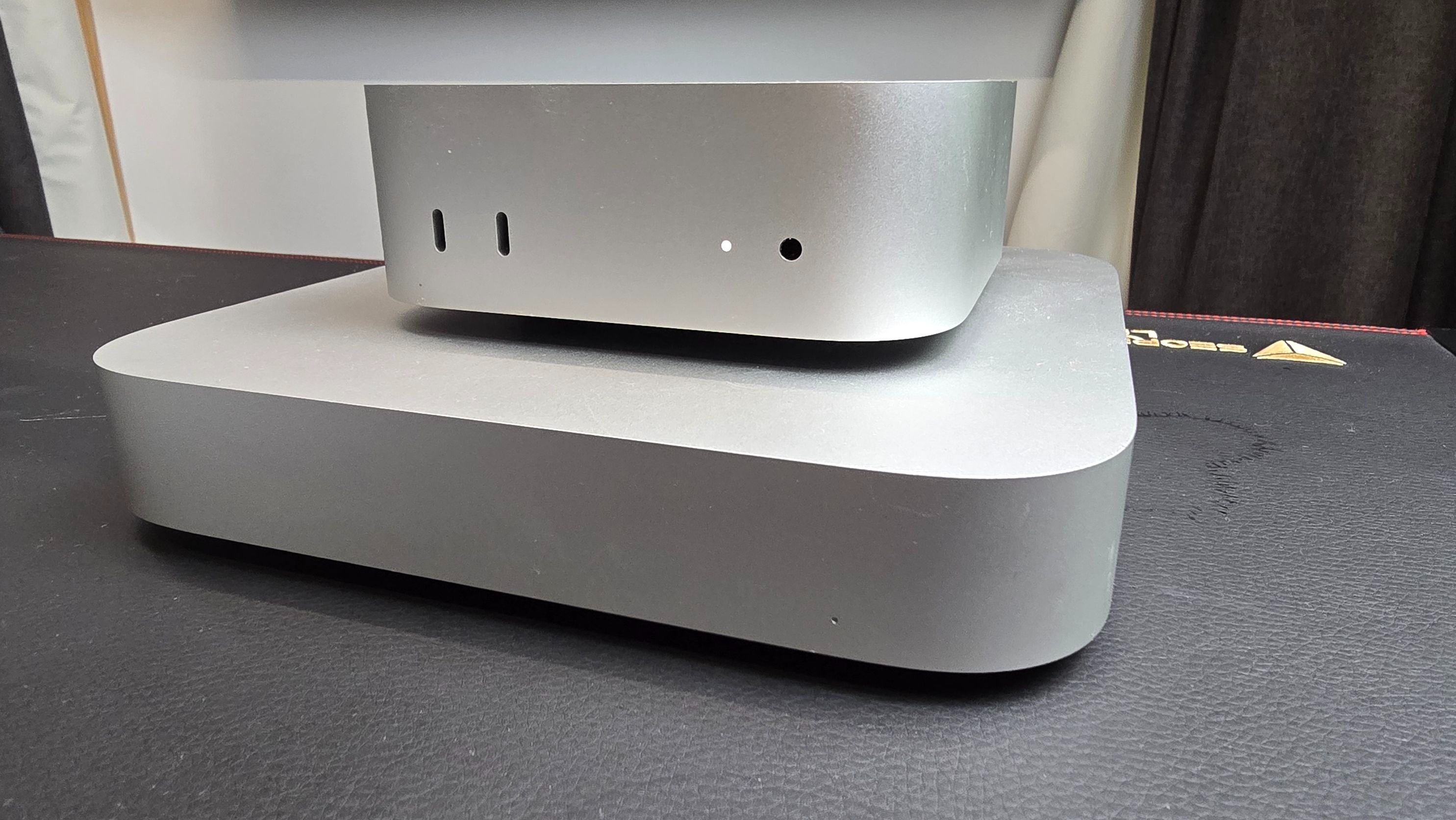
If you see mention of Clawdbot in the wild, there's a good chance it's tied to a Mac Mini. While this is likely the best route for many pros running local models, Clawdbot certainly doesn't need such an expensive piece of hardware to operate.
Realistically, all you need is a platform on which to keep local files and the Clawdbot gateway open. That could be a spare PC, a Raspberry Pi, or even a small Virtual Private Server (VPS) rented from a provider. Beyond that, you'll need a subscription to an AI model to give Clawdbot its brains.
Clawdbot (so far) doesn't run natively on Windows 11, but that can be solved by installing Windows Subsystem for Linux (WSL 2). Elsewhere, Scott Hanselman, VP of Microsoft's Developer Community, shared his experience this morning getting Clawdbot running on Windows and PowerShell with GitHub Copilot.
Got @clawdbot running on Windows+PowerShell https://t.co/7bR12iCPWP with GitHub Copilot, working on the Copilot SDK integration. It's a Rube Goldbergian thing for sure... pic.twitter.com/o0fJhUraglJanuary 26, 2026
Hanselman says he's working on Copilot SDK integration, noting that "it's a Rube Goldbergian thing for sure..." In the replies, Hanselman is asked about security concerns. His response: "They are all valid, and they will be figured out."
If you're considering setting up Clawdbot, I don't recommend doing it on your primary PC. Doing so essentially gives a powerful autonomous agent full access to powerful tools without guardrails.
And considering there are already claims of Clawdbot being prone to malicious prompt injections and other vulnerabilities, you'll want a deep understanding of what you're doing before getting started.

Are you already using Clawdbot? On what platform is it running? What is your experience so far? Let me know in the comments section!

Follow Windows Central on Google News to keep our latest news, insights, and features at the top of your feeds!