Get all your news in one place.
100's of premium titles.
One app.
Start reading
Digital Camera World
Wendy Evans

Bring the drama in your landscape photos with color grading in Affinity Photo

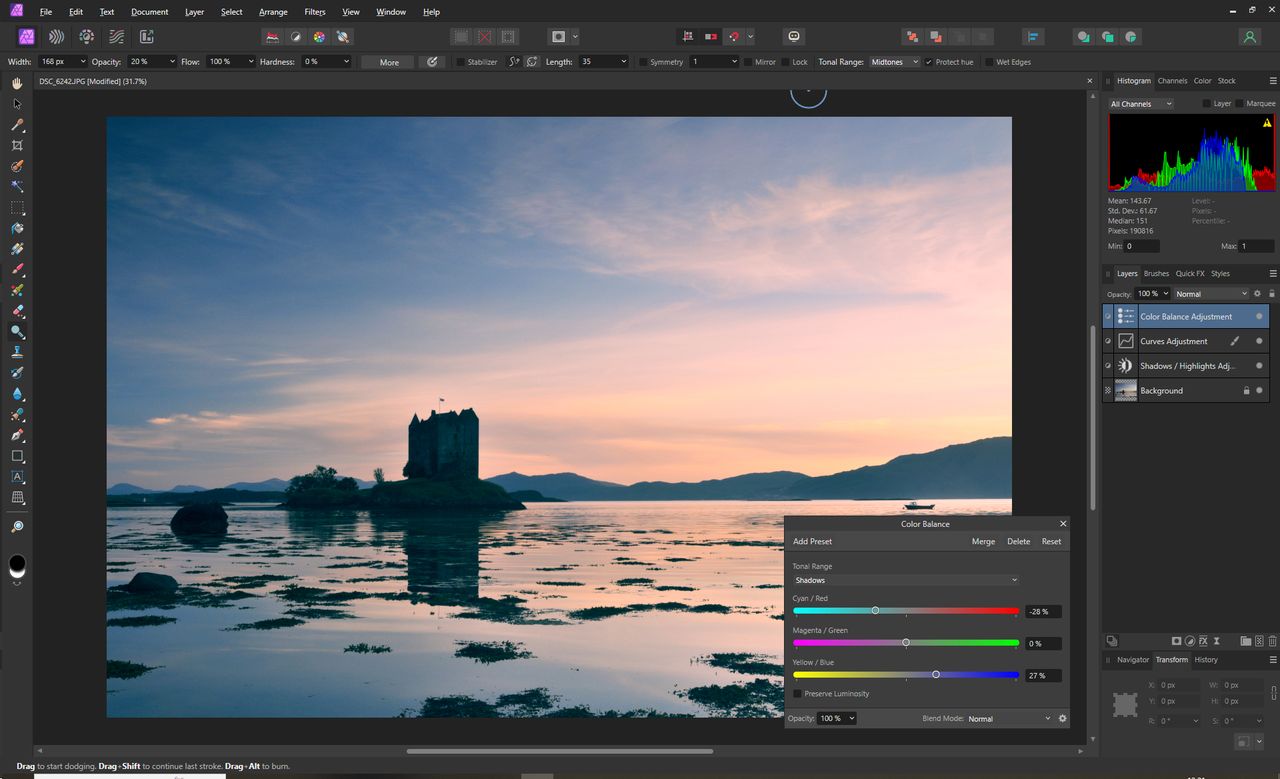
Adding more color to the image .

Sometimes the photo you take just doesn't live up to the dramatic spectacle that you experienced when you took it. Fortunately Affinity Photo has a range of color grading tools that can bring the drama back and give an image much more impact. How much you use of each one largely depends on the qualities of the image that you are processing, but put them all together and any image can be significantly enhanced. In this tutorial, weíll be looking at color balance, HSL shifts and split toning.
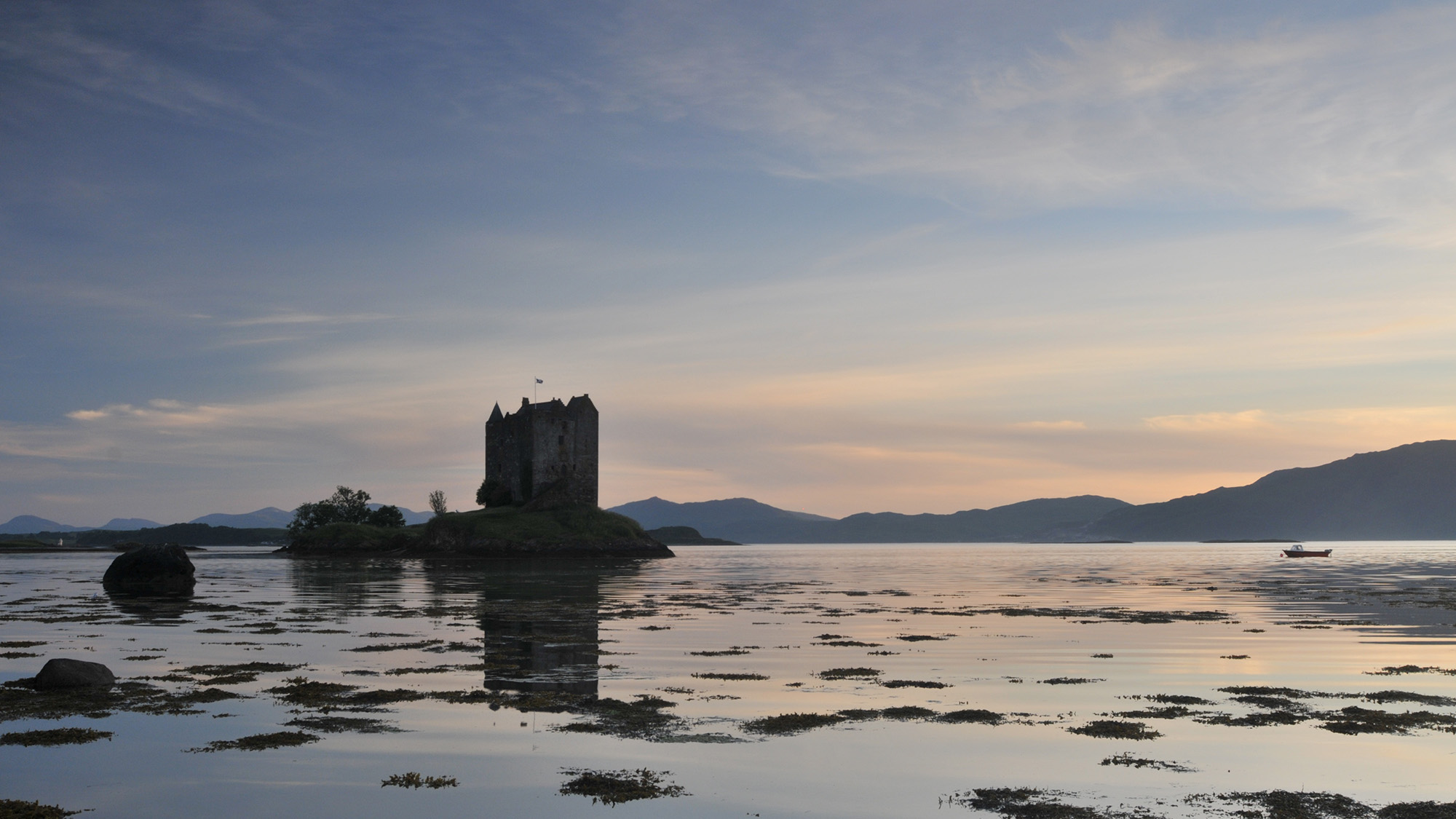

This is the original image, with very drab colors (Image credit: Wendy Evans)
Sign up to read this article
Read news from 100's of titles, curated specifically for you.
Already a member? Sign in here
Related Stories
Top stories on inkl right now
One subscription that gives you access to news from hundreds of sites
Already a member? Sign in here
Our Picks
Fourteen days free
Download the app
One app. One membership.
100+ trusted global sources.