
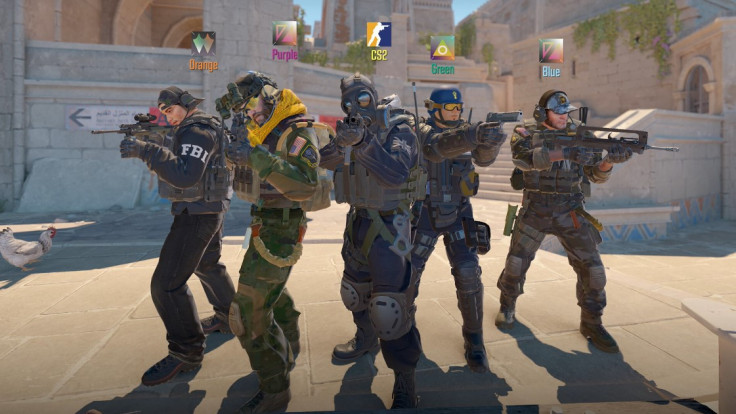
Aiming well in "Counter-Strike 2" comes down to more than raw reflexes. The small cross in the center of the screen plays a bigger role than most players realize, shaping how quickly they can react and how consistently they land shots.
Getting those "CS2" crosshair settings right can genuinely change how a match feels, especially once players start experimenting beyond the game's default options.

Why Your 'CS2' Crosshair Settings Matter
A crosshair is the first thing a player sees when lining up a shot, and its size, color, and shape all affect how easily targets stand out. Players who favor precise, one-tap style engagements often lean toward smaller crosshairs, while those who rely more on spraying tend to prefer something larger and easier to track during recoil control.
Visibility across different maps also plays into the decision. A crosshair that stands out clearly on a bright, sandy map might blend into the background on a darker one, which is why color choice matters just as much as size. Since preferences vary so much from player to player, competitive gaming at any level usually involves some trial and error before settling on a final setup.
Best 'CS2' Crosshair Settings for Accuracy
Among the different styles available in the game, the Classic Static crosshair remains the most widely used option, valued for staying consistent regardless of movement or firing.
A commonly recommended starting point pairs that style with a length around 1.6, a thickness near 0.7, and a slightly negative gap, which keeps the crosshair tight without obscuring the crosshair's center point.
Color also plays a bigger role than it might seem. Bright greens tend to stand out clearly on most maps, though some players find certain colors blend in poorly on specific locations.
Turning off dynamic recoil following and the center dot are also common adjustments, since a fixed reference point tends to help with consistency during fast-paced FPS settings and gunfights.
How to Customize Your 'CS2' Crosshair
Adjusting a crosshair in-game starts in the settings menu, under the dedicated crosshair tab. From there, players can drag sliders to modify size, color, thickness, and outline in real time, with a small preview box showing exactly how each change will look during gameplay.
For more specific tweaks, the developer console offers additional commands that go beyond what the menu sliders allow. Opening the console and entering crosshair-related commands lets players fine-tune values with more precision than the standard interface provides.
Crosshair codes can also be imported directly through the share or import option in the same menu, making it simple to test out a specific configuration without manually adjusting every setting.
Crosshair Settings Used by Top 'CS2' Players
Looking at what professional players use can offer a useful starting point, even if their exact setups were built around personal preference. Most pros favor variations of the Classic Static style, often paired with smaller sizes suited to precise headshot-focused play.
Databases that track these configurations in real time show that top-level players rarely stray from a few core style choices, even as they tweak details like color or thickness to fit their own habits.
Copying a pro's exact crosshair code will not replicate their aim on its own, since these setups were refined through countless hours of personal testing. Still, starting from a proven configuration and adjusting it gradually can help newer players figure out what feels comfortable faster than building one entirely from scratch.
Finding the Right 'CS2' Crosshair for Your Play Style
There is no single perfect crosshair that works for everyone, which is why experimentation remains the most reliable path forward. Players focused on long-range duels often benefit from smaller, more precise crosshairs, while those who spray more frequently in close quarters tend to do better with larger, more visible ones.
Testing different combinations across a variety of maps is one of the better ways to figure out what works best, since visibility can shift depending on lighting and background color. Once a setup starts to feel natural rather than distracting, it usually means the crosshair customization process has done its job.