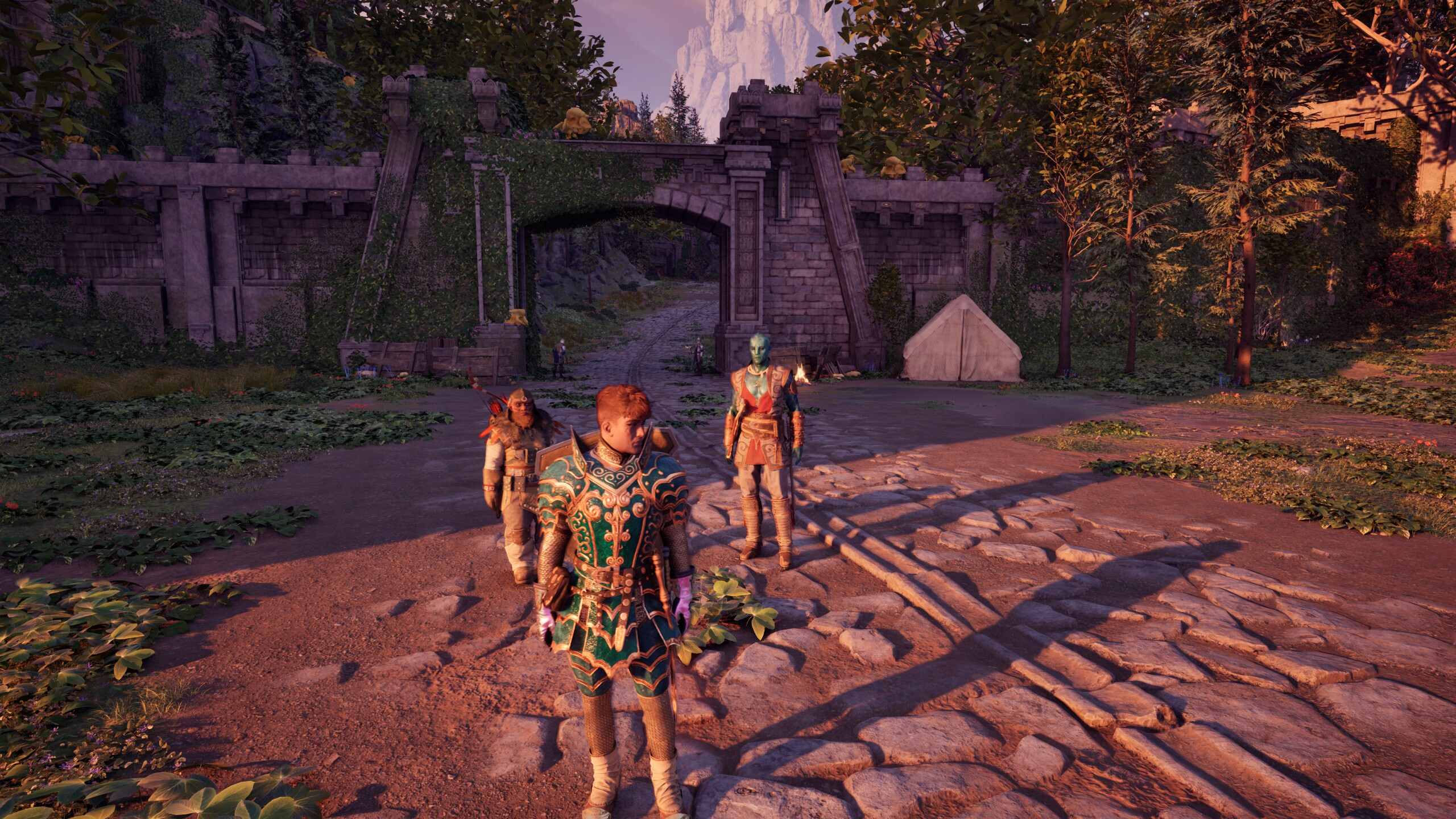
Avowed is Obsidian Entertainment's latest and potentially greatest RPG to date (Sorry, New Vegas fans). Set in Eora, you'll navigate through a world of war and scourge as you look to uncover mysteries as the emperor's Envoy. A beautiful RPG covered in detailed landscapes and fantastical armor, you'll most likely want to see every aspect of your person as you take on the Living Lands. So how do you?
Well, if you're like me, you might have used the main menu to switch back and forth for a while before you ever realized there were dedicated buttons for it. Playing on PC, I hit almost every F key, thinking that would do the trick, but nope.
.jpg?w=600)