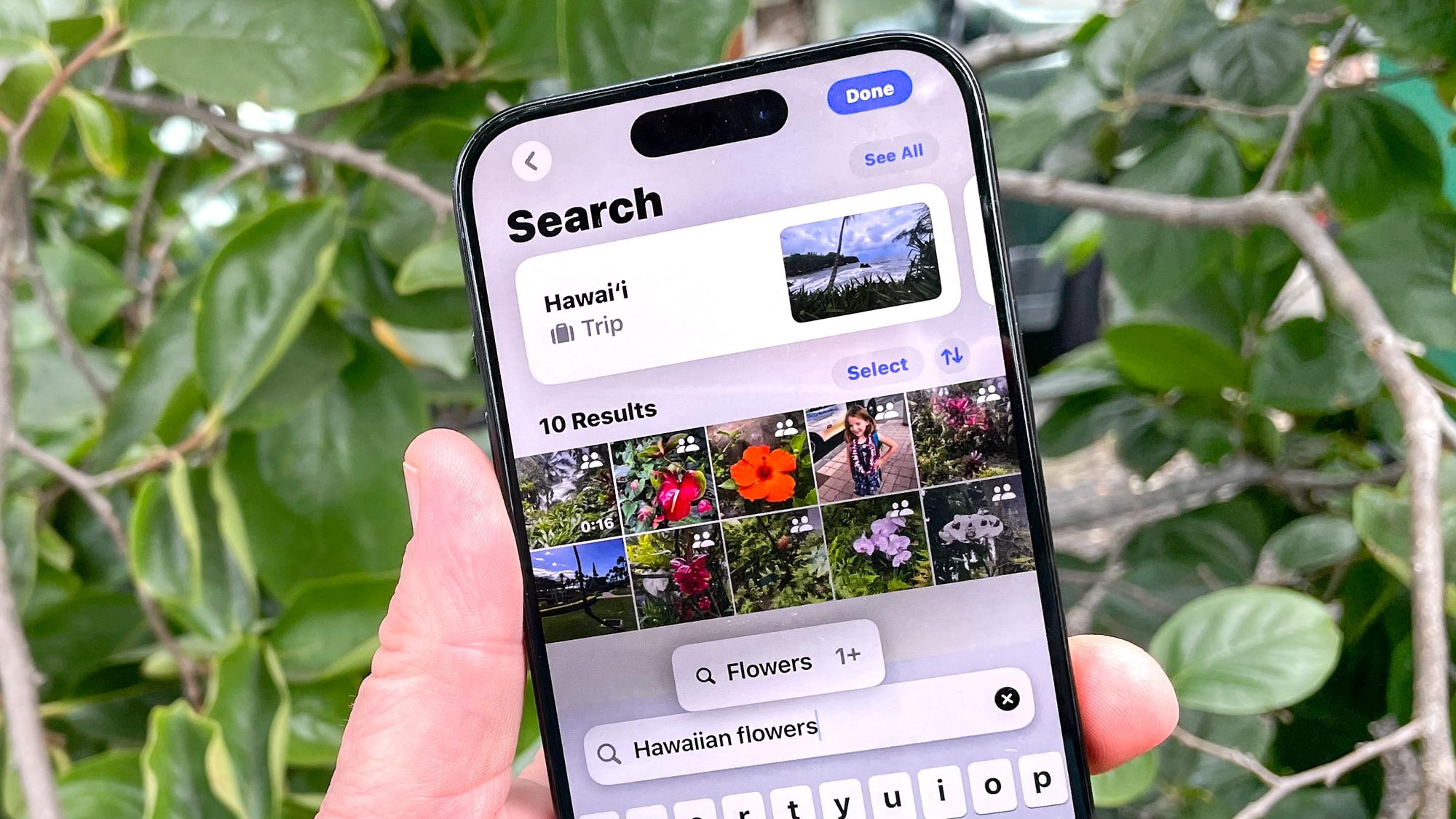
Many of the changes brought on by Apple Intelligence are centered around the camera and images on your iPhone, like making a movie out of your stored photos or generative image editing. But natural language search, which lets you find photos by describing them using regular language, was one of our favorites.
In a new blog post though, developer Jeff Johnson has shed light on some privacy concerns around this feature which was intended to help people use their iPhones to more easily search for landmarks and other points of interest. Many Apple users have have already updated their devices to iOS 18 without being aware that it comes equipped with a photo feature called Enhanced Visual Search.