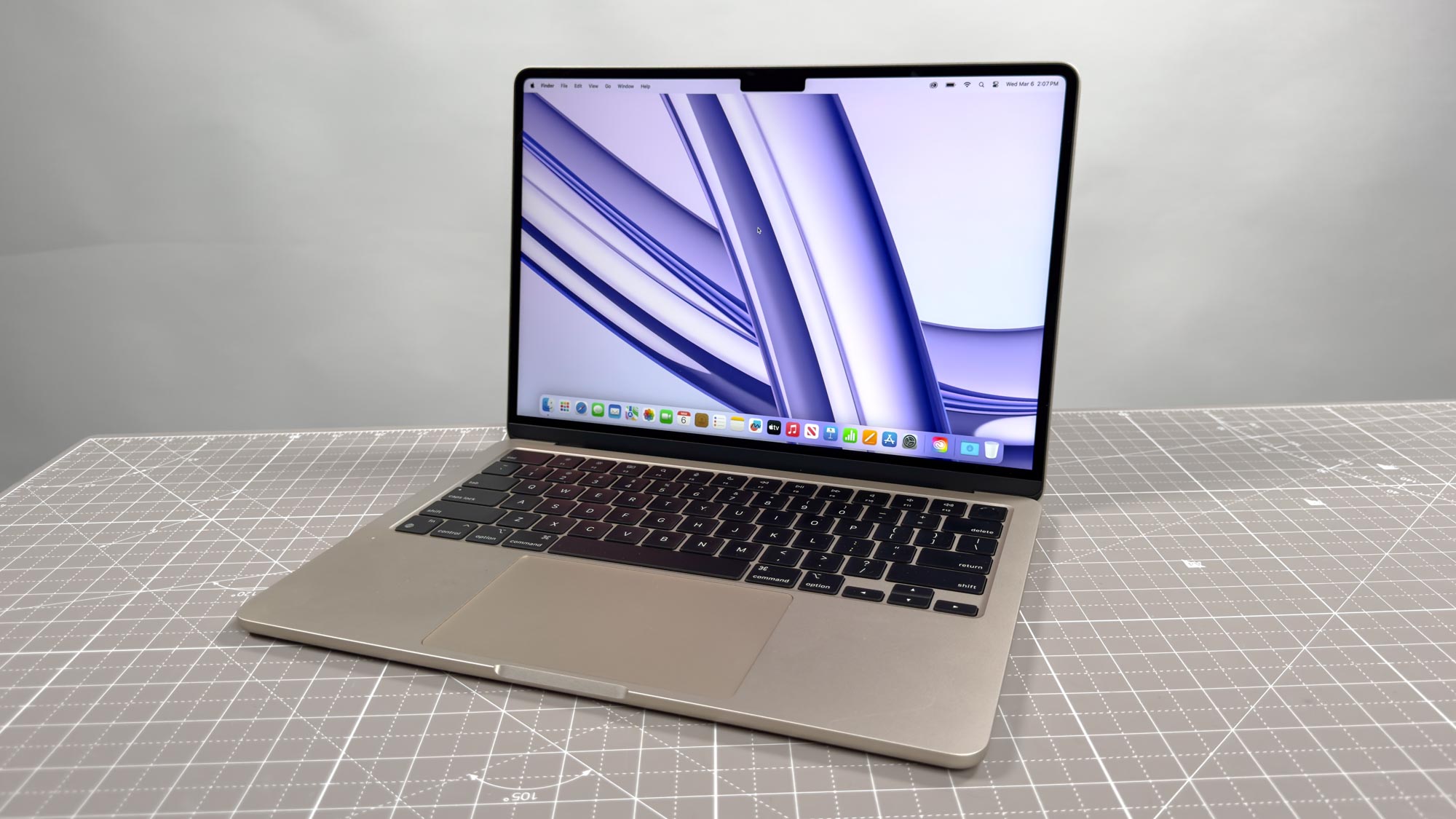
One of the most annoying things about owning a MacBook is that every time you open the lid, or connect it to power, the machine boots itself up. It doesn’t matter whether you actually want that to happen or not, it seems like you don’t have a choice. Fortunately, Apple has explained that there is a way around this.
This workaround isn’t exactly obvious, or else Apple wouldn’t have had to step in and tell everyone what’s going on. 9to5Mac describes it as “a bit of a power user workaround," and it will require some time in the Terminal app. Why couldn’t it be a toggle in the settings menu? I don’t know, but it shouldn’t surprise anyone considering what Apple is usually like.